
Getting started & setup
Installing ClinicSoftware and logging in
In short
This guide explains Installing ClinicSoftware and logging in in the Getting started & setup area of ClinicSoftware. It provides a clear operational explanation of how the capability works, then outlines the practical benefits for saving staff time, converting clients and leads, and protecting clinic revenue.
On this page
Overview
This guide explains Installing ClinicSoftware and logging in in the Getting started & setup area of ClinicSoftware. It provides a clear operational explanation of how the capability works, then outlines the practical benefits for saving staff time, converting clients and leads, and protecting clinic revenue.
How it works
There are two types of business accounts:
- Primary business user account
- Secondary business user account
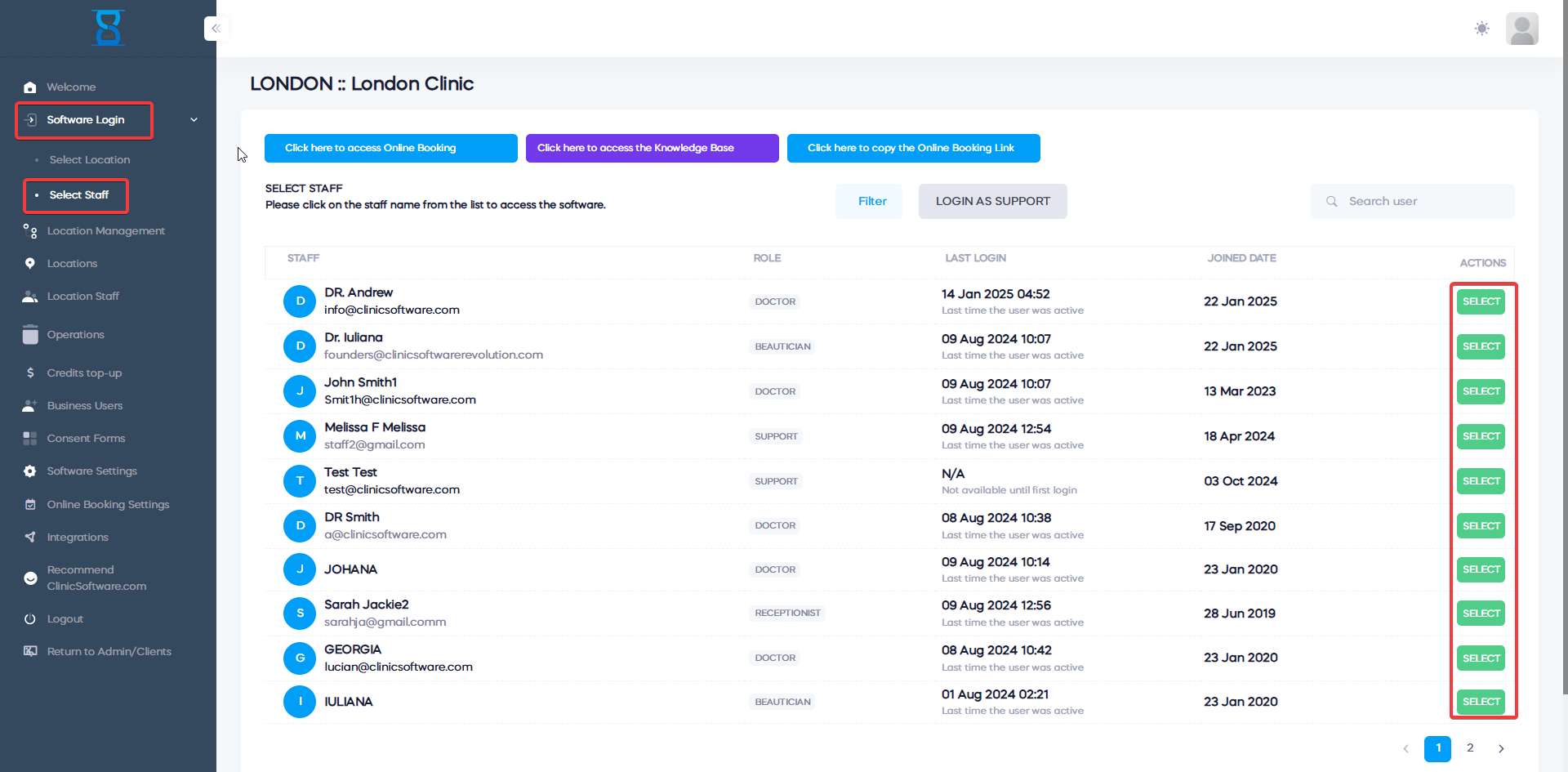
By default you have a primary user account from which you have full access to the software and run the setup.
When you are logged into your primary business user account you can access additional pages from this control panel, log into all of your locations without the staff PIN and use all the options from the admin area section of the software.
This is done to prevent you being locked out of the software.
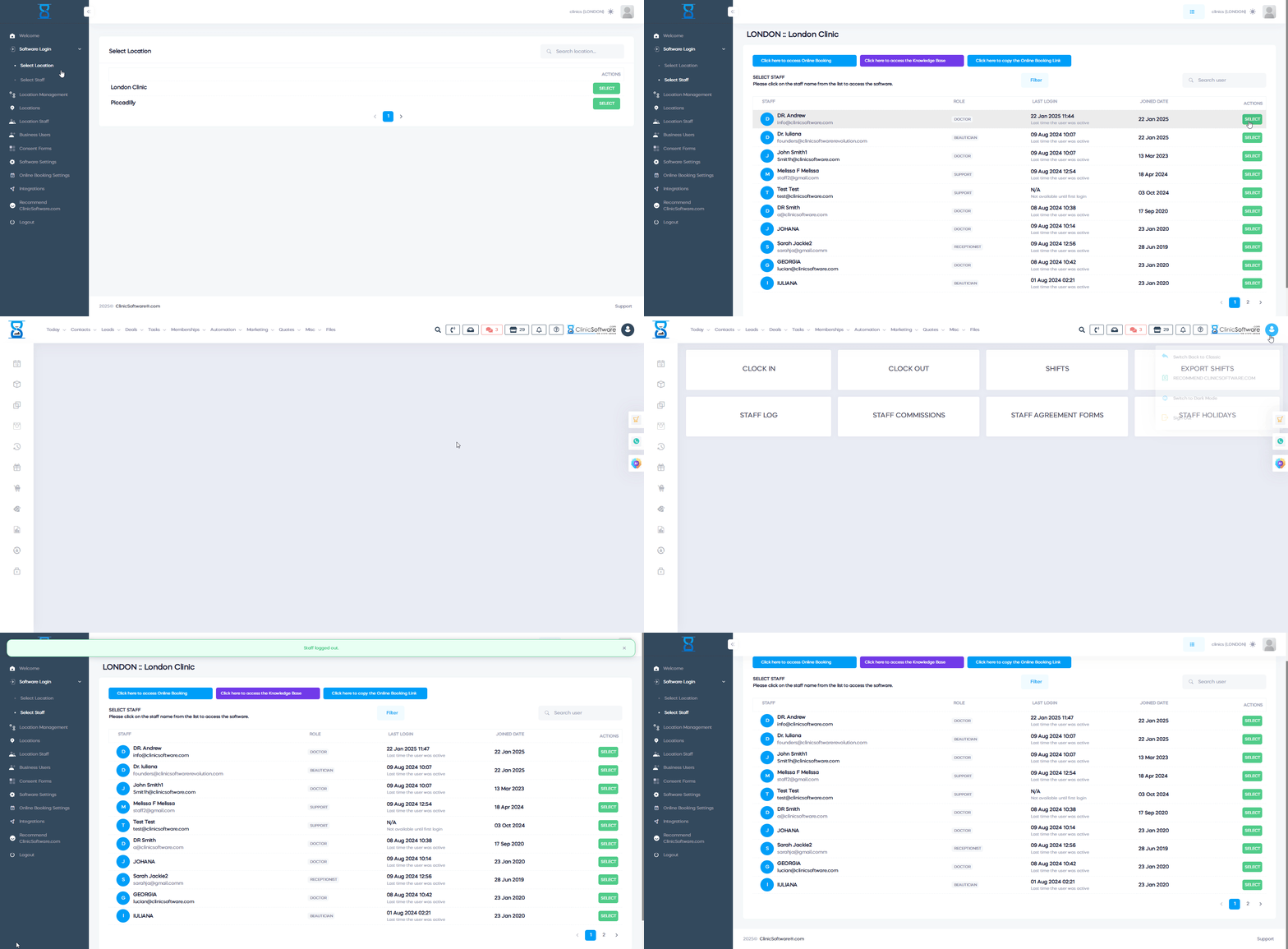
You wish to limit the access for the locations (which locations each staff member is able to access) and the admin area section of the software (the staff permissions are applied when logged in from a secondary business user account) you can create a secondary user or you can open a ticket to our support department and our team will do this for you.
In oder to add a secondary account open the "Business users" page and select the 'Add Secondary Business User' button.
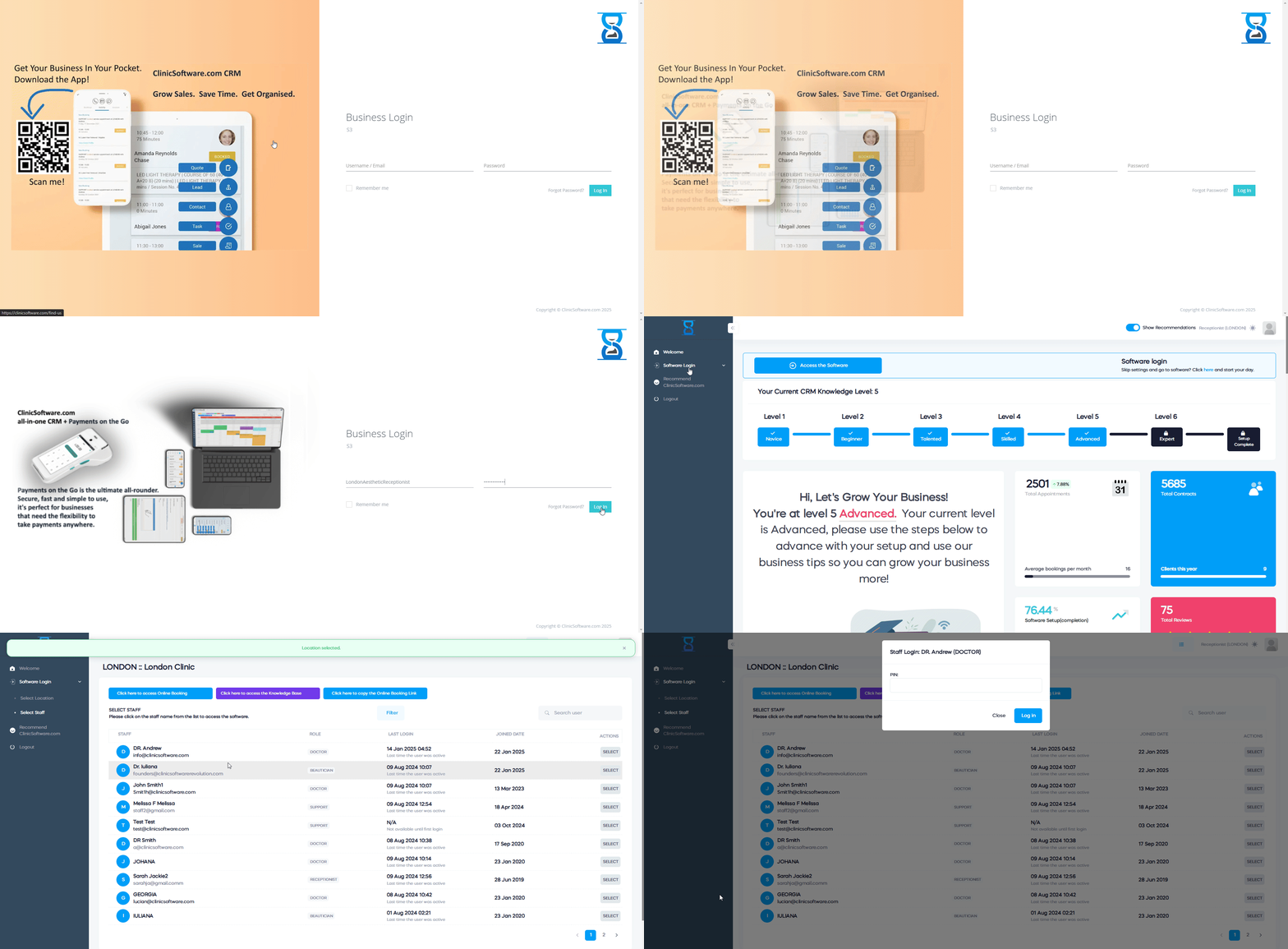
The staff members will use the same password, however, each staff member has an unique PIN.
Please see below an example of a secondary business account.
Benefits for your clinic
- Save time: Reduces set-up friction so new staff can learn Installing ClinicSoftware and logging in quickly and follow a consistent process from day one.
- Win clients and leads: A clear foundation helps your team capture enquiries correctly and avoid losing potential clients during onboarding.
- Generate revenue: Faster, more reliable day-to-day operation protects appointment capacity and reduces costly mistakes that delay billing.