Getting started & setup
Edit profile
In short
This guide explains Edit profile in the Getting started & setup area of ClinicSoftware. It provides a clear operational explanation of how the capability works, then outlines the practical benefits for saving staff time, converting clients and leads, and protecting clinic revenue.
On this page
Overview
This guide explains Edit profile in the Getting started & setup area of ClinicSoftware. It provides a clear operational explanation of how the capability works, then outlines the practical benefits for saving staff time, converting clients and leads, and protecting clinic revenue.
How it works
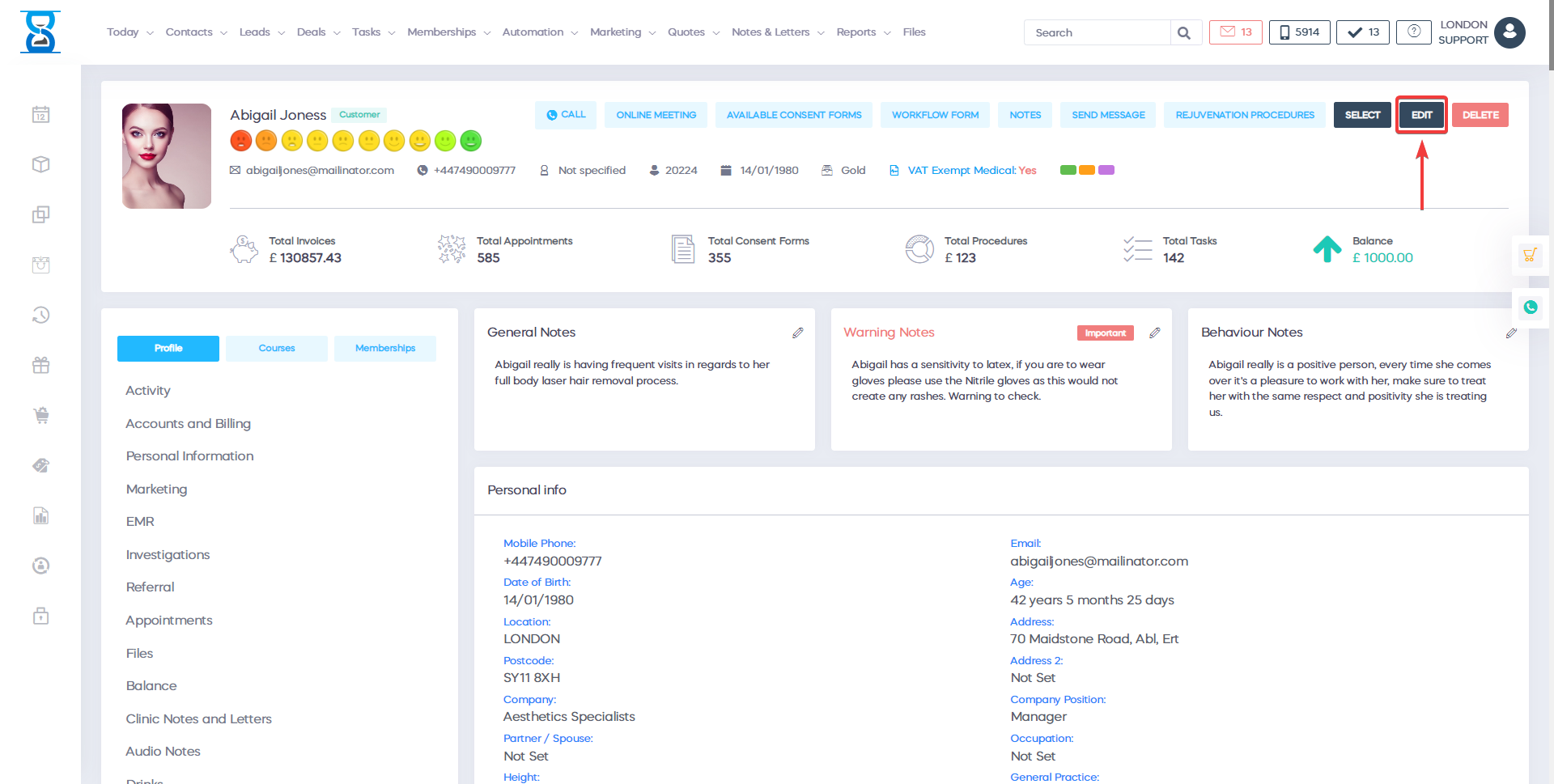
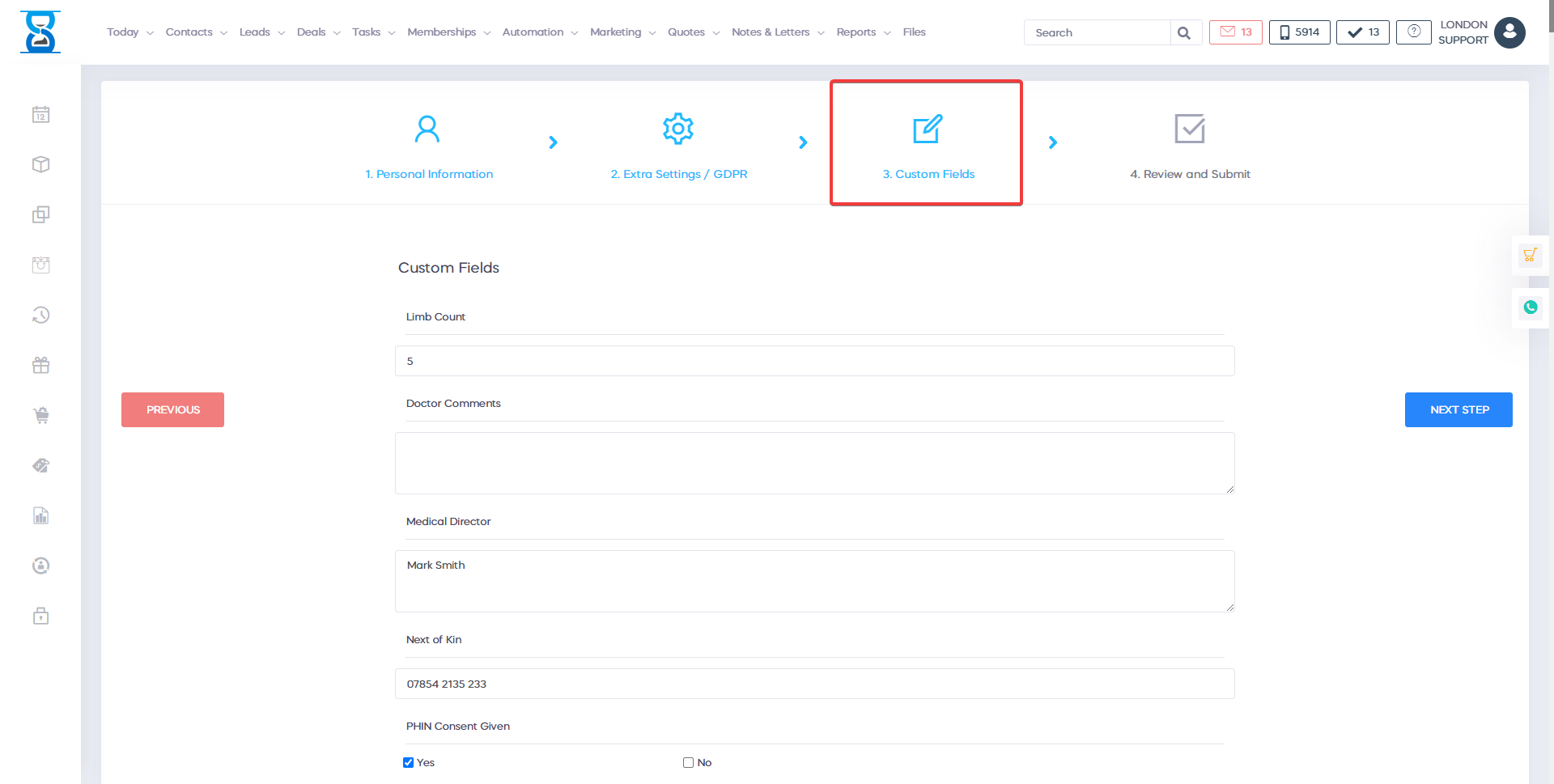
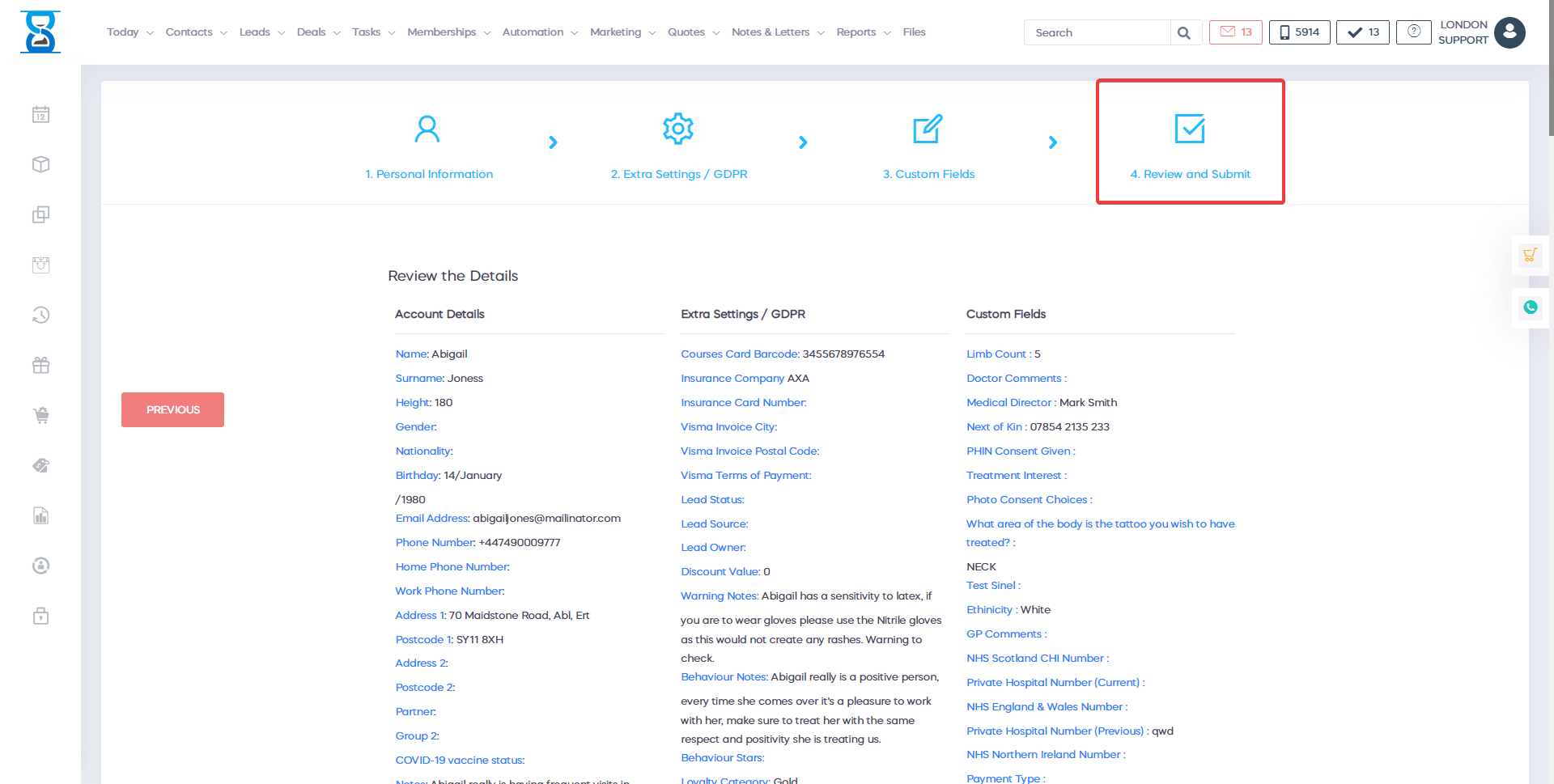
From this page you can edit the client details, set notes, set client category and group, assign loyalty card, add and remove voucher barcodes, merge client accounts.
To access this page select the “Edit” button from the client profile top section.
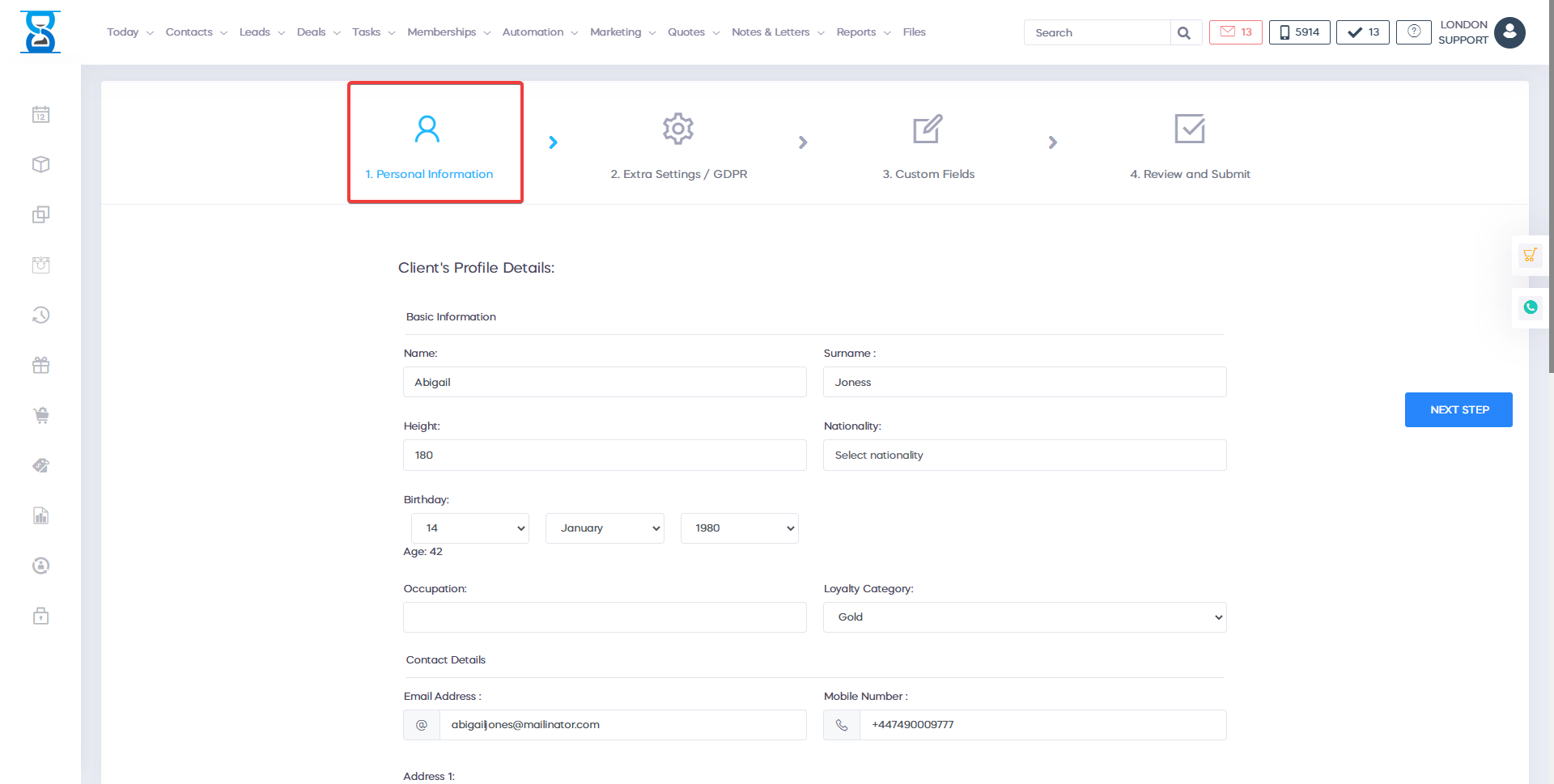
To update the client details make the necessary changes to the client details fields and then select the “Save Changes” button located on the left of the page.
To assign a loyalty card barcode fill in the “Loyalty Card” field and then select the “Save Changes” button.
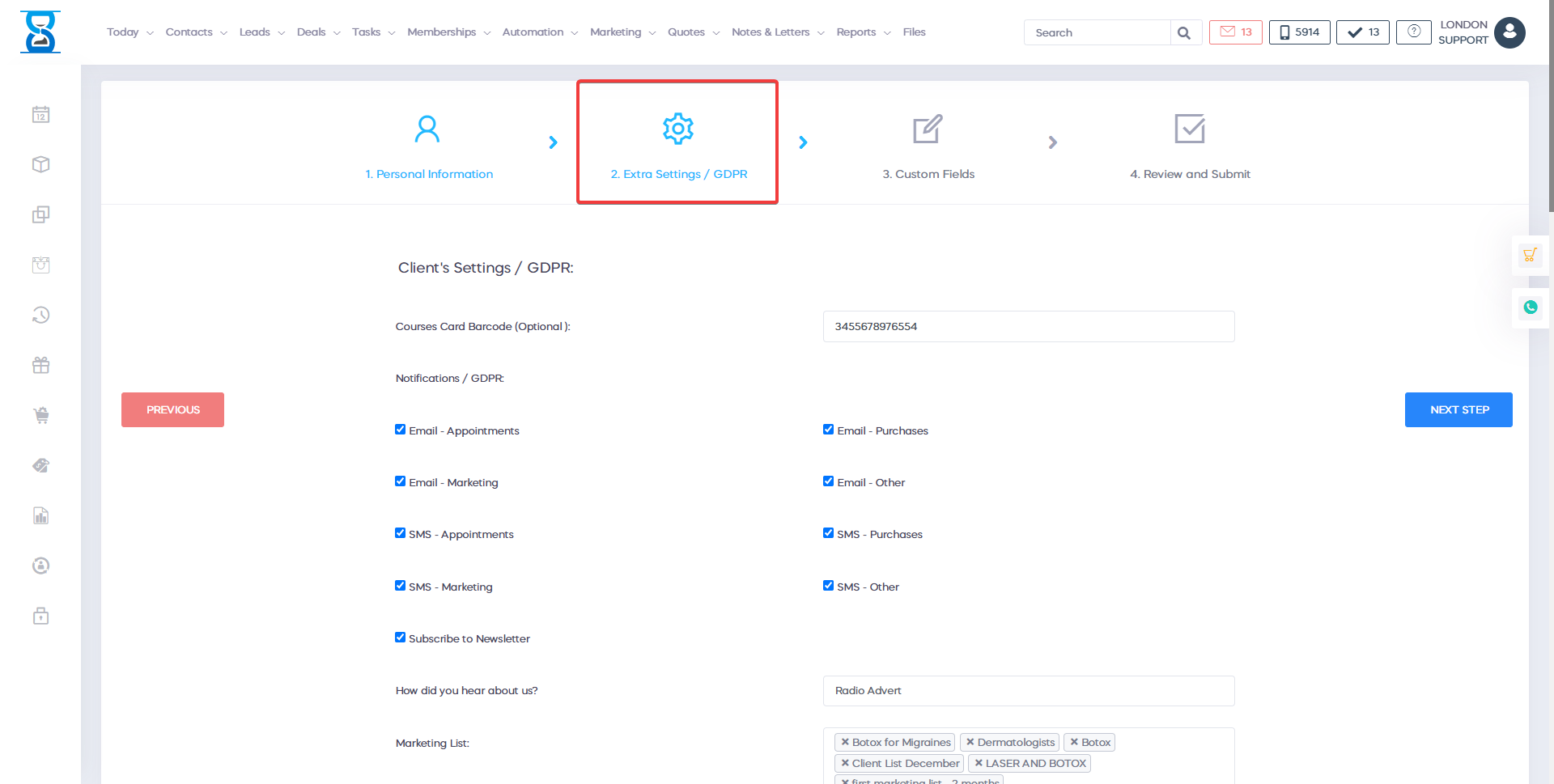
To assign a loyalty card barcode fill in the “Loyalty Card” field and then select the “Submit” button.
The voucher window can be accessed by pressing the “
Voucher
” button.To add a new voucher to the client account, press “Voucher” button and choose one of the three options. ( see below)
The amount on each voucher is displayed in the client profile page.
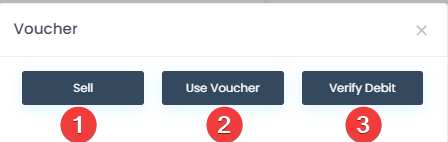
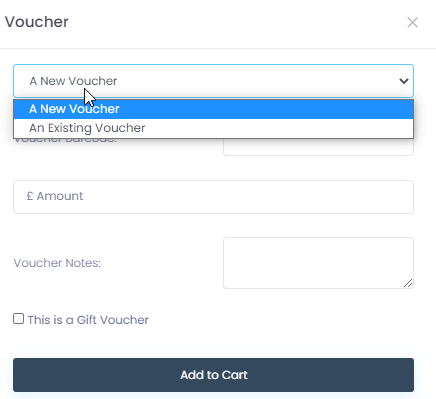
- To sell a voucher press "Sell" and here you will have the option to choose between "A New Voucher" or "An Existing Voucher".
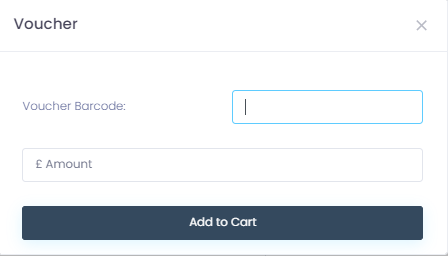
2. To Use a voucheR enter the voucher barcode and the amount and press "Add to cart".
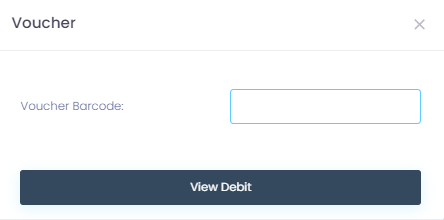
3. If you want to verify the debit of a voucher enter the voucher barcode and press "View debit".
Benefits for your clinic
- Save time: Reduces set-up friction so new staff can learn Edit profile quickly and follow a consistent process from day one.
- Win clients and leads: A clear foundation helps your team capture enquiries correctly and avoid losing potential clients during onboarding.
- Generate revenue: Faster, more reliable day-to-day operation protects appointment capacity and reduces costly mistakes that delay billing.