
Calendar & appointments
Resources categories
In short
This guide explains Resources categories in the Calendar & appointments area of ClinicSoftware. It provides a clear operational explanation of how the capability works, then outlines the practical benefits for saving staff time, converting clients and leads, and protecting clinic revenue.
On this page
Overview
This guide explains Resources categories in the Calendar & appointments area of ClinicSoftware. It provides a clear operational explanation of how the capability works, then outlines the practical benefits for saving staff time, converting clients and leads, and protecting clinic revenue.
How it works
From this page, you can manage the resource categories that can be assigned to services and courses to specify the resources that each service or course use.
Resources categories are shared between locations.
The location availability is specified directly on the resource.
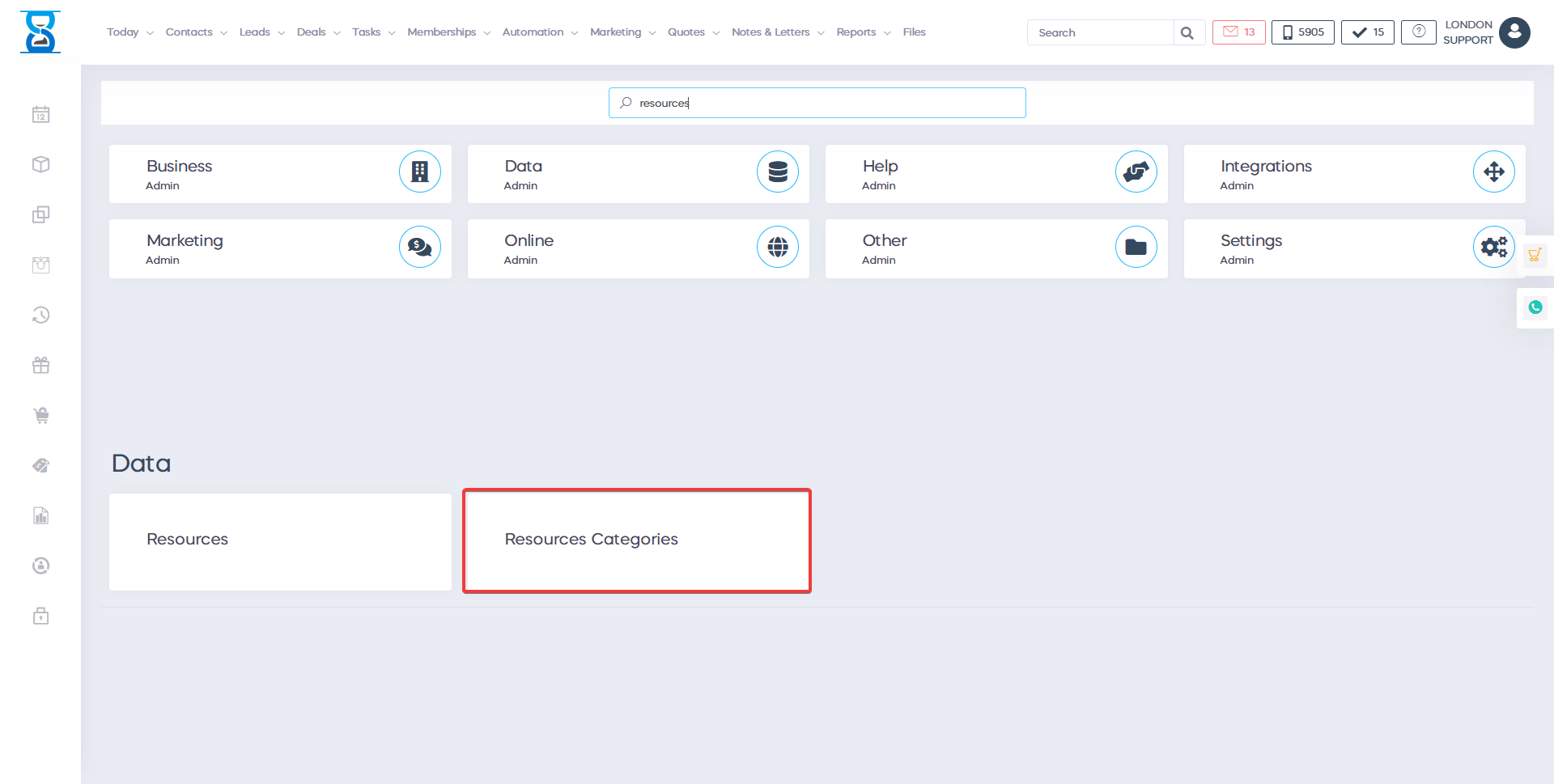
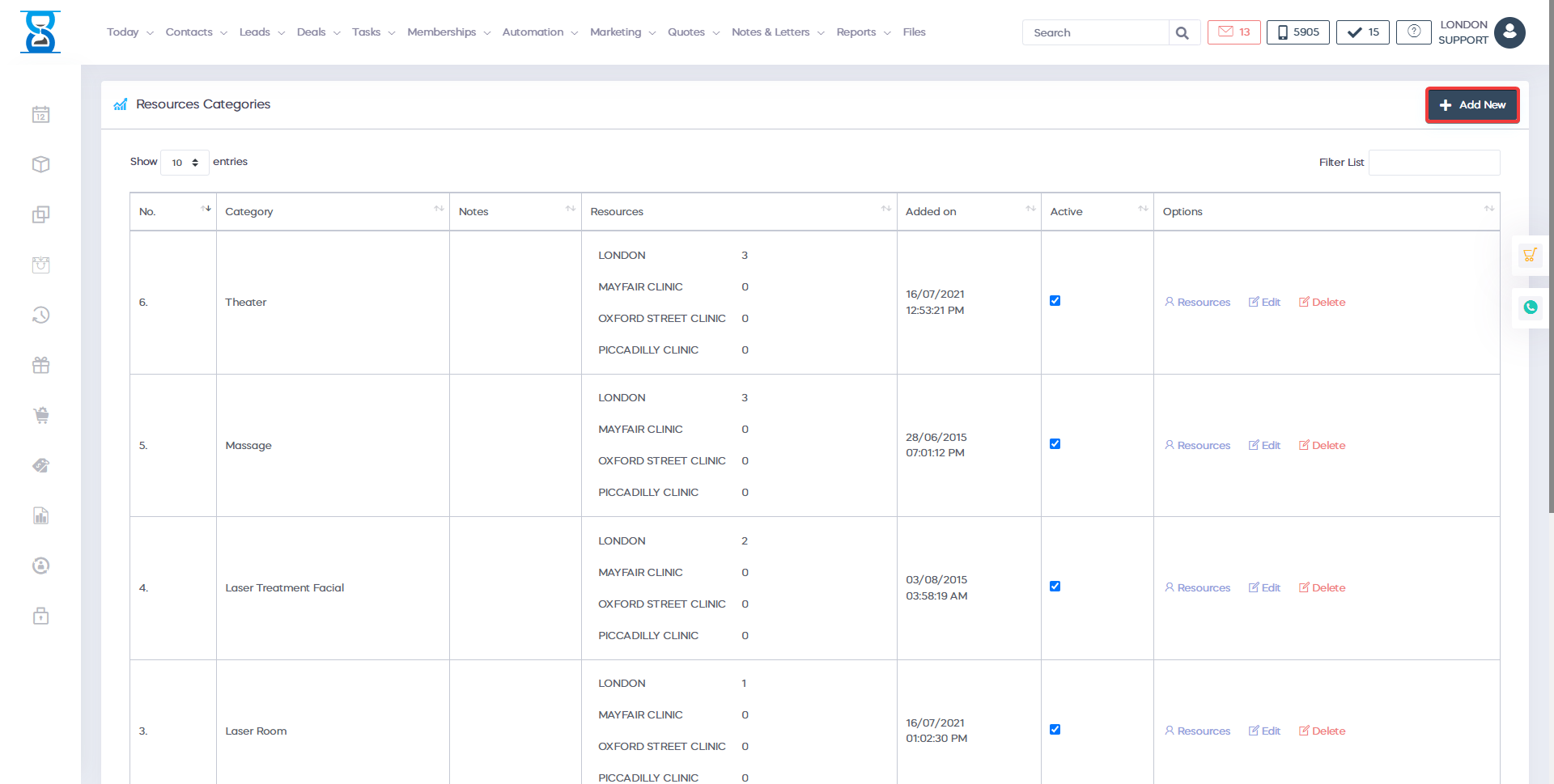
To filter the list/search for a category, use the “Filter List” filed from the top section.

To disable or enable an existing category, tick the “Active” checkbox of the category.

Checked – active (enabled)
Unchecked – inactive (disabled)
To manage the category resources or to edit/delete the category use the options buttons of the category.

To add a category, select the “Add New” button from the top left section.
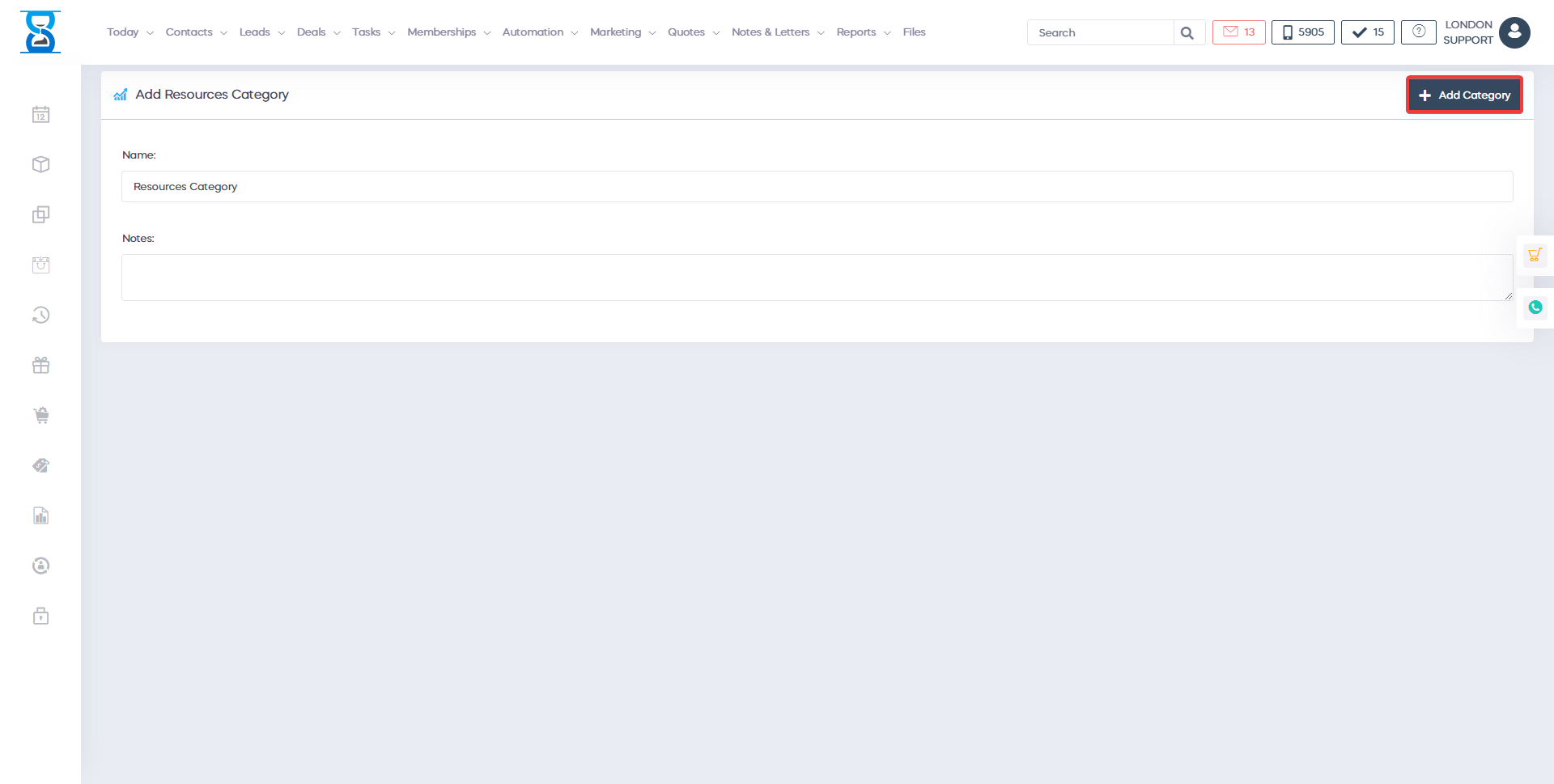
After the category has been created we can add the resources.
To do this, select the “Resources” button of the category from the categories list page.
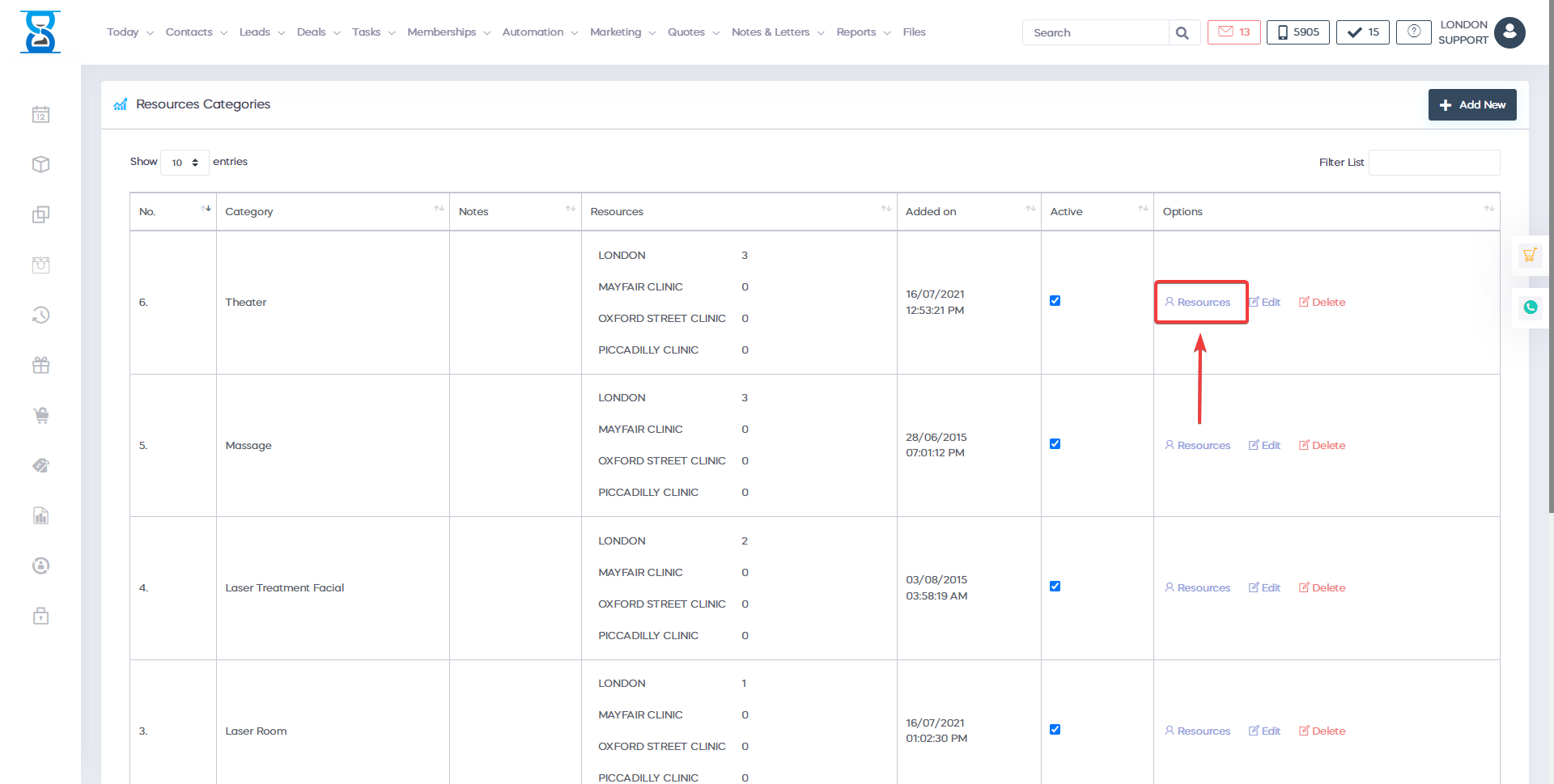
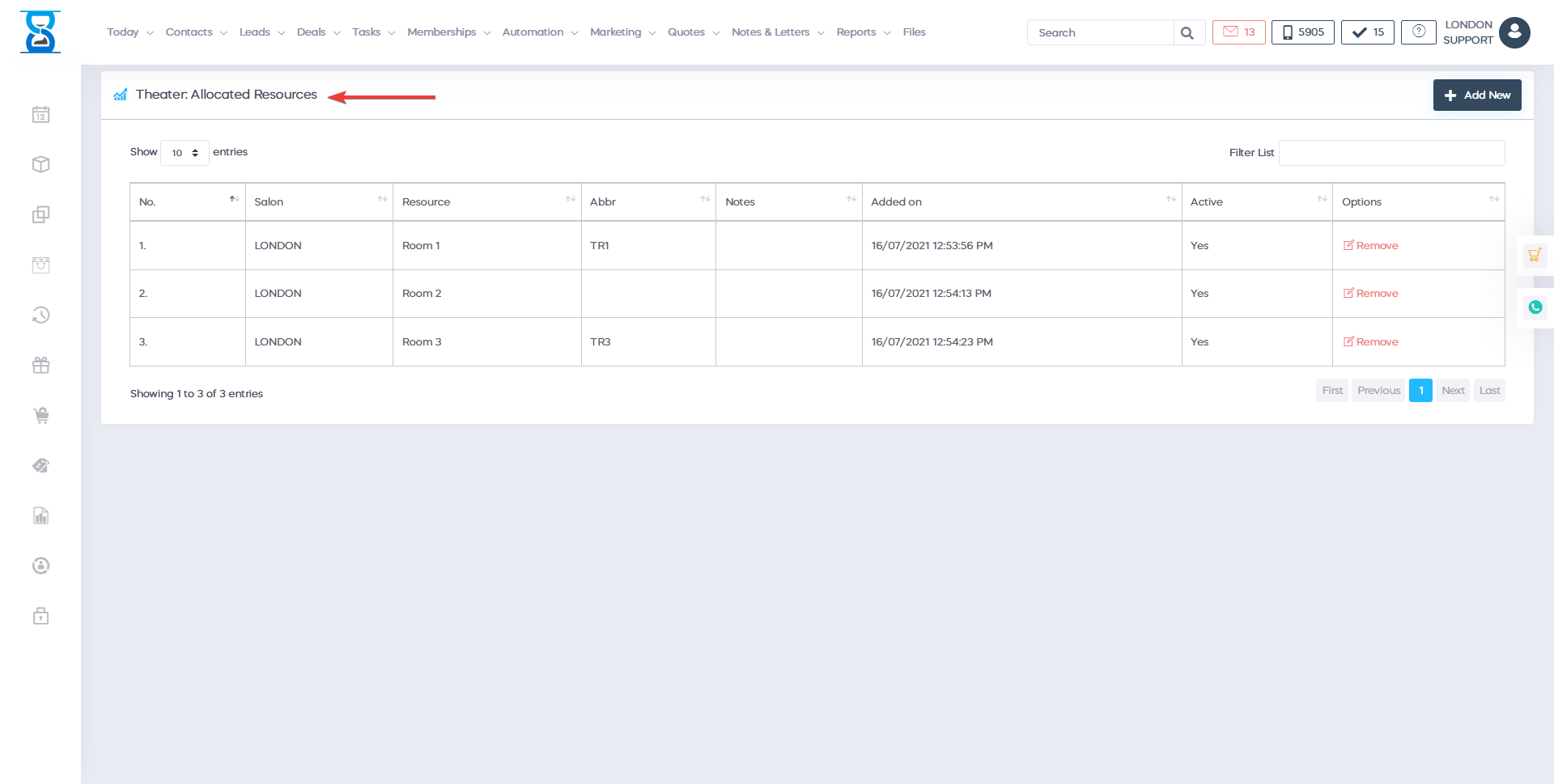
To add a resource to the selected resources category, select the “Add New” button from the top left section.
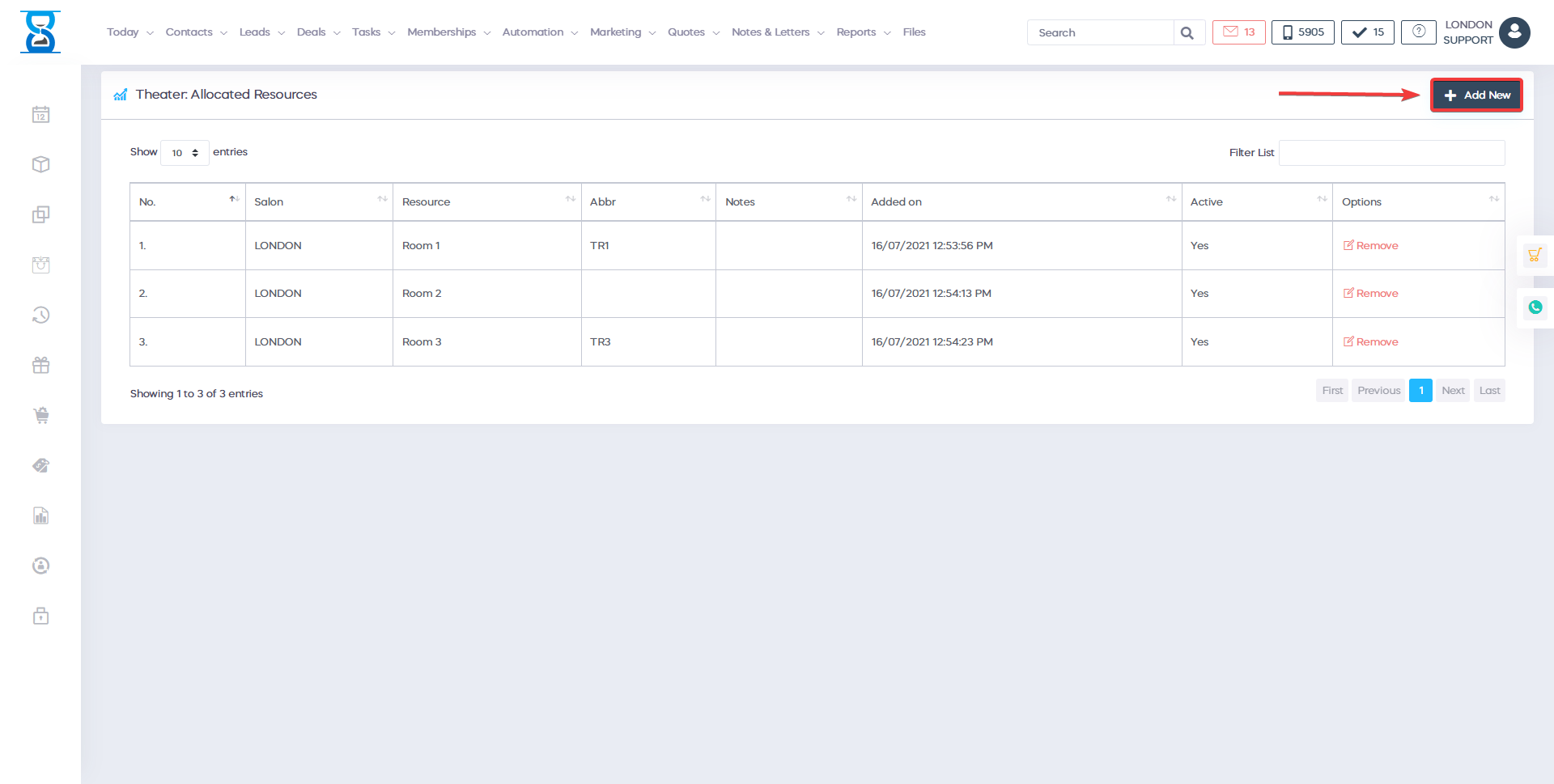
The system will only display the resources that have not yet been added to the selected category.
Select the resource from the “Available Resource” drop box and then select the “Add Resource” button.
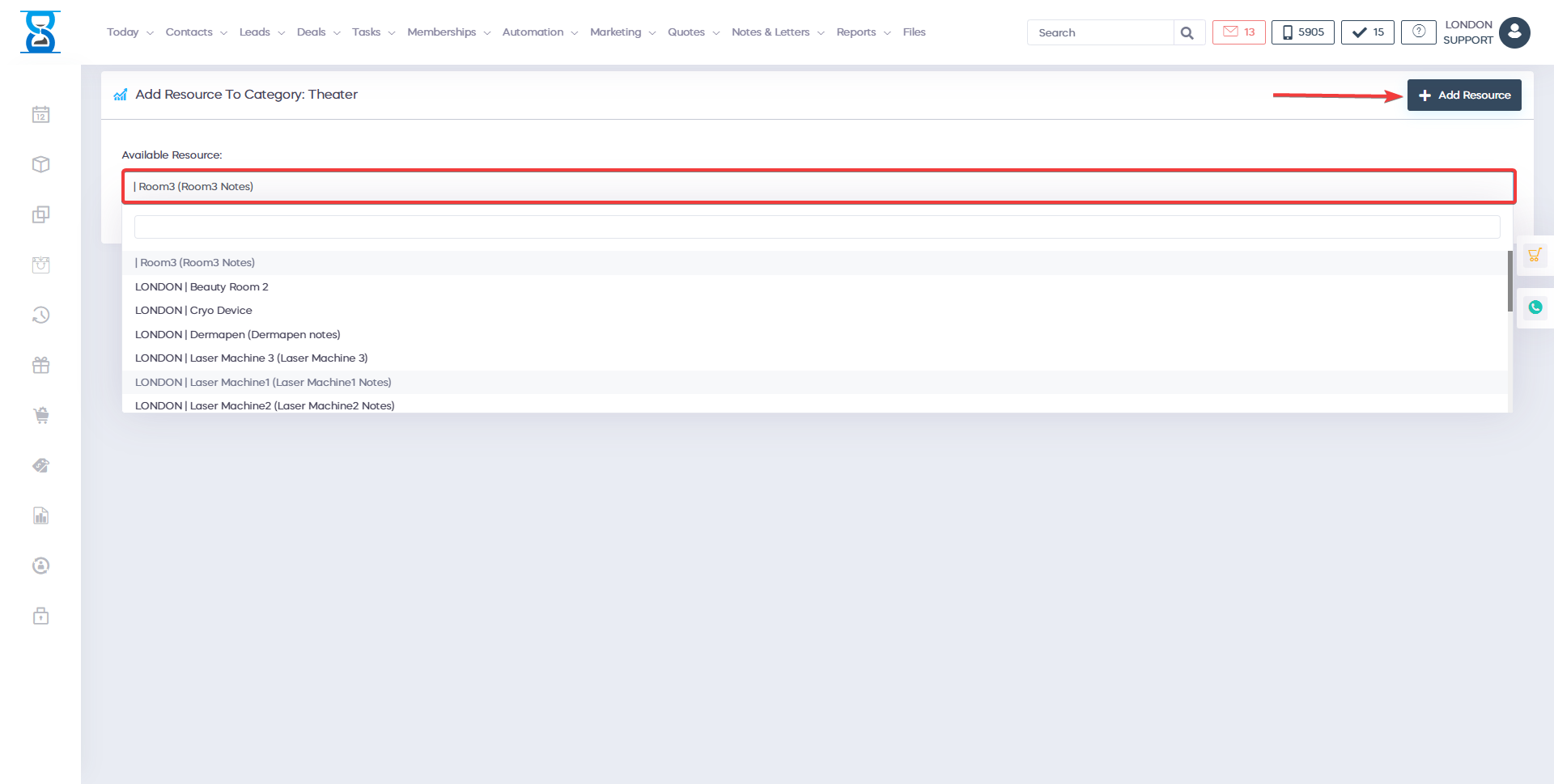
To remove a resource from the selected category, select the “Delete” button of the category resource entry.

Benefits for your clinic
- Save time: Streamlines diary management so reception can book, move and confirm appointments without repeated phone calls or double entry.
- Win clients and leads: A dependable calendar experience makes it easier to convert enquiries into booked appointments while the client is still engaged.
- Generate revenue: Fewer gaps, no-shows and booking errors help protect chair time and keep paid services running at higher utilisation.