
Team, rotas & tasks
Services commissions
In short
This guide explains Services commissions in the Team, rotas & tasks area of ClinicSoftware. It provides a clear operational explanation of how the capability works, then outlines the practical benefits for saving staff time, converting clients and leads, and protecting clinic revenue.
On this page
Overview
This guide explains Services commissions in the Team, rotas & tasks area of ClinicSoftware. It provides a clear operational explanation of how the capability works, then outlines the practical benefits for saving staff time, converting clients and leads, and protecting clinic revenue.
How it works
From this page, you can set up the services commissions based on lower/upper limits of the sales for the selected services category.
The entries are used in the “Commissions Sheets” report when the “Commission Settings” parameter is set to “Courses and Services Commissions (upper and lower limit)”.
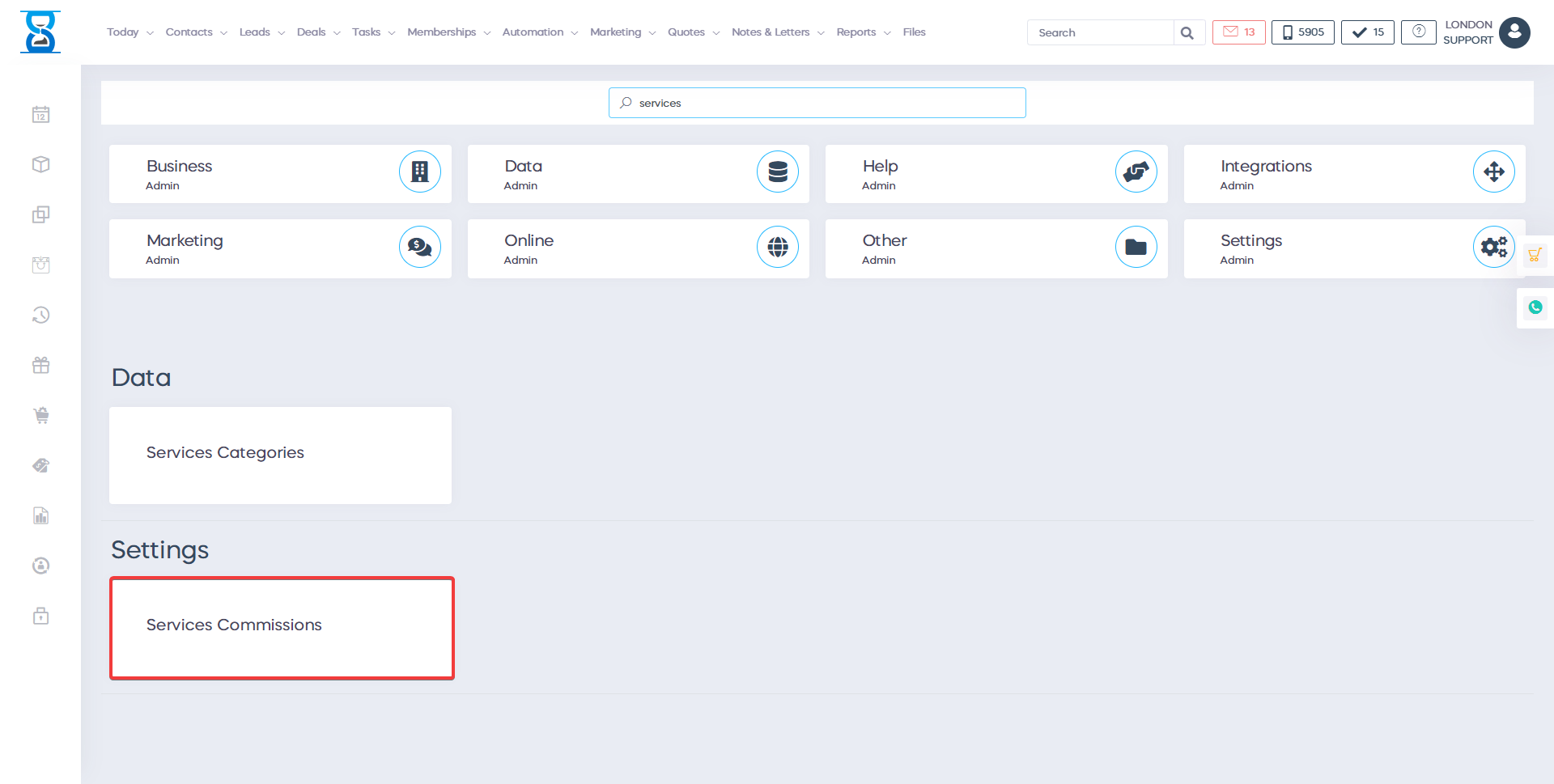

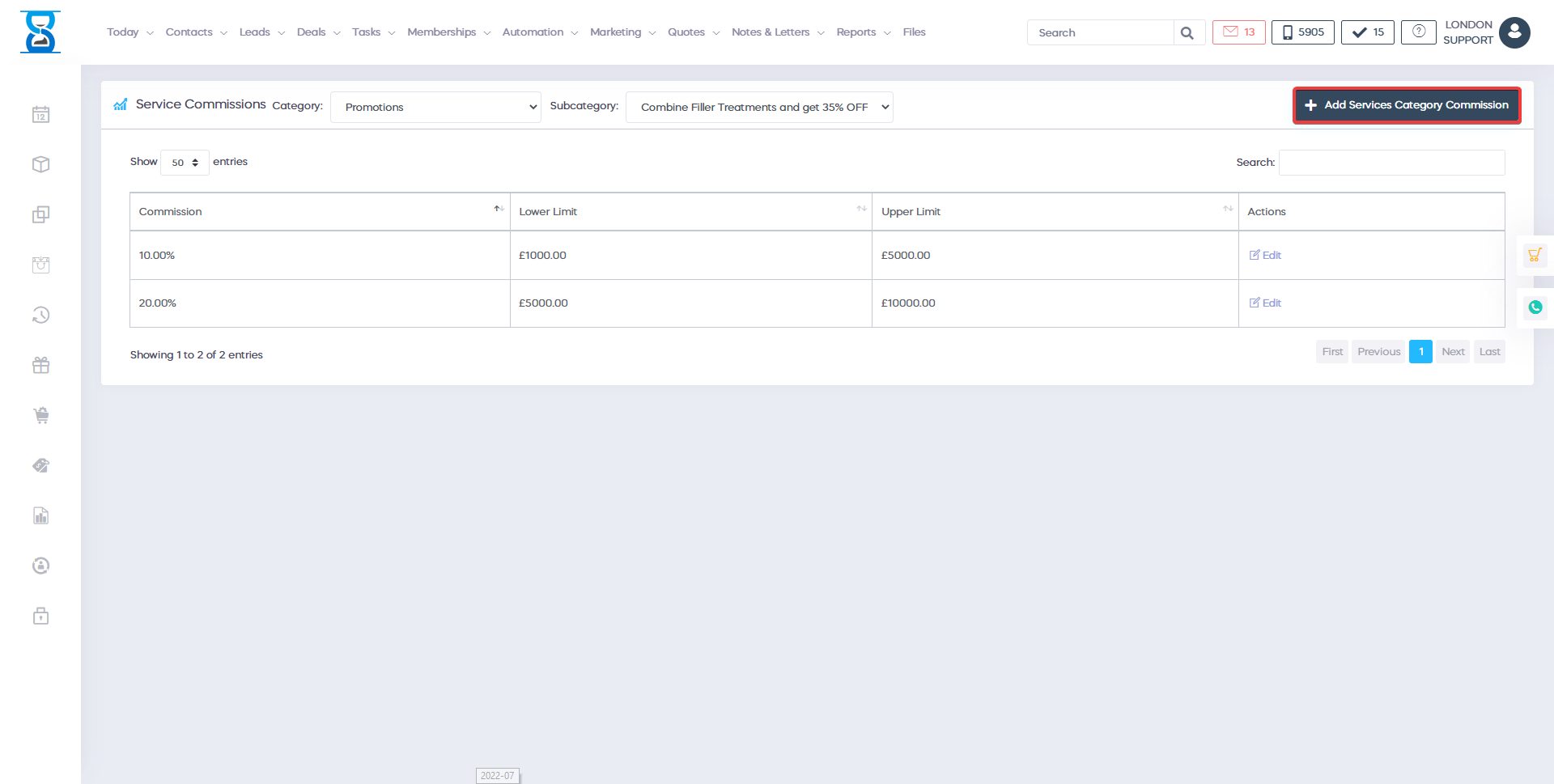
To display the entries/rules for a services category, select the section and category of the services from the top of the page.

To add a new entry for the selected category, select the “Add Services Category Commission” button located in the bottom section of the page.
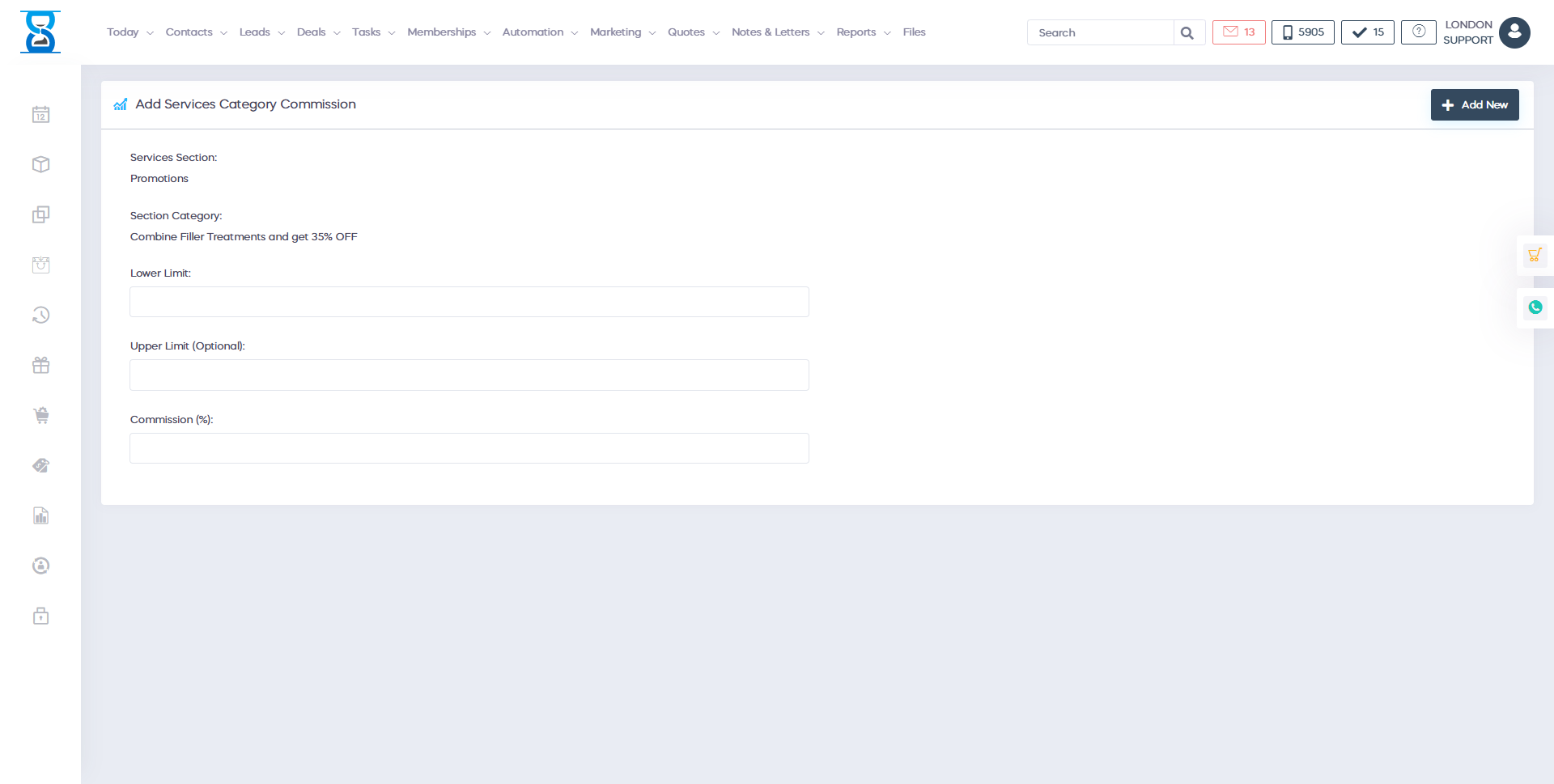
Specify the limits for the sales amount and the commission percentage of the sales and then select the “Add Services Category Commission” button.
The upper limit is optional and must be left blank for the last rule in the list.
E.g. we have 1% commission for sales between 1000 and 5000 and 2% for sales past 5000 then we add 2 entries:
- Entry 1: lower 1000, upper 5000
- Entry 2: lower 5001, upper (blank)
To edit an existing entry of the selected services category, select the “Edit” button of the entry from the entries list page.

Make the necessary changes and then select the “Save changes” button.
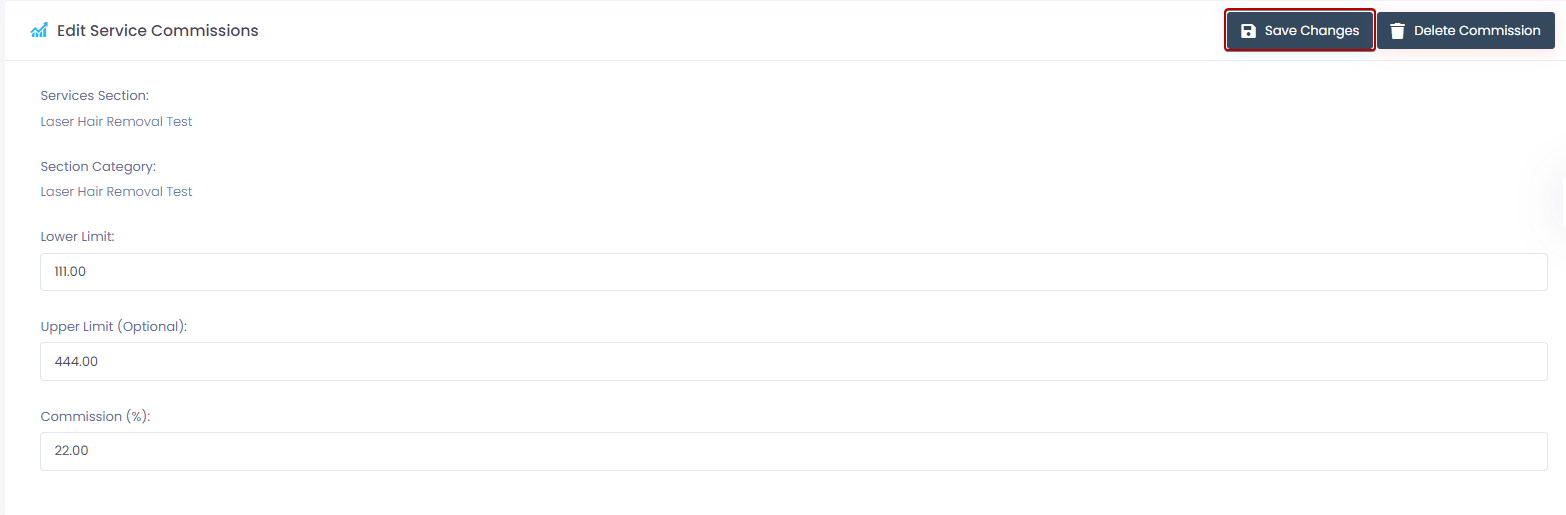
To delete the selected entry, select the “Delete Services Category Commission” button.
Benefits for your clinic
- Save time: Coordinates staff availability, permissions and internal tasks so managers spend less time chasing updates and resolving clashes.
- Win clients and leads: A well-organised team responds to client needs faster, which improves first impressions and conversion at the front desk.
- Generate revenue: Clear rotas and accountability protect service capacity and reduce cancelled or delayed appointments caused by staffing gaps.