
Team, rotas & tasks
Notes
In short
This guide explains Notes in the Team, rotas & tasks area of ClinicSoftware. It provides a clear operational explanation of how the capability works, then outlines the practical benefits for saving staff time, converting clients and leads, and protecting clinic revenue.
On this page
Overview
This guide explains Notes in the Team, rotas & tasks area of ClinicSoftware. It provides a clear operational explanation of how the capability works, then outlines the practical benefits for saving staff time, converting clients and leads, and protecting clinic revenue.
How it works
From this page, you can leave notes for your employees. To access the notes page, select the “NOTES” from the top menu.

There are 3 types of notes:
Manager Notes
Quotations Notes
General Notes
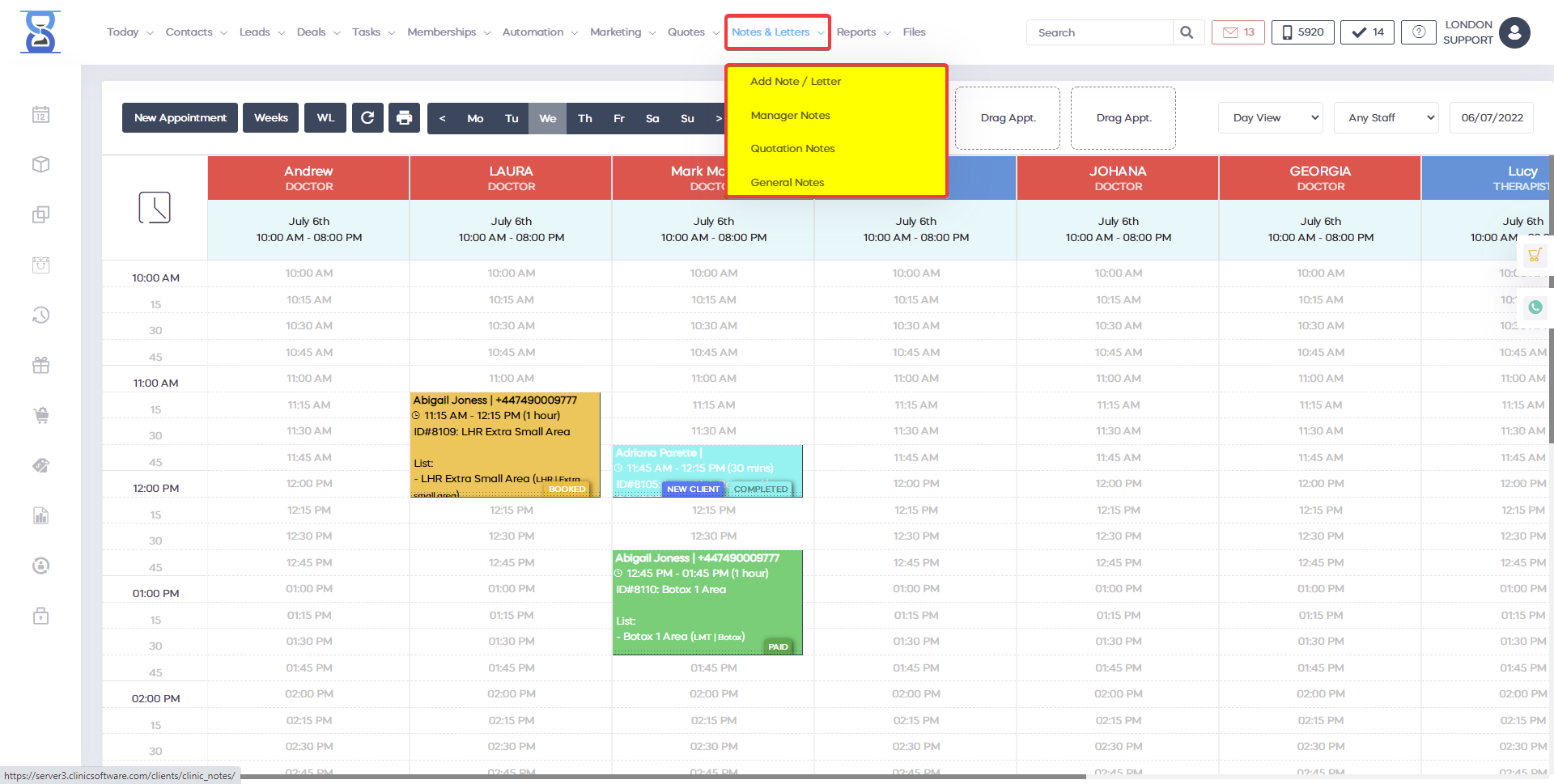
Manager notes can only be viewed by users with manager rights. If you are logged in with a regular account a prompt will appear to log in as manager to gain access to this section. To write a note, select the “Write note” button from the bottom of the page.

Enter the note’s title and contents inside the window and select the “Submit Note” button.
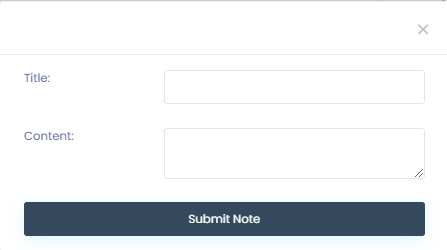
After you select the submit button the note will appear in the list:

To reply to a note select the “Reply” button on the right side of each note. Enter the reply note title and content then select the submit button, the response will appear below the note you replied to.
Quotations Notes are notes that can be written by managers and viewed and replied by regular users/staff. Quotations Notes cannot be written or deleted by regular users/staff. General notes can be written, replied or deleted by anyone.
The Notes section is accompanied by the ability to undo notes. The manager notes and the general notes can be found in the Basic notes section and can only be accessed by the manager or business owner. Inside the notes section you have the option to write notes for your team, regarding offers. The notes can be sent to a specific customer. In the General Notes section you have the option for creating notes related to services or purchases. We have three main sections for the internal notes for your team inside the Notes section.
Benefits for your clinic
- Save time: Coordinates staff availability, permissions and internal tasks so managers spend less time chasing updates and resolving clashes.
- Win clients and leads: A well-organised team responds to client needs faster, which improves first impressions and conversion at the front desk.
- Generate revenue: Clear rotas and accountability protect service capacity and reduce cancelled or delayed appointments caused by staffing gaps.