
Reports & insights
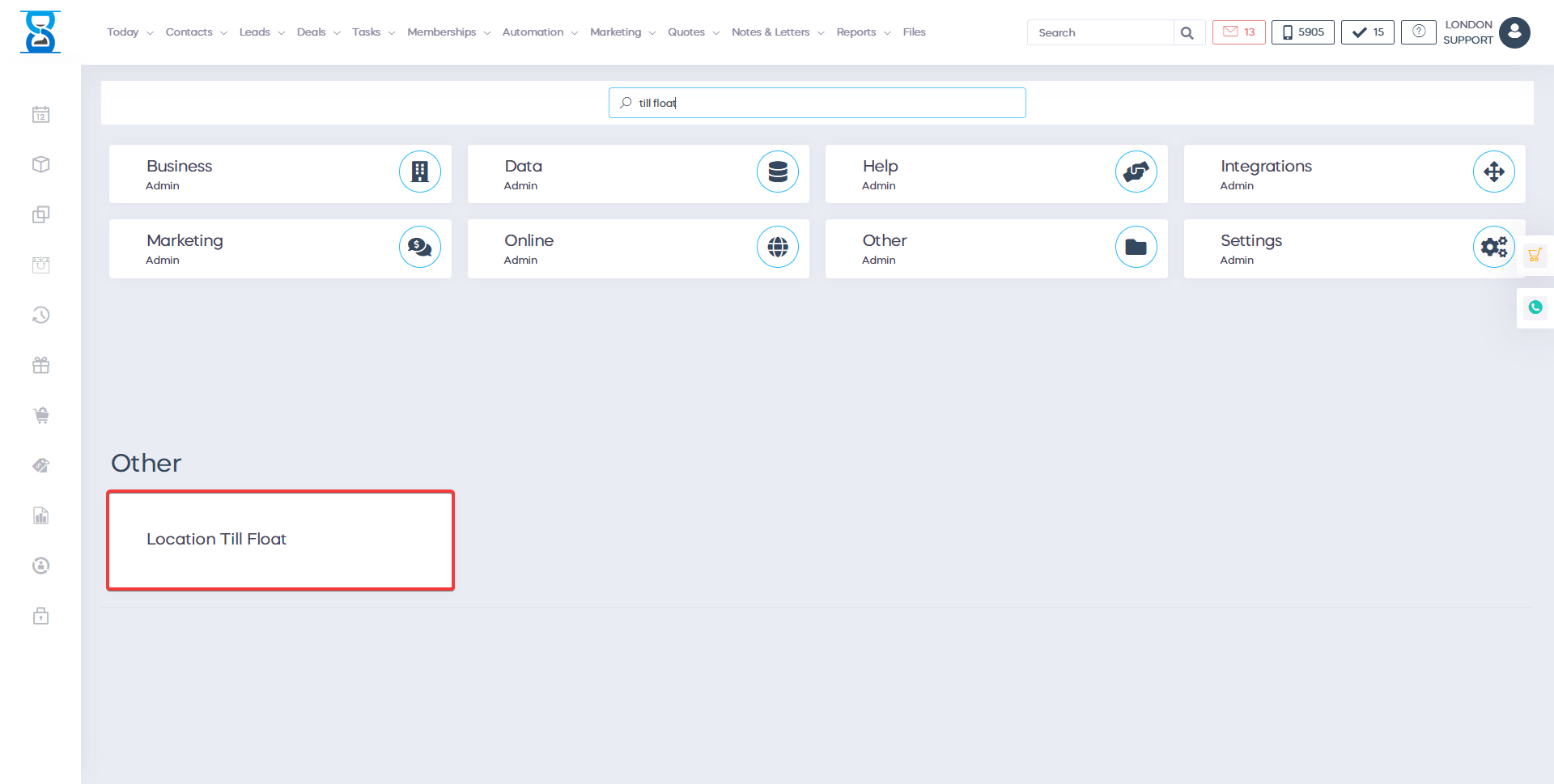
Location till float
In short
This guide explains Location till float in the Reports & insights area of ClinicSoftware. It provides a clear operational explanation of how the capability works, then outlines the practical benefits for saving staff time, converting clients and leads, and protecting clinic revenue.
On this page
Overview
This guide explains Location till float in the Reports & insights area of ClinicSoftware. It provides a clear operational explanation of how the capability works, then outlines the practical benefits for saving staff time, converting clients and leads, and protecting clinic revenue.
How it works
From this page you can manage the salon / location till float used in the reports.
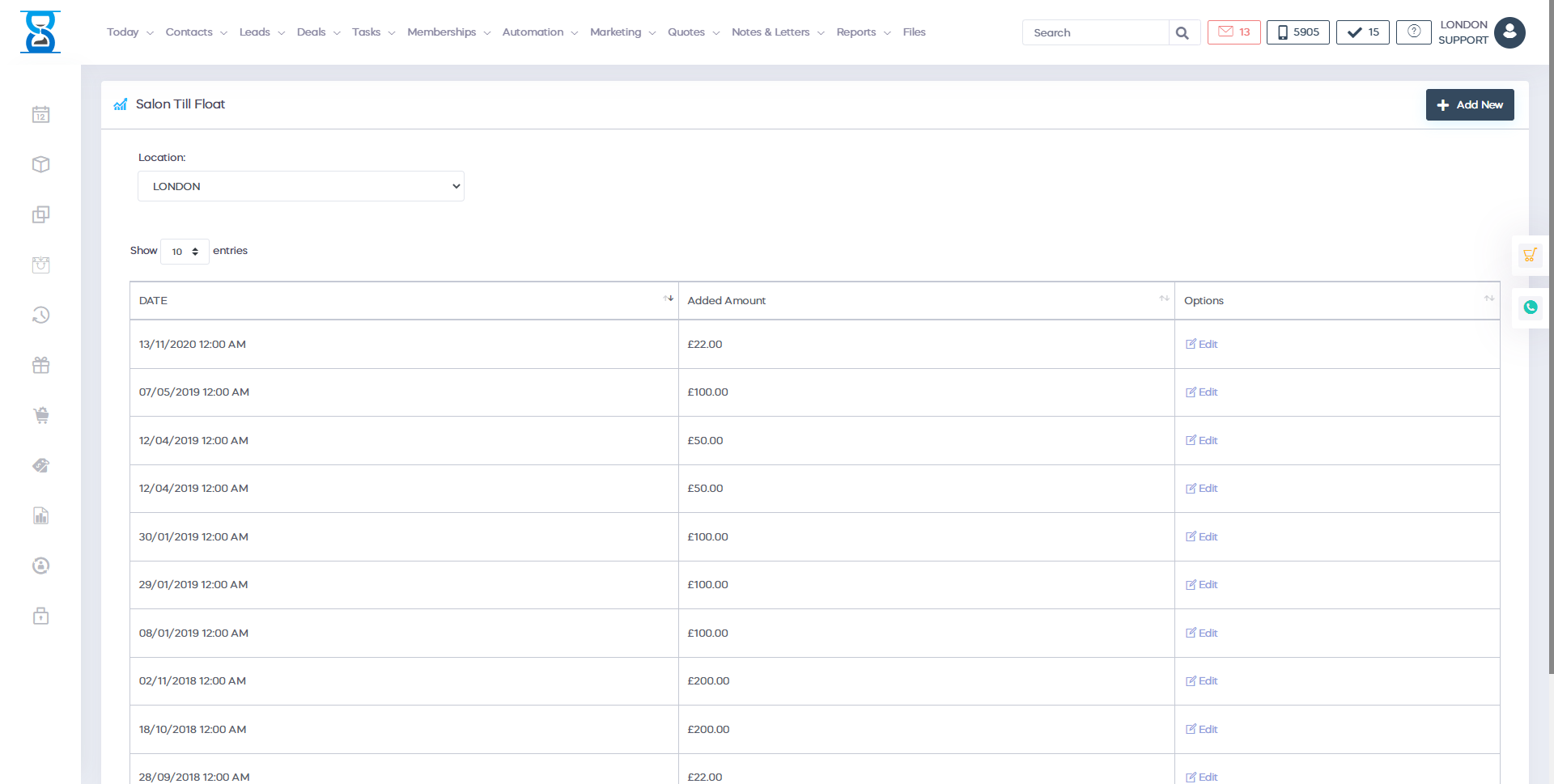
Till float entries are added per location.
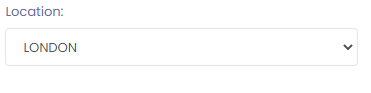
To change the location, use the top “Location / Salon” drop box.
To add a new entry, select the “Add New” button from the bottom section of the page.

To edit or delete an entry, select the “Edit” button of the entry from the till float list page.

Make the necessary changes and then select the “Save changes” button.

To delete the entry, select the “Delete Till Float Entry” button from the selected entry edit page.

Benefits for your clinic
- Save time: Simplifies payment collection and reconciliation for Location till float, reducing front-desk delays and after-hours admin.
- Win clients and leads: A professional, frictionless payment experience improves trust and encourages clients to complete their booking or purchase.
- Generate revenue: Accurate charging, fewer abandoned checkouts and clearer payment records protect clinic income and improve cash flow.