
Clients & records
File manager
In short
This guide explains File manager in the Clients & records area of ClinicSoftware. It provides a clear operational explanation of how the capability works, then outlines the practical benefits for saving staff time, converting clients and leads, and protecting clinic revenue.
On this page
Overview
This guide explains File manager in the Clients & records area of ClinicSoftware. It provides a clear operational explanation of how the capability works, then outlines the practical benefits for saving staff time, converting clients and leads, and protecting clinic revenue.
How it works
To upload a new file, right select the empty space and then choose “Upload files”.
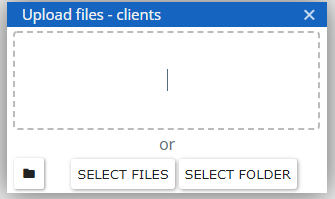
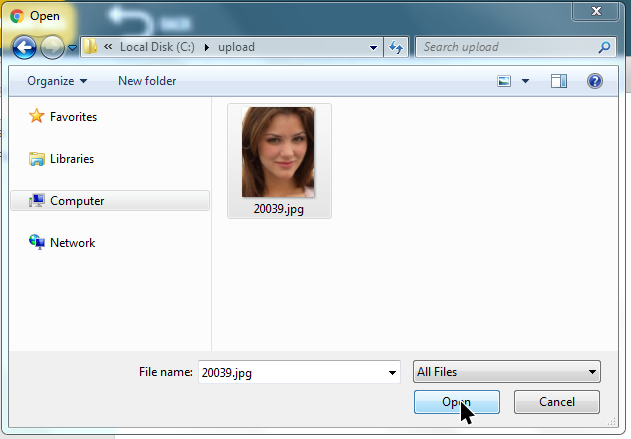
You can then drag your files directly inside the “Upload files” area or select the “Select files to upload” button to open the file browser of your computer.
To download a file right select the file and choose download.
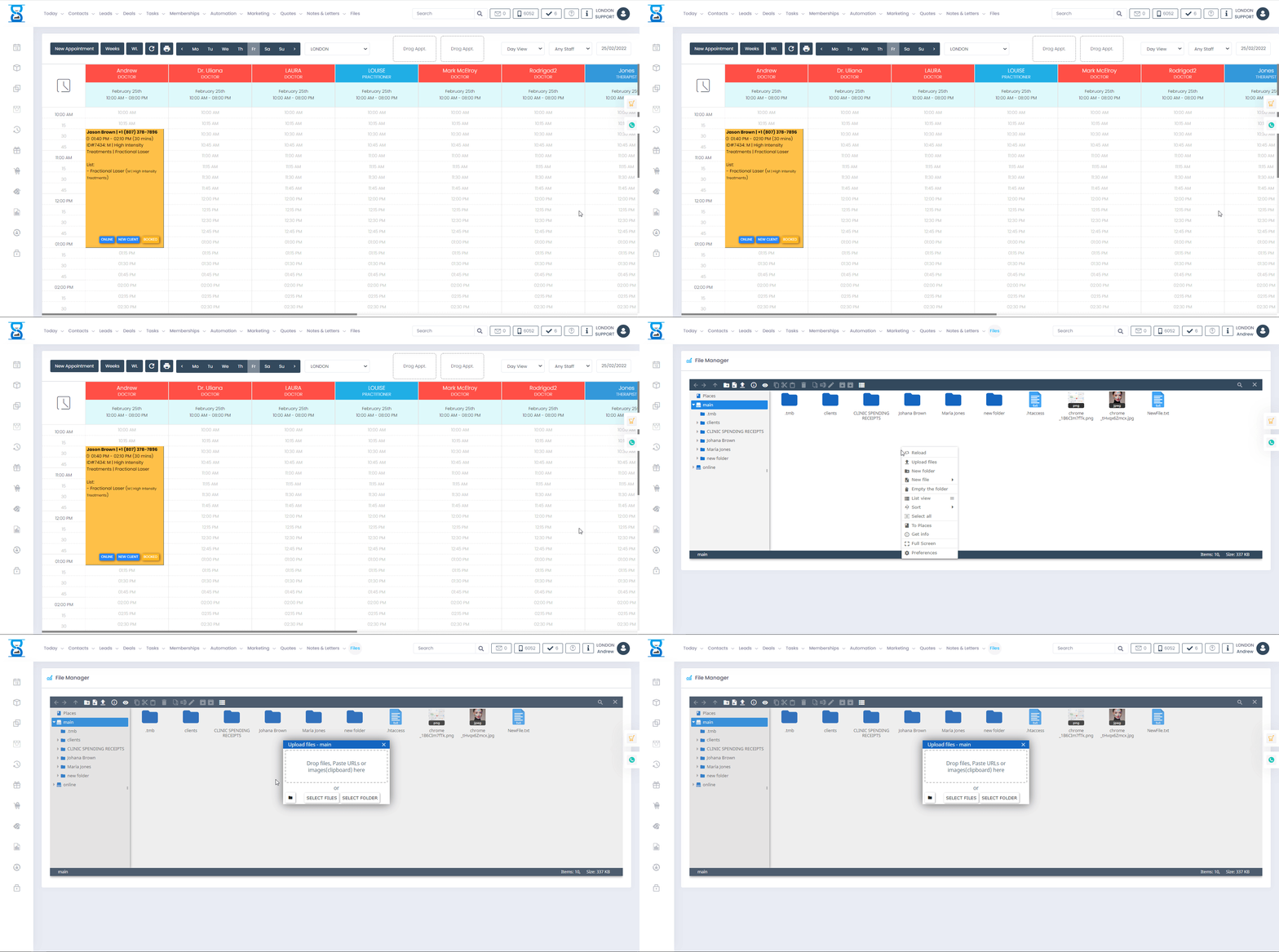
To create a new folder right select the empty space and choose “New folder” then type in the folder name and select the Enter key.
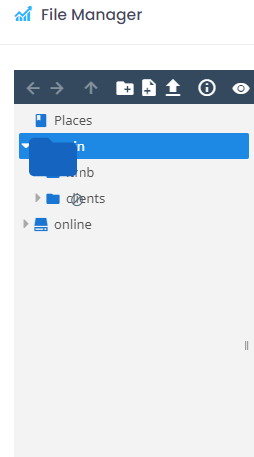
You can organize your files by dragging them in the folders displayed in the left column or uploading them directly in the folders by first entering the folder by double clicking on it.
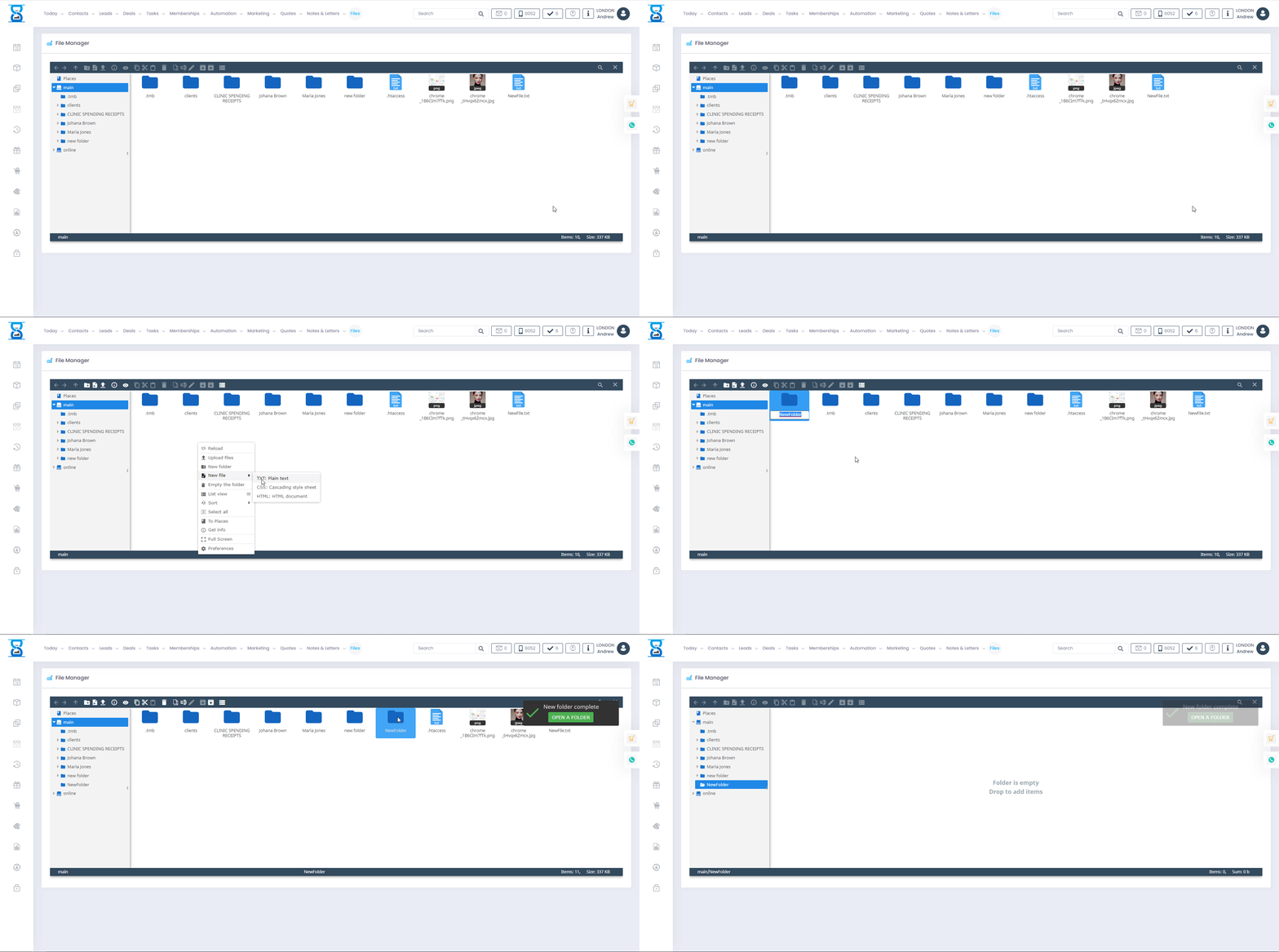
From this page, you can upload/download, delete and organize your files in folders.
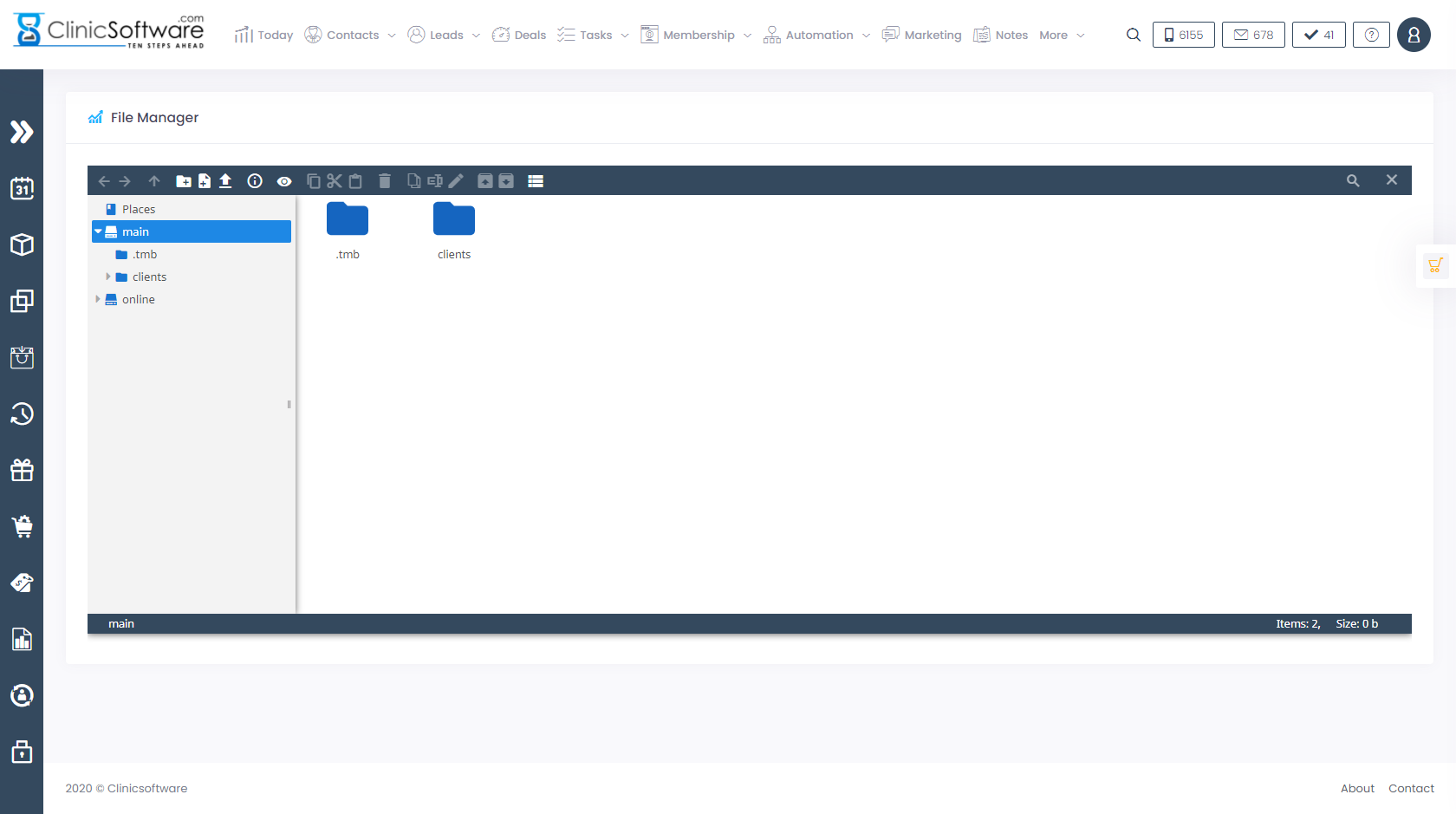
To download a file right select the file and choose download.
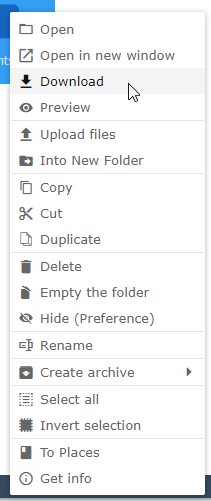
To upload a new file, right select the empty space and then choose “Upload files”.
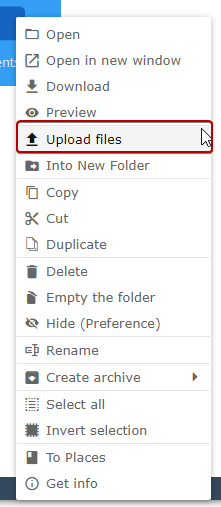
You can then drag your files directly inside the “Upload files” area or select the “Select files to upload” button to open the file browser of your computer.
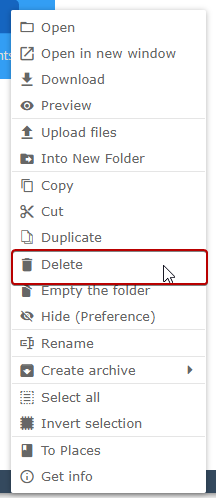
To delete a file, right select the file and choose “Delete”.
To create a new folder right select the empty space and choose “New folder” then type in the folder name and select the Enter key.
You can organize your files by dragging them in the folders displayed in the left column or uploading them directly in the folders by first entering the folder by double clicking on it.
Benefits for your clinic
- Save time: Keeps client information, notes and clinical history in one place, reducing time spent searching across paper files or disconnected tools.
- Win clients and leads: Complete, accurate profiles support better follow-up conversations and help turn first visits into ongoing relationships.
- Generate revenue: Better record-keeping supports treatment planning, rebooking and retail recommendations that increase lifetime client value.