Clients & records
Workflow form
In short
This guide explains Workflow form in the Clients & records area of ClinicSoftware. It provides a clear operational explanation of how the capability works, then outlines the practical benefits for saving staff time, converting clients and leads, and protecting clinic revenue.
On this page
Overview
This guide explains Workflow form in the Clients & records area of ClinicSoftware. It provides a clear operational explanation of how the capability works, then outlines the practical benefits for saving staff time, converting clients and leads, and protecting clinic revenue.
How it works
A Workflow Form is a sequence of tasks that processes a set of data. Workflows occur across every kind of business and industry. Anytime data is passed between humans and/or systems, a workflow is created. Workflows are the paths that describe how something goes from being undone to done, or raw to processed. In human-centric workflows, most of the tasks are assigned to humans. These might require approving data, creating something new, or double-checking information. Workflow Forms has many other benefits including:- Eliminating redundant tasks
- Improving efficiency
- Simplifying delegation of tasks
- Reducing processing time
- Giving greater visibility
- Establishing accountability
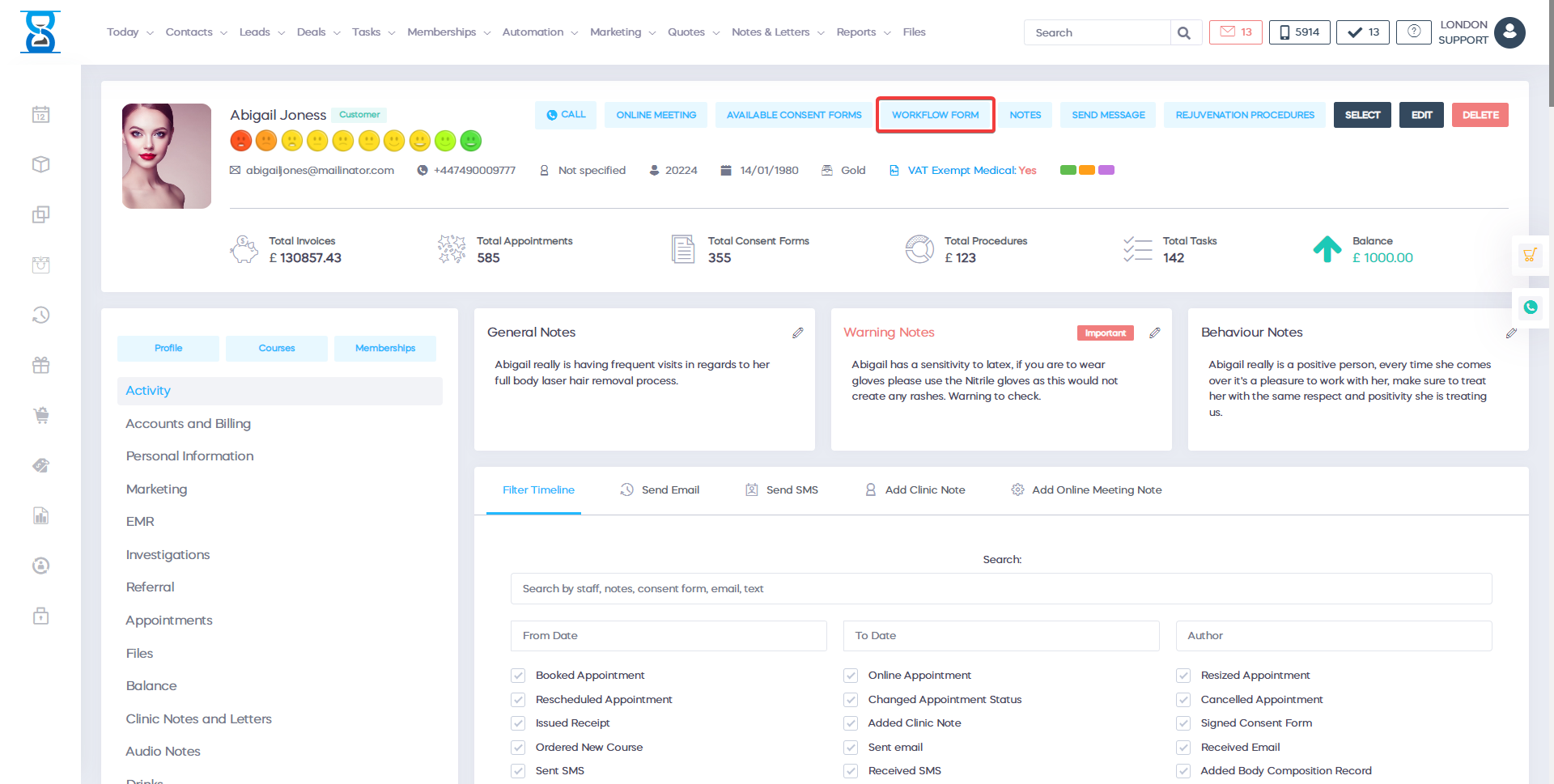
This is an example of a Workflow That is using the paperless consent forms feature:
To sign a workflow consent form select the "Sign" button.
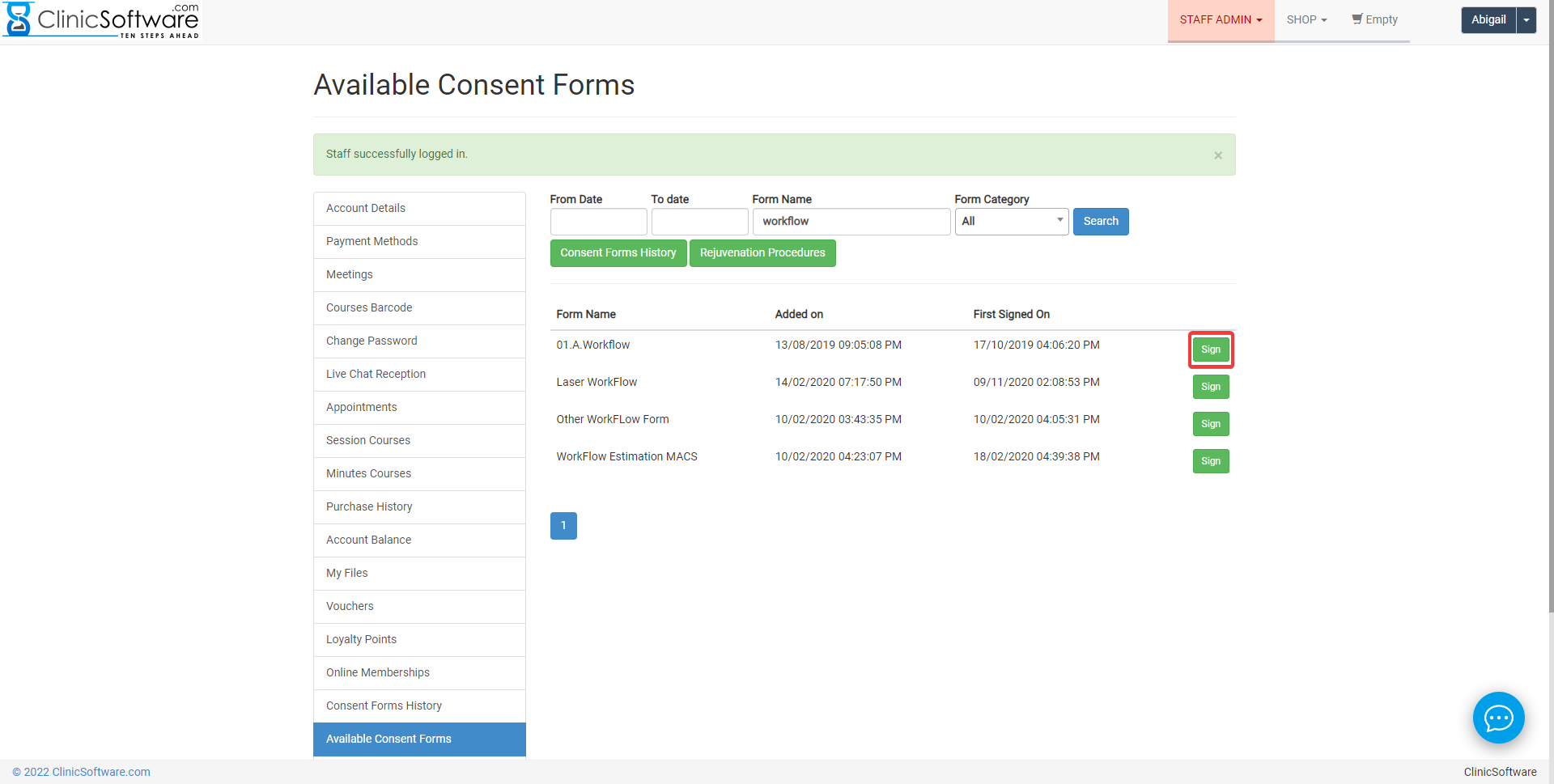
The workflow will open and you will see all the personal information of your client.
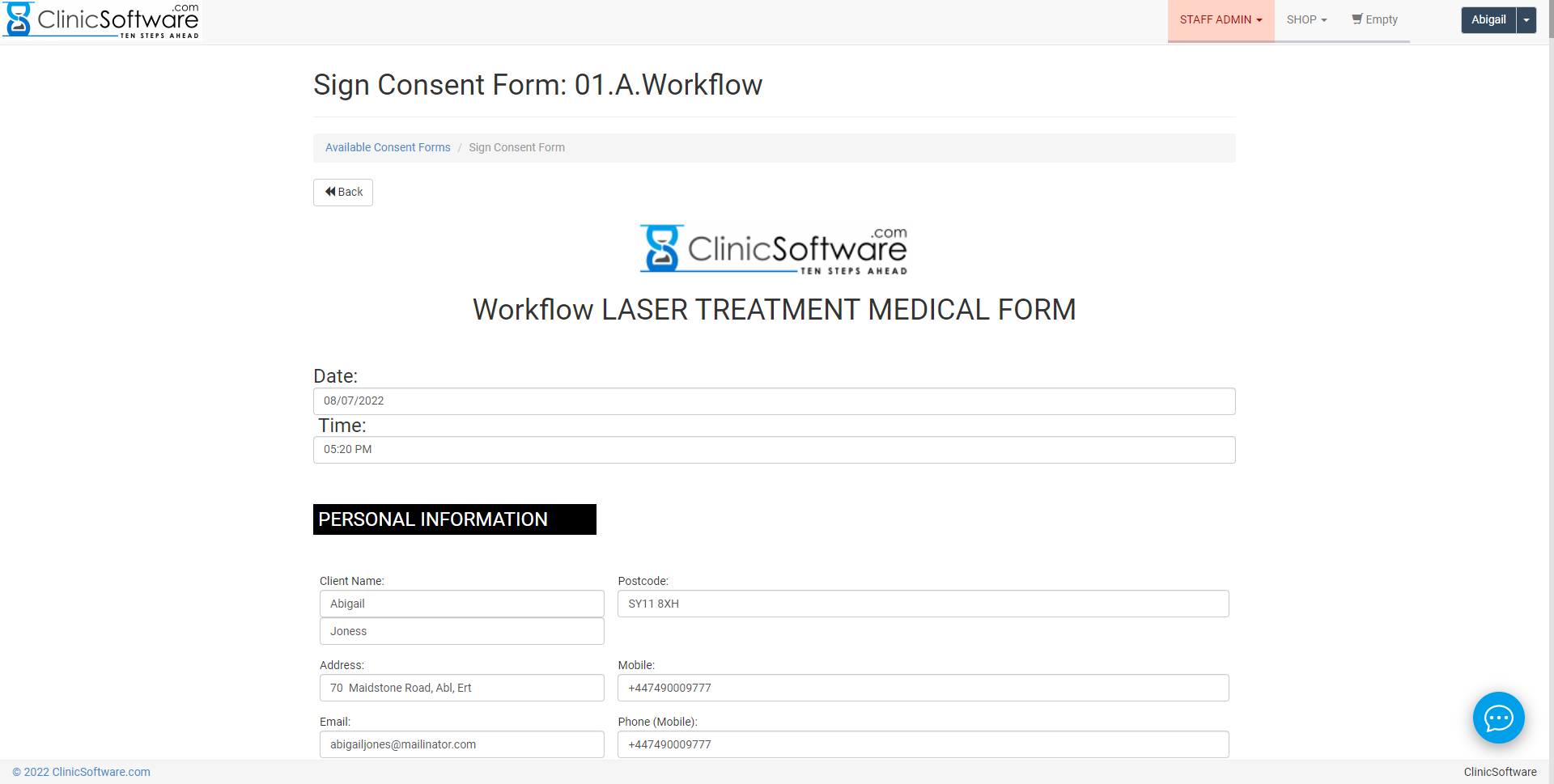
You can type notes from the client consultation. (see below)
Before photographs
The system will give you the capability to take pictures before the treatment. (see below)
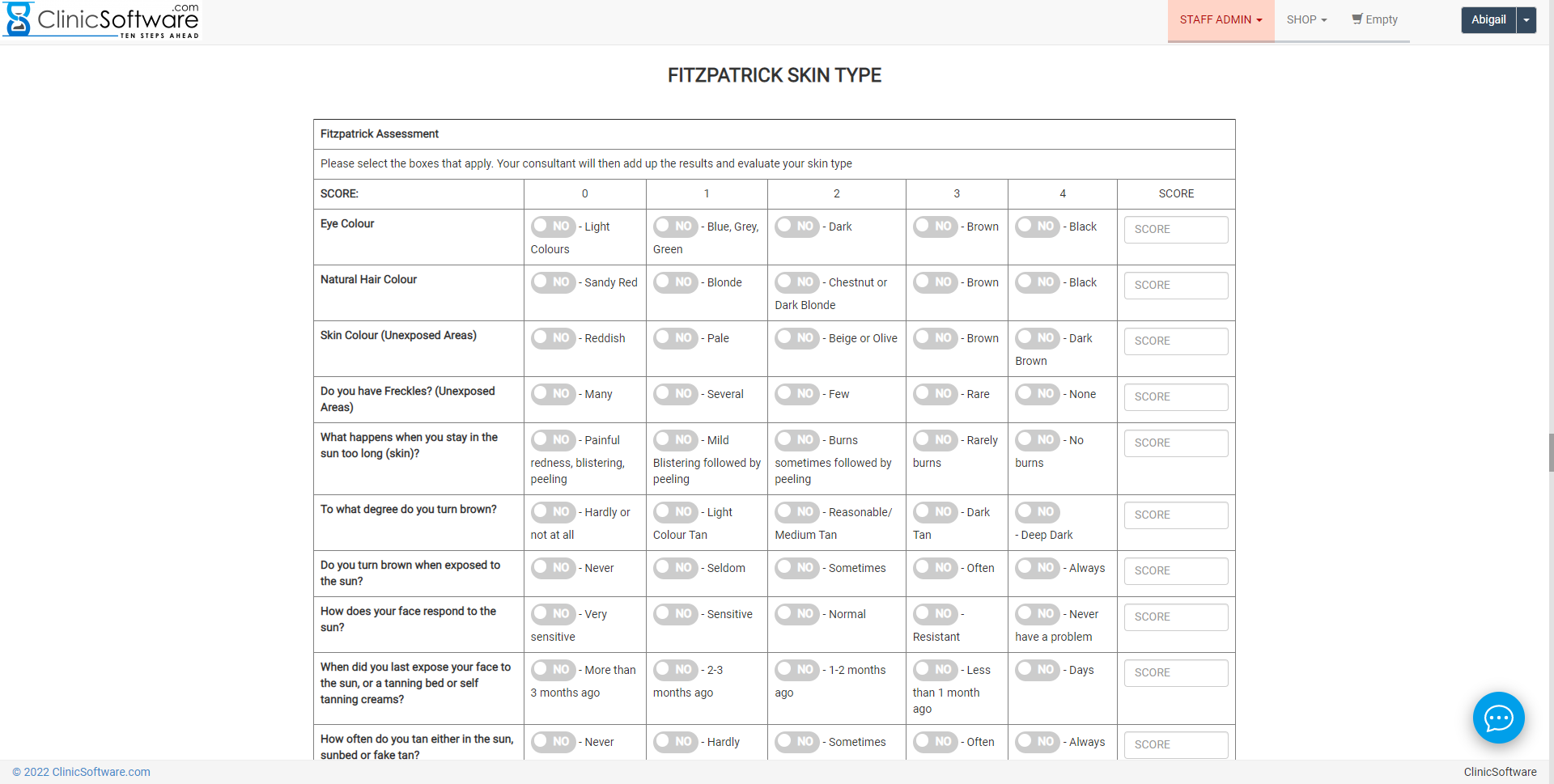
You can type the price of your treatment. (see below)
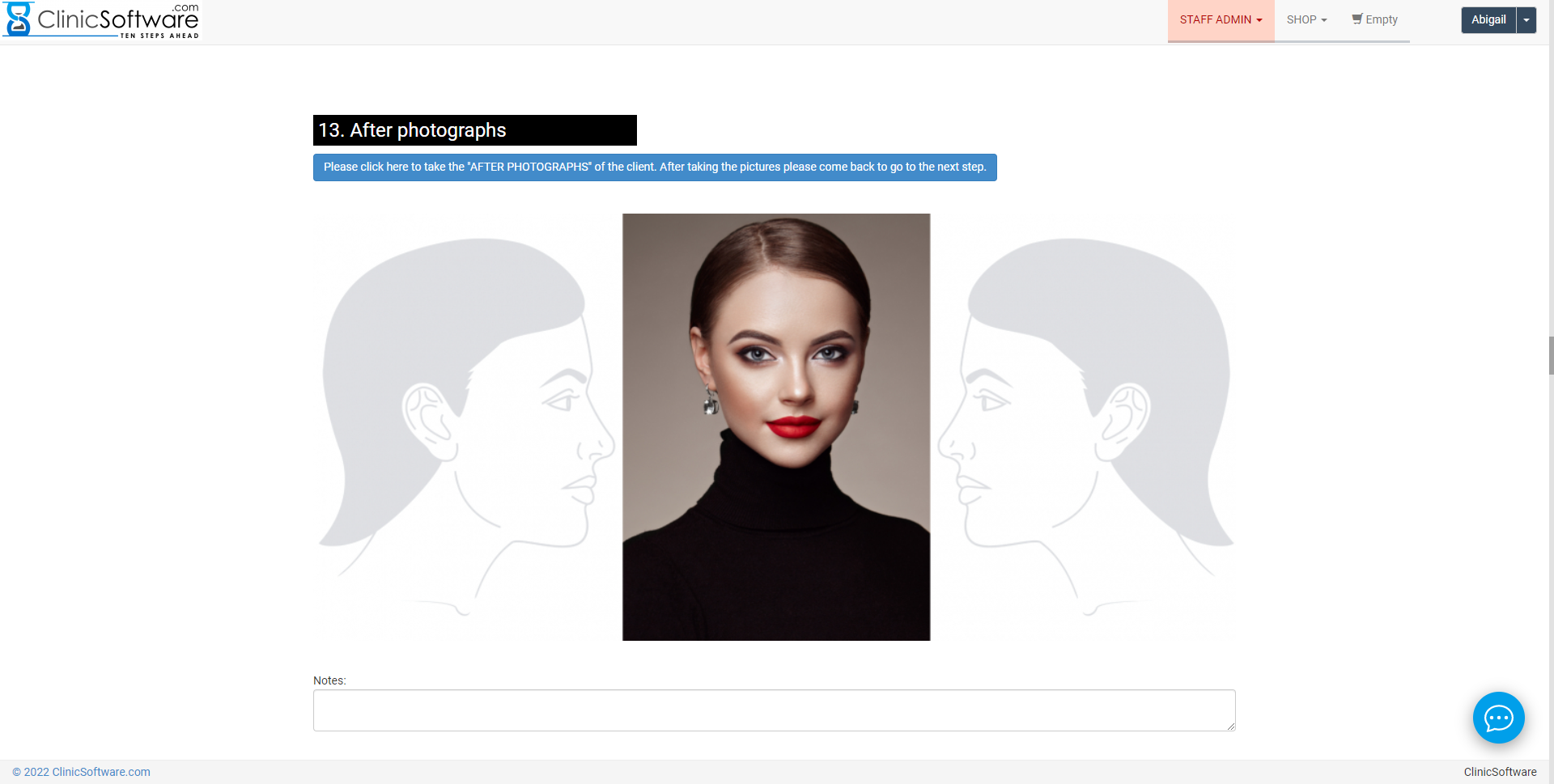
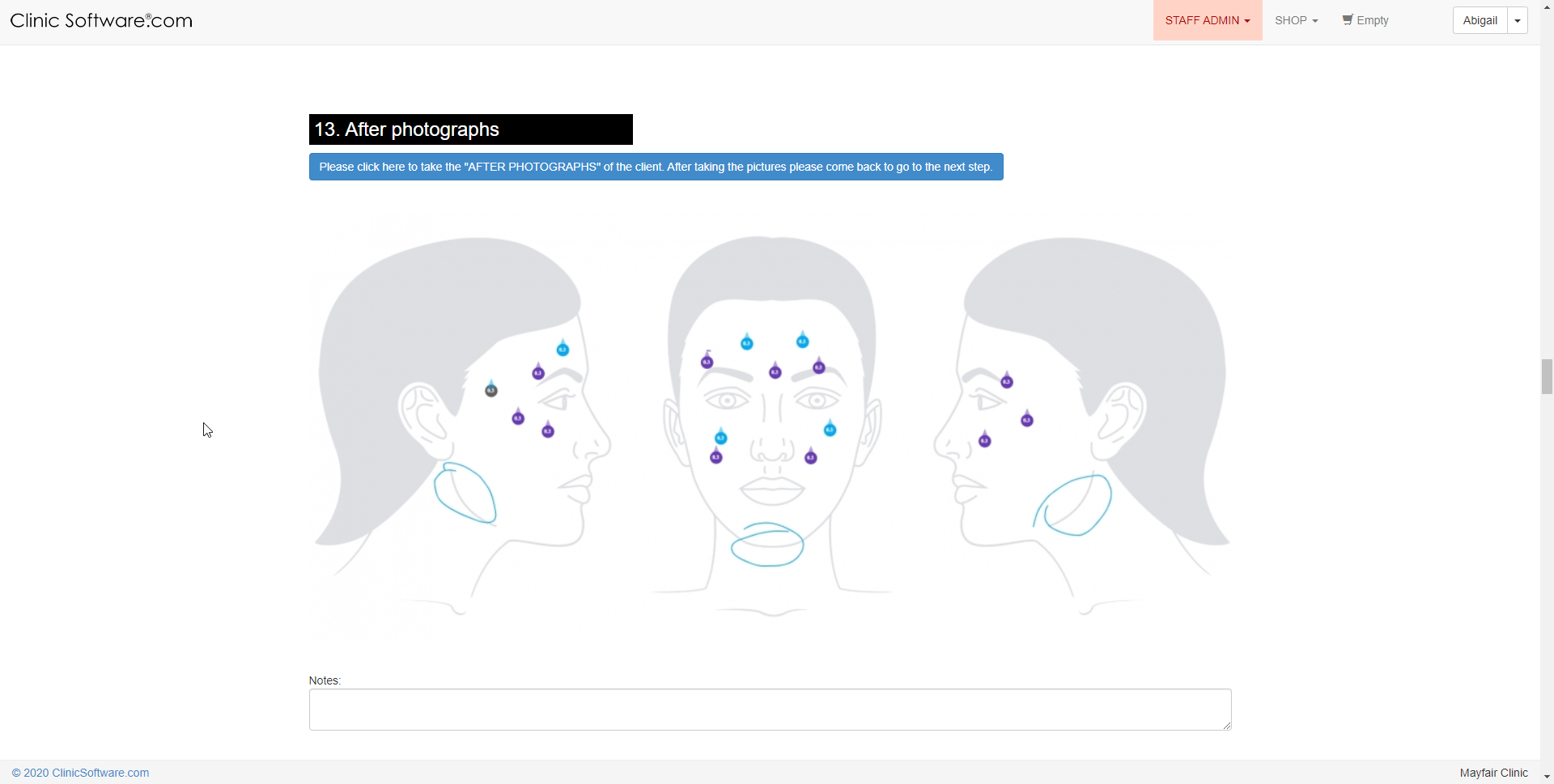
After photographs
The system will give you the capability to take pictures after the treatment. (see below)
With a simple touch, you can add an injection of or any other procedure to a client’s treatment programme.
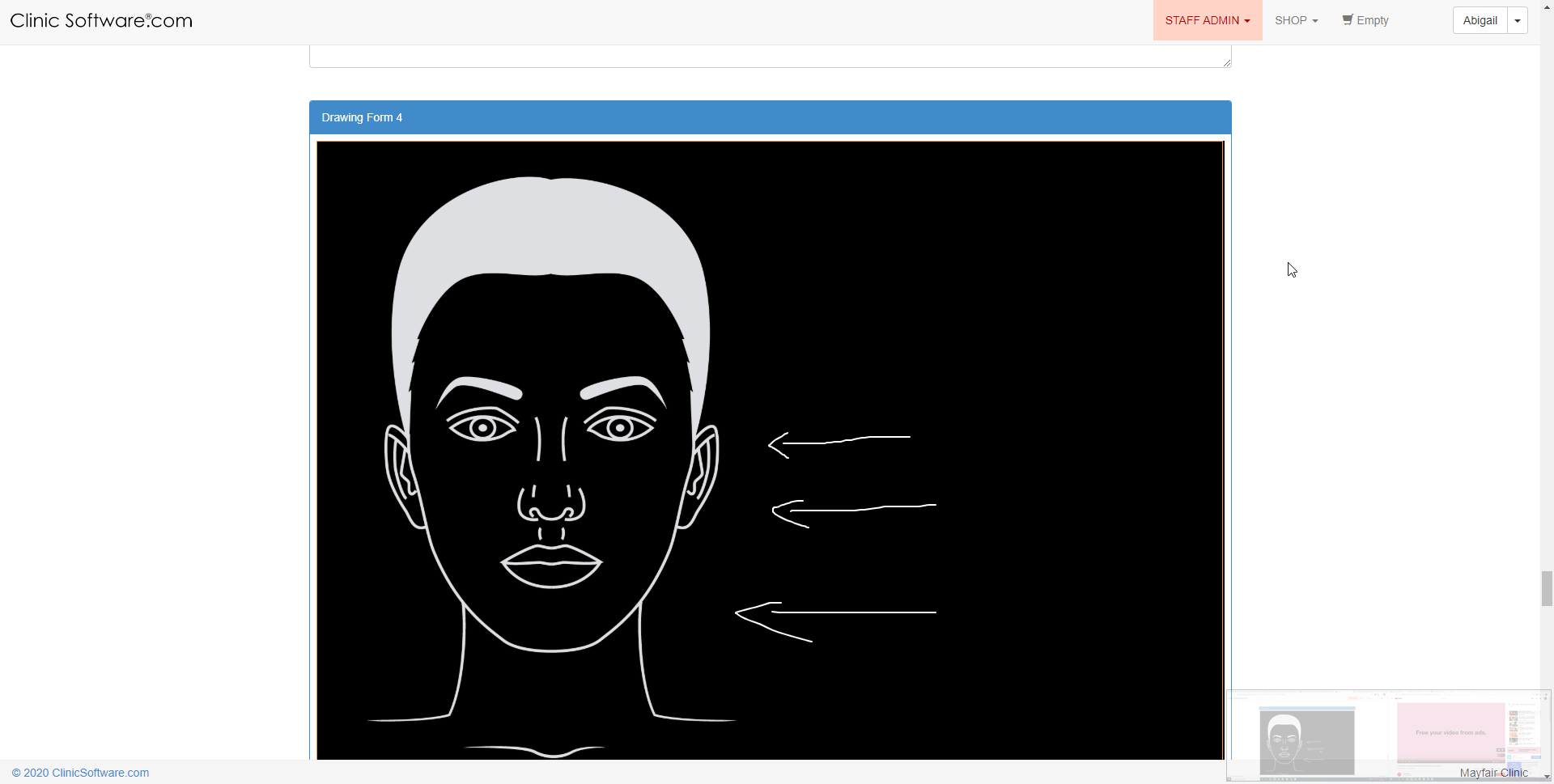
You can also draw the wrinkles and lines on the face and body to record their position and track their progress.
Signatures
Sign the form before saving.
Mandatory signatures of both, the client and the staff member.
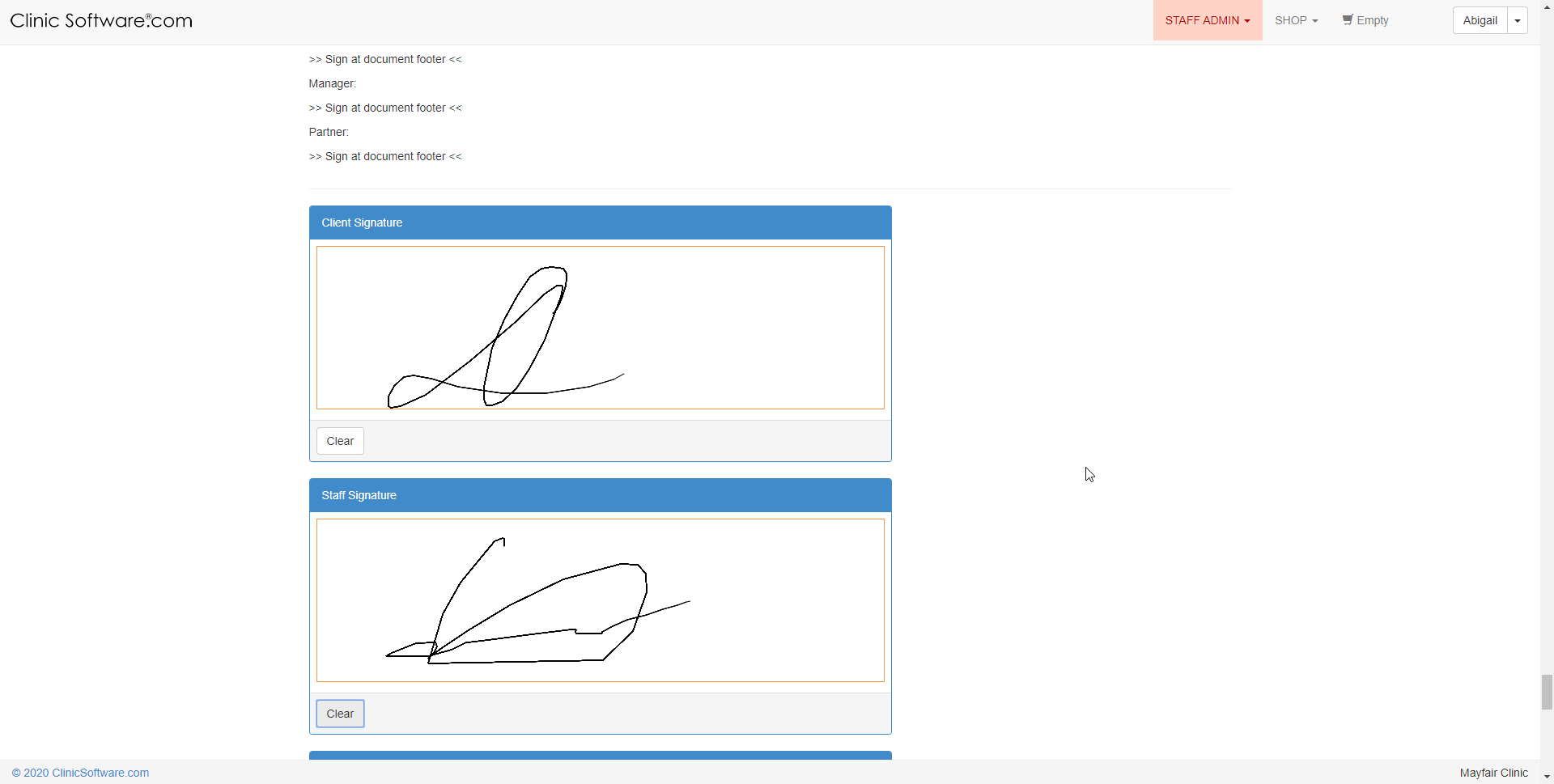
Submit form
You must select the "
Submit form
" button in the presence of both, the client and the staff member.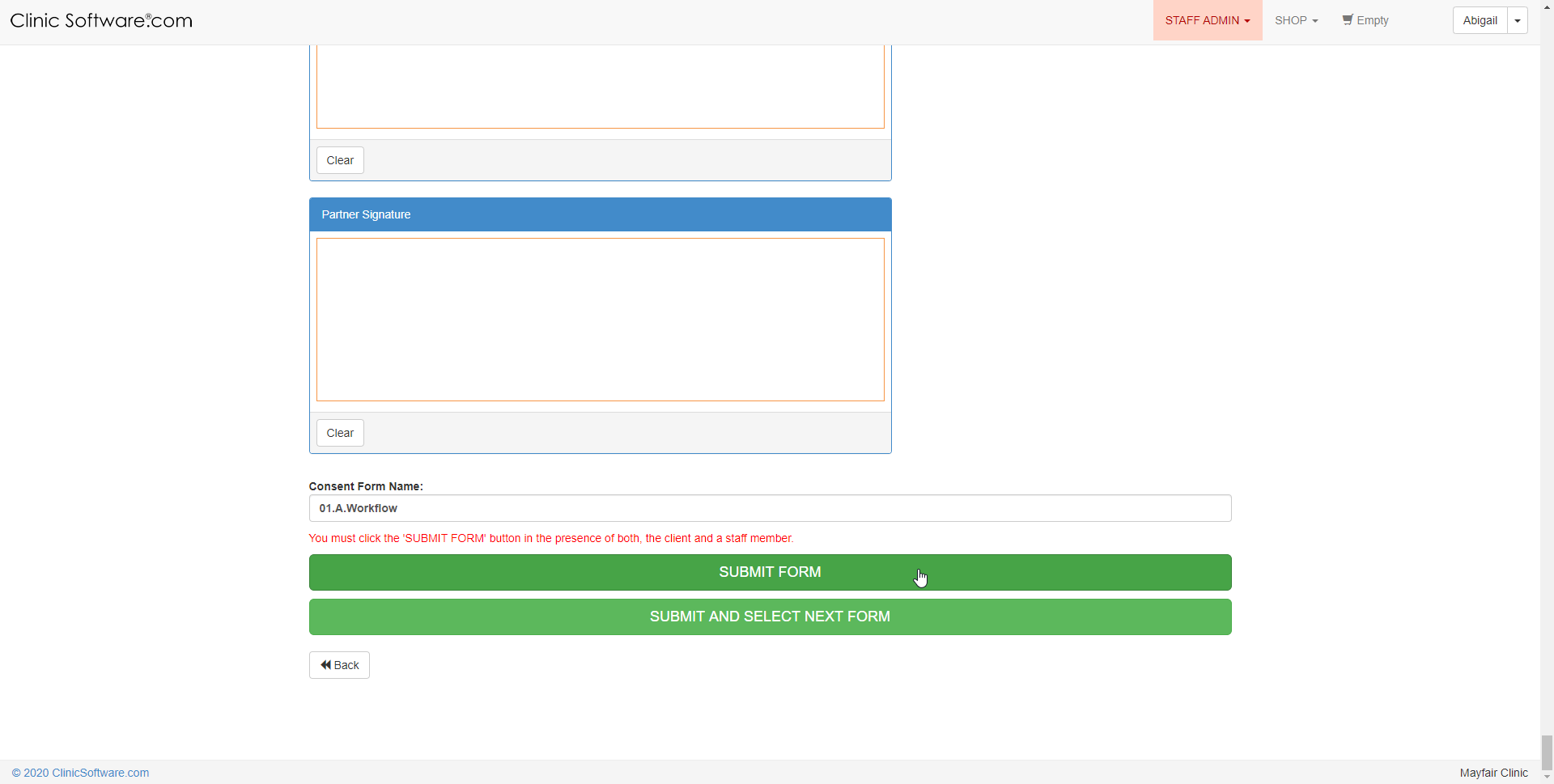
Benefits for your clinic
- Save time: Keeps client information, notes and clinical history in one place, reducing time spent searching across paper files or disconnected tools.
- Win clients and leads: Complete, accurate profiles support better follow-up conversations and help turn first visits into ongoing relationships.
- Generate revenue: Better record-keeping supports treatment planning, rebooking and retail recommendations that increase lifetime client value.