AI Copilot & new features
Automation 2.0
In short
This guide explains Automation 2. 0 in the AI Copilot & new features area of ClinicSoftware.
On this page
Overview Automation
This guide explains Automation 2.0 in the AI Copilot & new features area of ClinicSoftware. It provides a clear operational explanation of how the capability works, then outlines the practical benefits for saving staff time, converting clients and leads, and protecting clinic revenue.
How it works
ClinicSoftware Automation Builder
Smart Workflows, Zero Code
Automate client journeys with drag-and-drop simplicity. Connect triggers to actions, build if/then logic, and let AI handle responses—all without writing a single line of code.
Step 1: Access Automation
Go to the Top menu
Select “Automation”
Select “Marketing Automation”
Select “Add New”
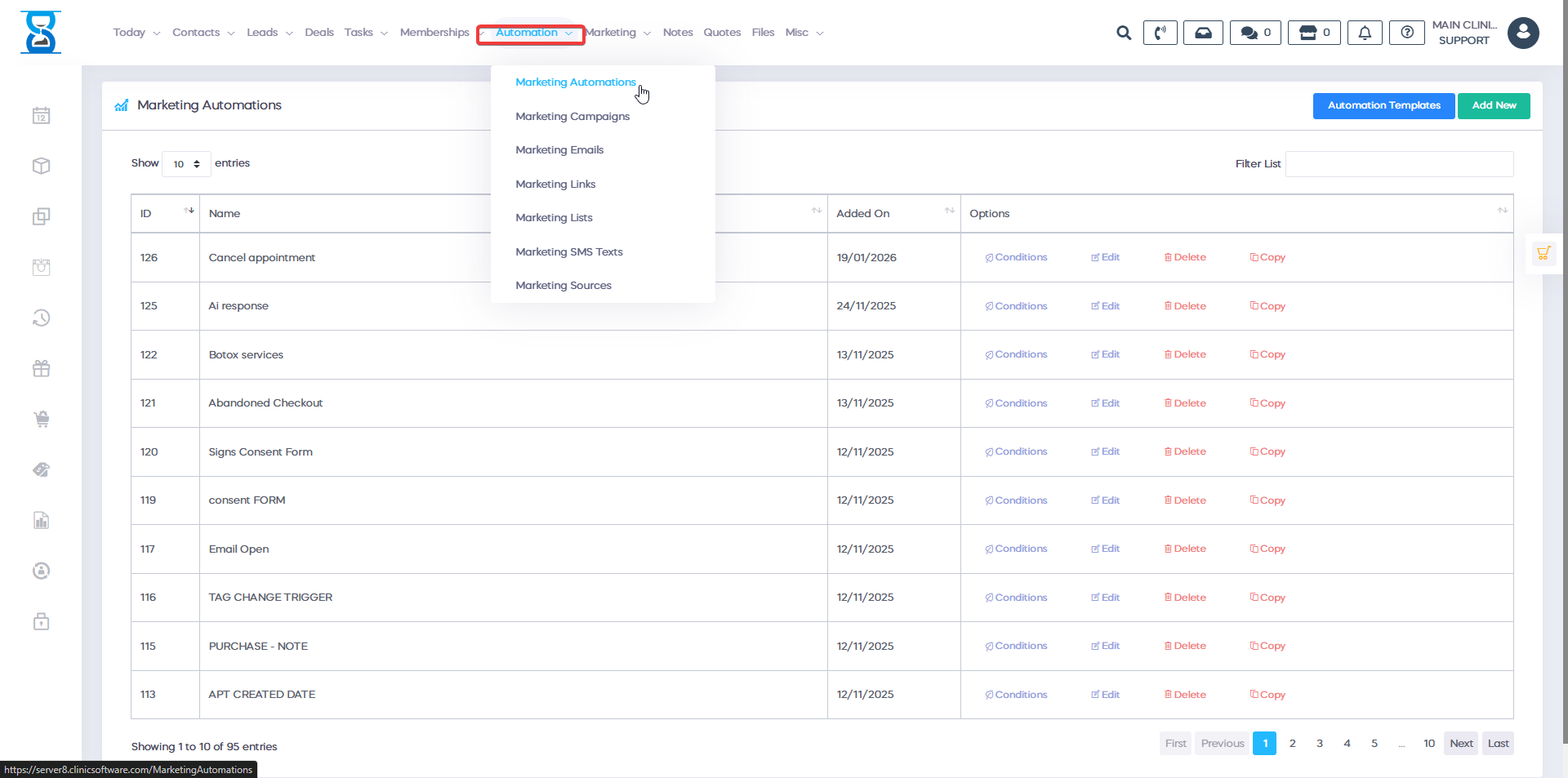
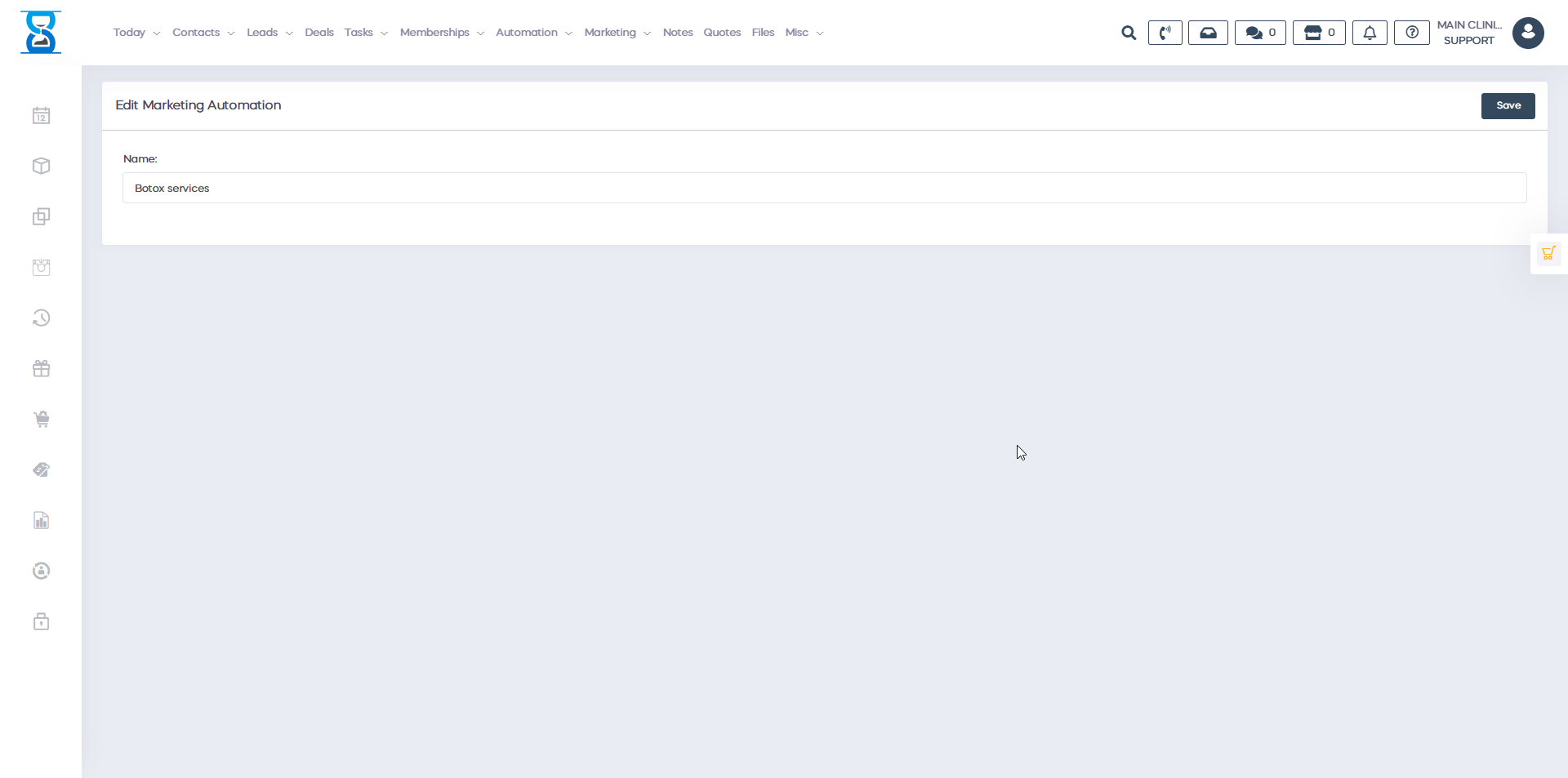
Step 2: Name & Save
Give your automation a clear name
(Example: “New Client Welcome Flow”)Select “Save”
You’re now in the Automation Builder
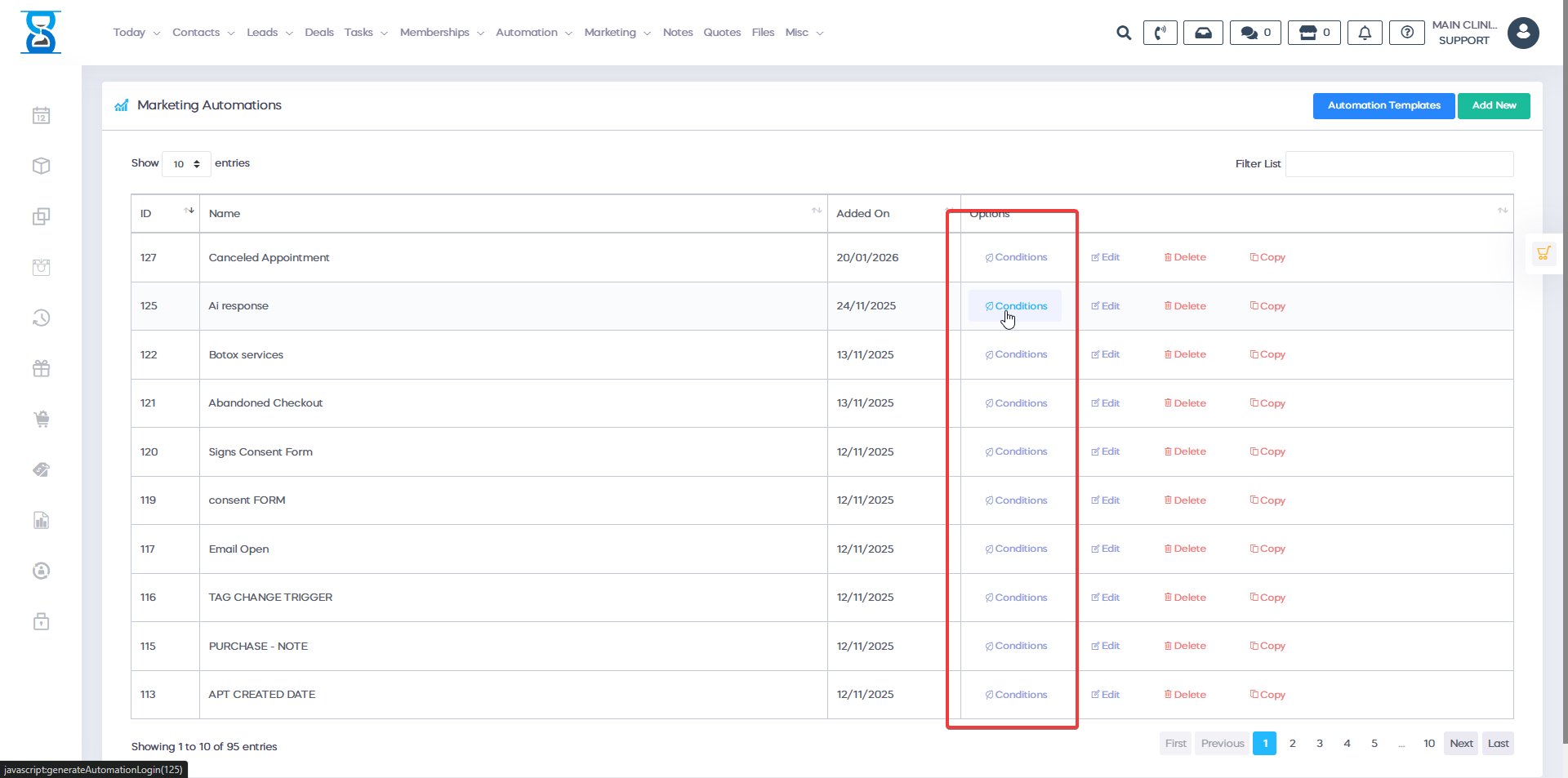
Step 3: Add Conditions
This is where you set the rules:
When
(Trigger): What starts the automation?
IF
(Conditions): Any extra rules?
Then
(Actions): What happens next?
Step 4: Build Your Flow
Drag and drop to create:
Start With a trigger
Add Actions
Insert Waits or conditions
Connect Everything visually
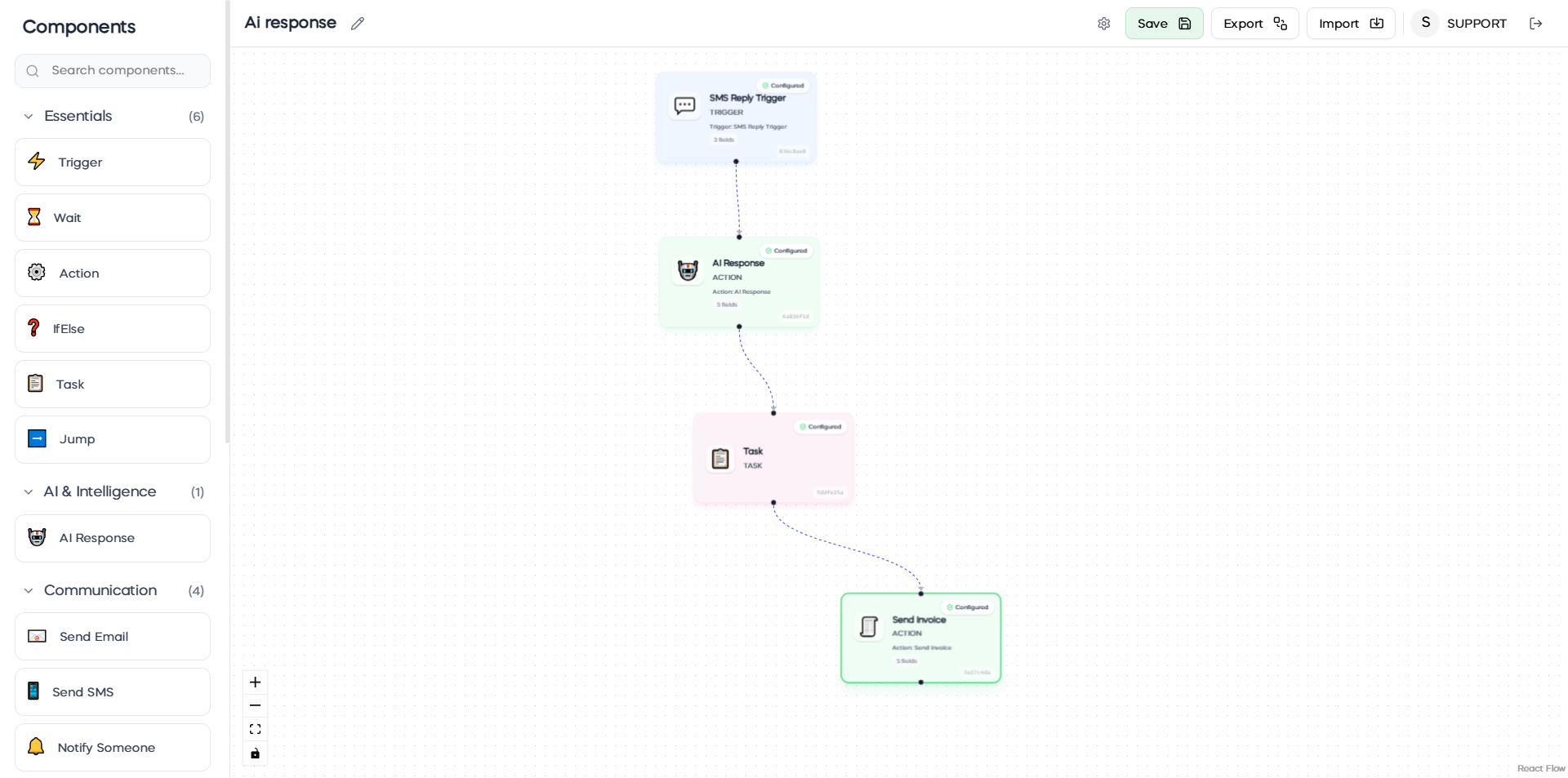
Triggers (When to Start)
Choose what kicks off your automation:
Client visits website
Books appointment
Abandons checkout
Signs consent form
Replies to email/SMS
Submits lead form
Deal status changes
Email opened
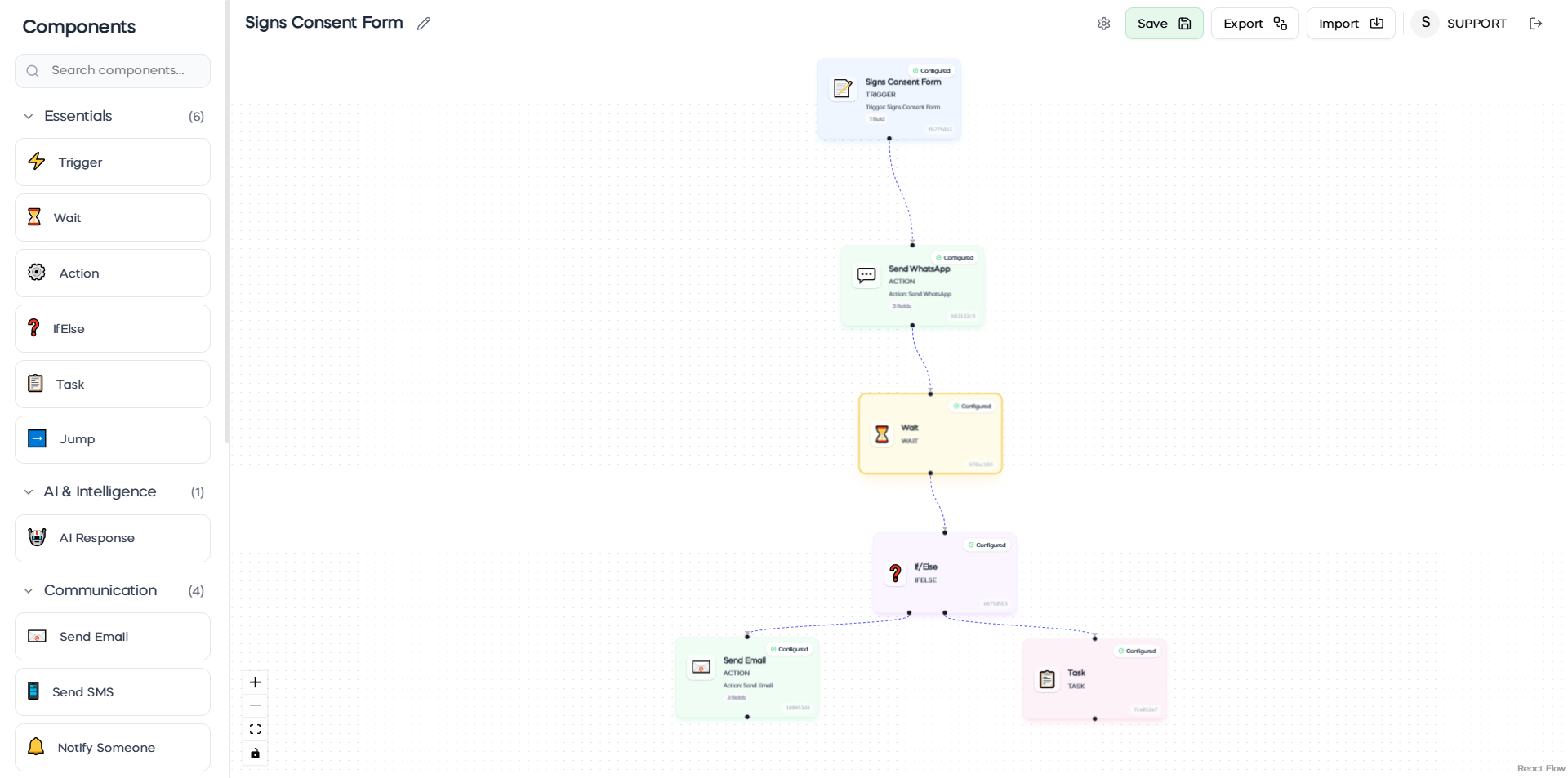
Actions (What Happens Next)
Build multi-step sequences:
Send communications: Email, SMS, WhatsApp
Smart logic: If/Else conditions, Wait periods, Jump to step
AI intelligence: Auto-reply to messages
Task management: Create tasks, Assign to staff, Add notes
Data actions: Update profiles, Send invoices, API calls
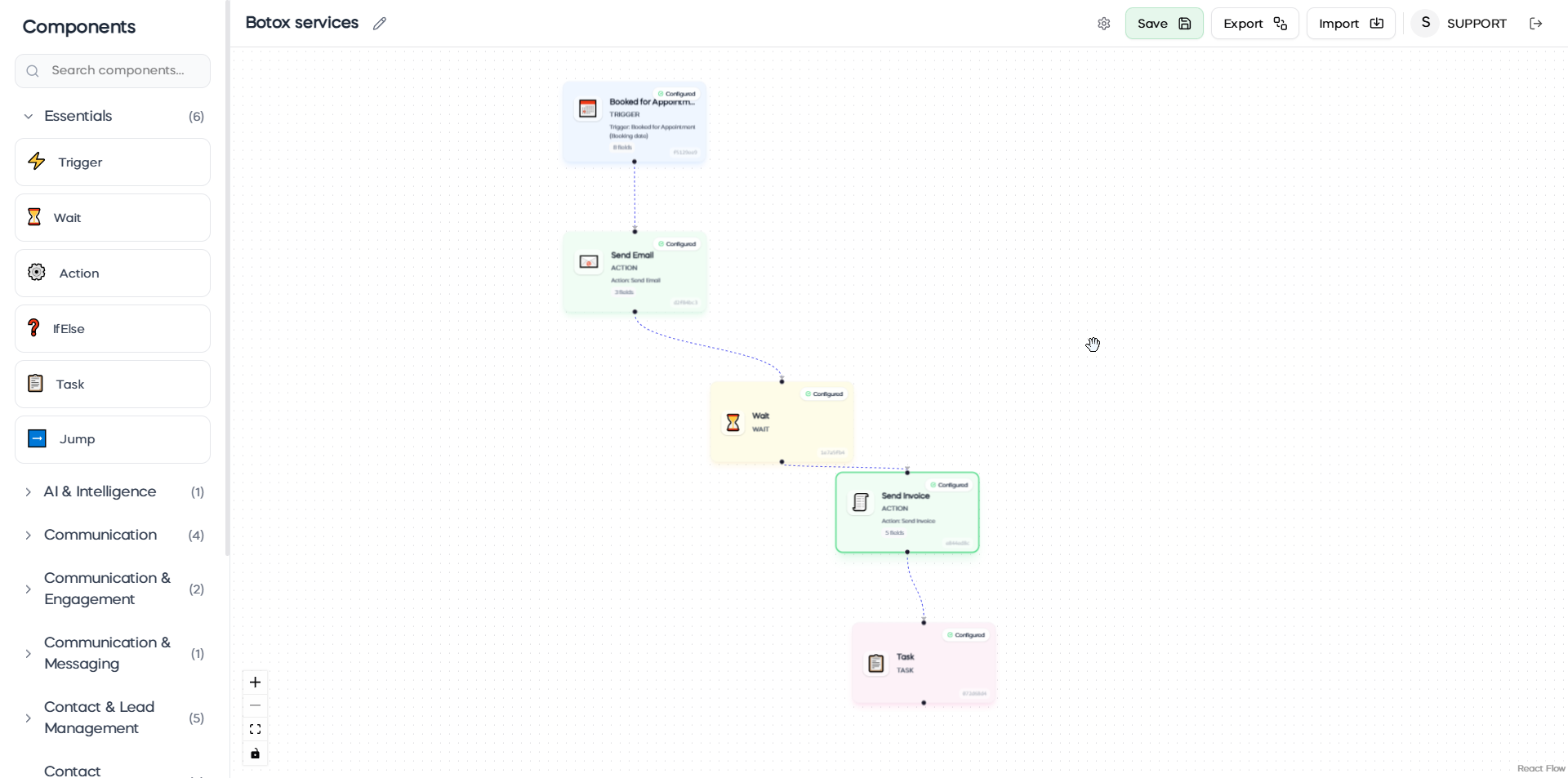
Real Clinic Example:
Trigger: Client books appointment
→ Send confirmation email
→ Wait 24 hours
→ Send consent form
→ If form signed: Send prep instructions
→ If not signed: Send reminder SMS
→ Create task for front desk to follow up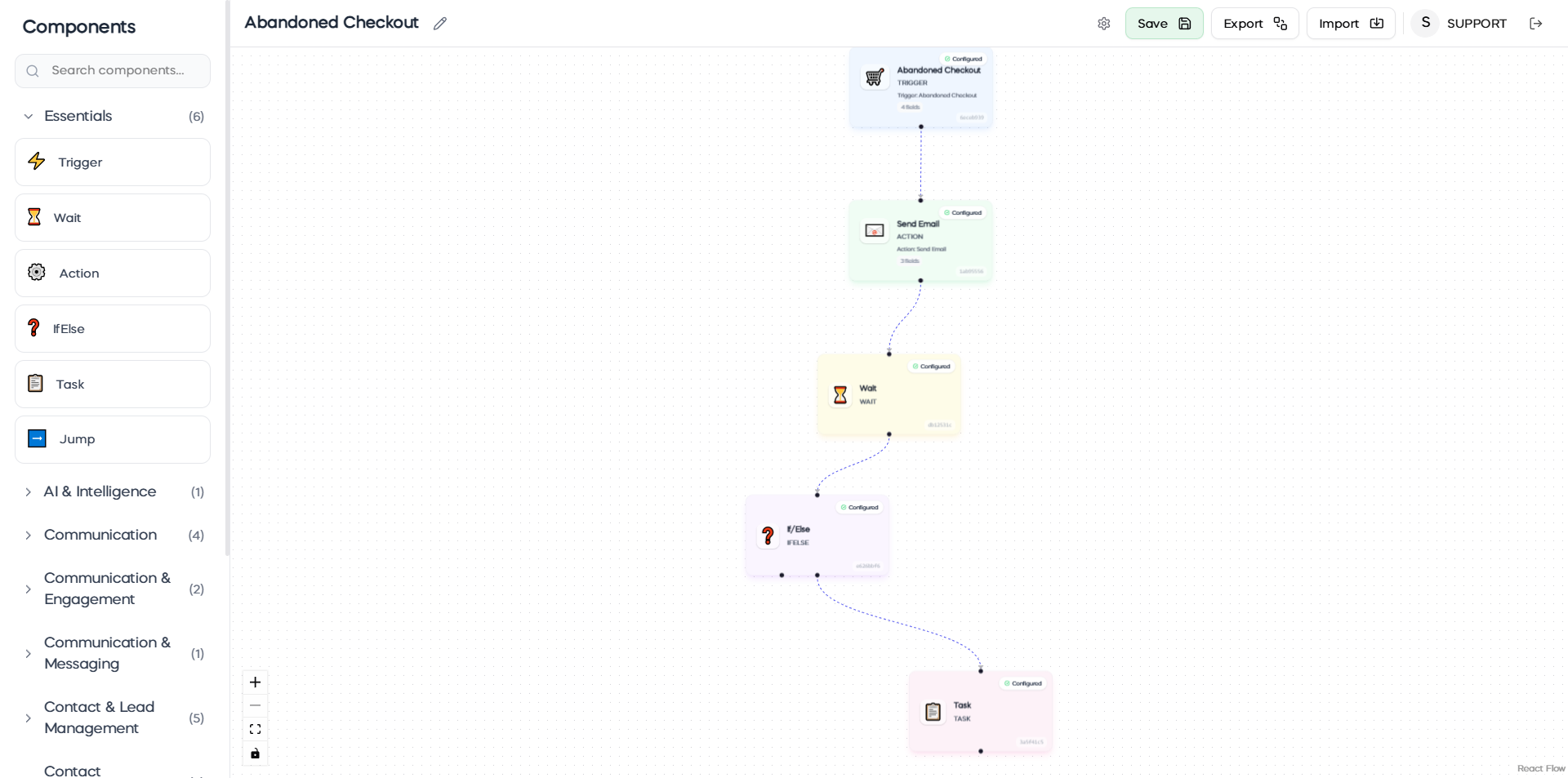
Why It Works:
Visual builder – See your entire workflow
AI-powered – Smart replies and decisions
Time-saving – Automate hours of manual work
Better results – Consistent, timely communication
Transform client management from manual to automatic.
Build your first workflow today—no technical skills needed.
ClinicSoftware: Work smarter, not harder.
Benefits for your clinic
Save time: Automates repetitive communication around Automation 2.0, so staff can focus on clients in clinic instead of manual follow-up.
Win clients and leads: Keeps prospects and past clients engaged with timely messages, improving conversion from enquiry to booked appointment.
Generate revenue: Consistent nurture, rebooking and promotional activity helps fill the diary and increase repeat and package sales.