

How the Client Feedback Automation Feature Works in ClinicSoftware CRM
The ClinicSoftware CRM includes a powerful automated feedback feature that streamlines the way clinics gather client satisfaction insights immediately after appointments. Here's a clear overview of how this process functions based on the updated settings:
1. Automatic SMS Feedback Request upon Appointment Completion
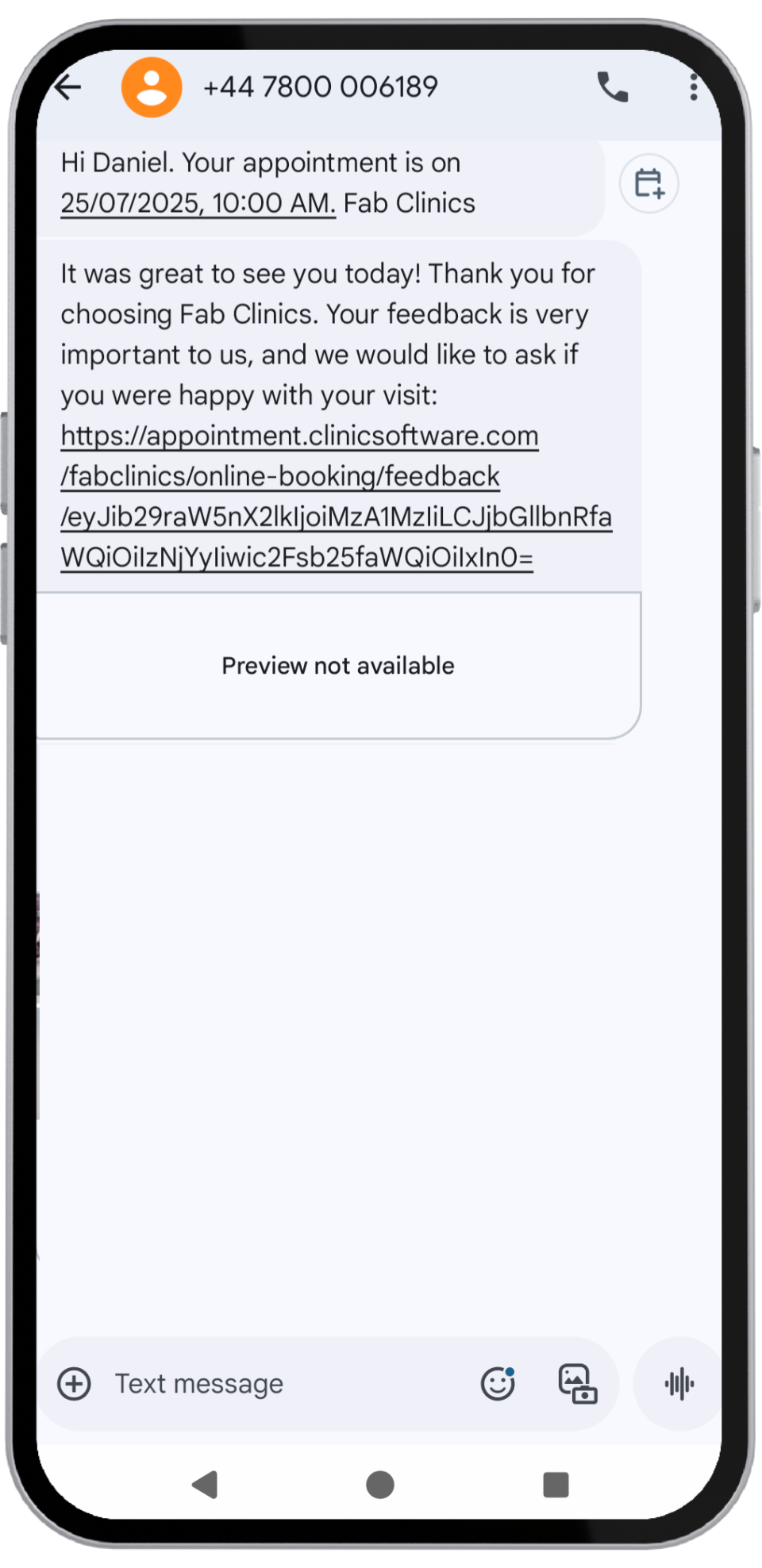
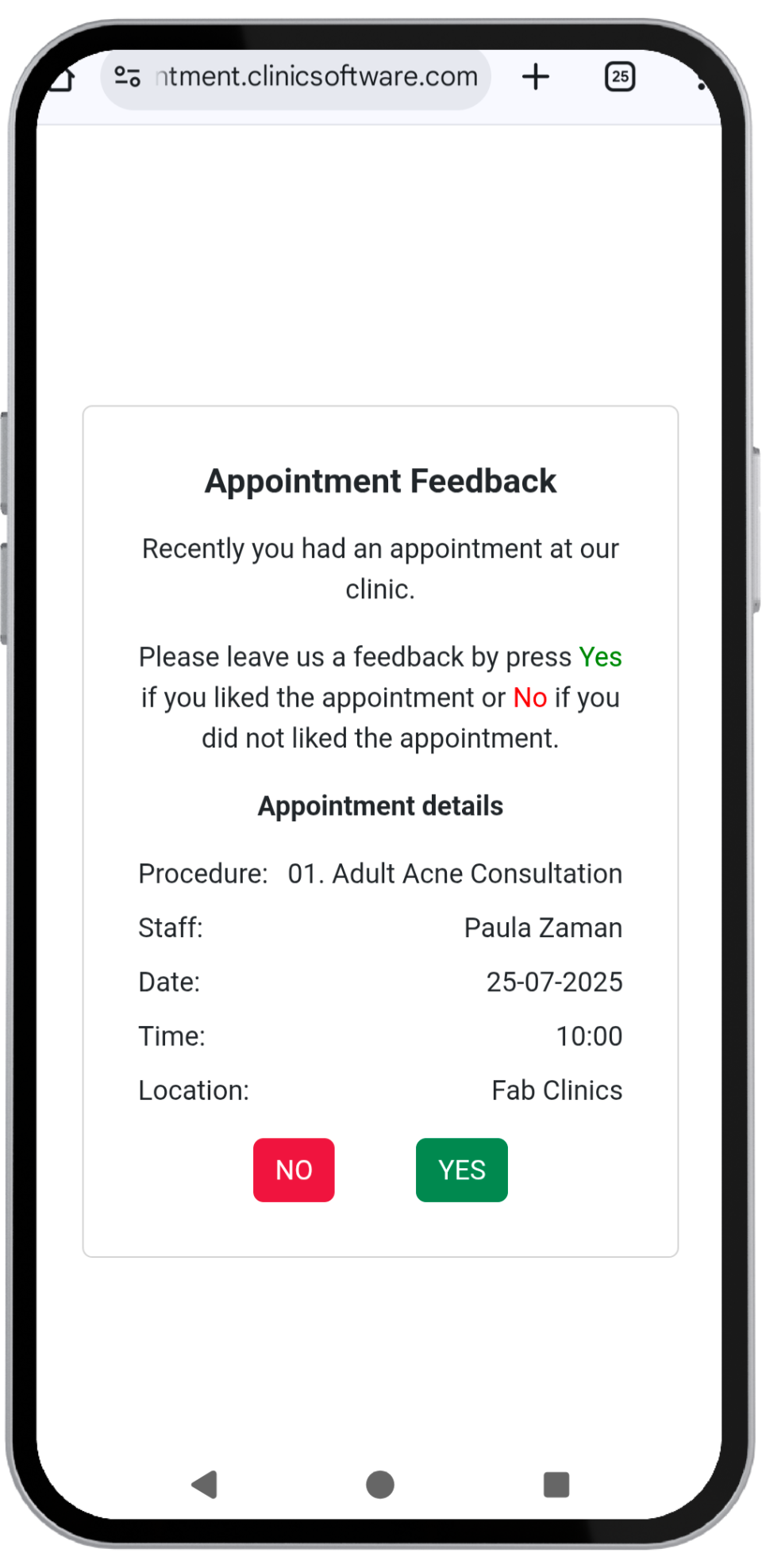
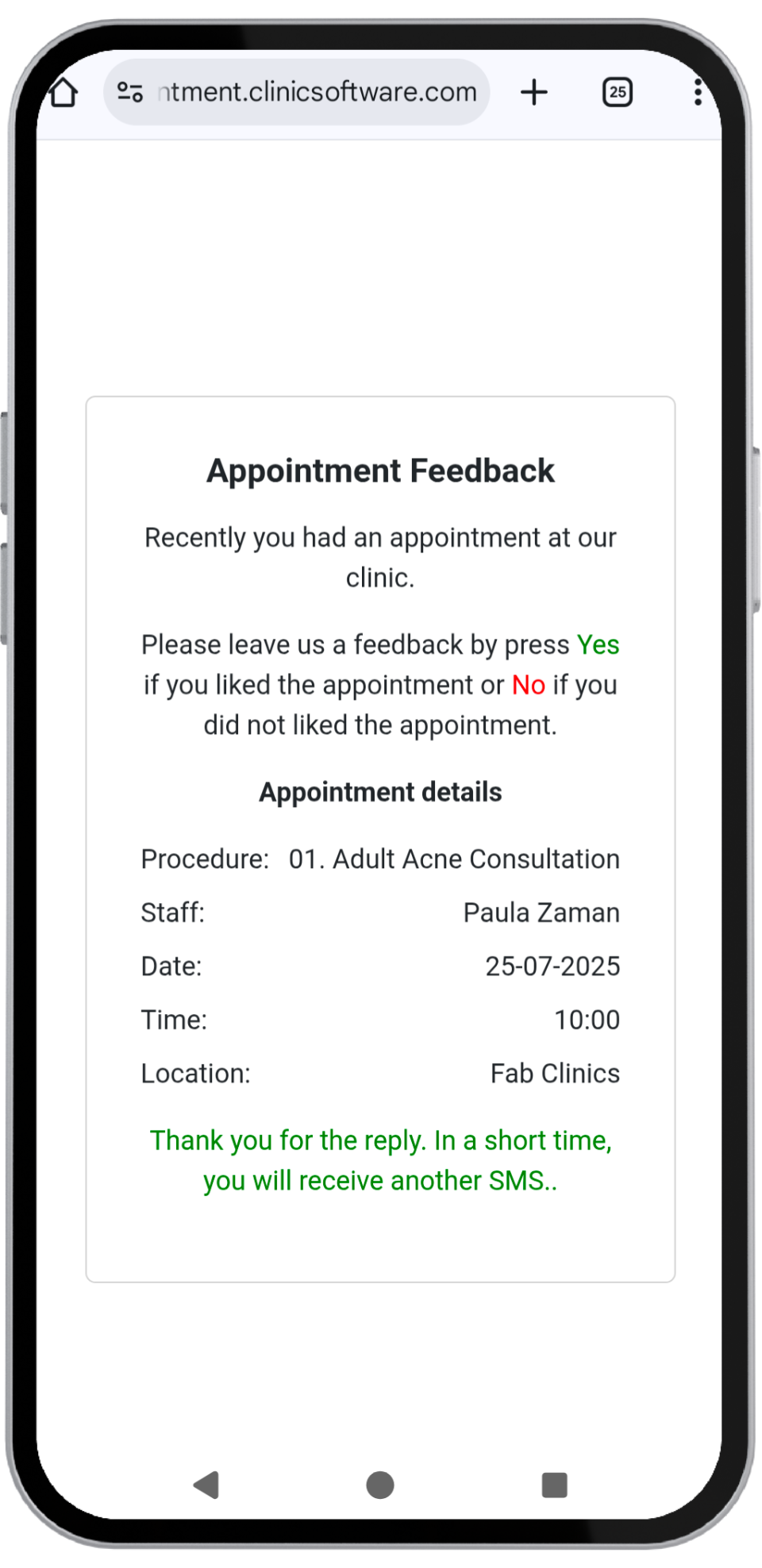
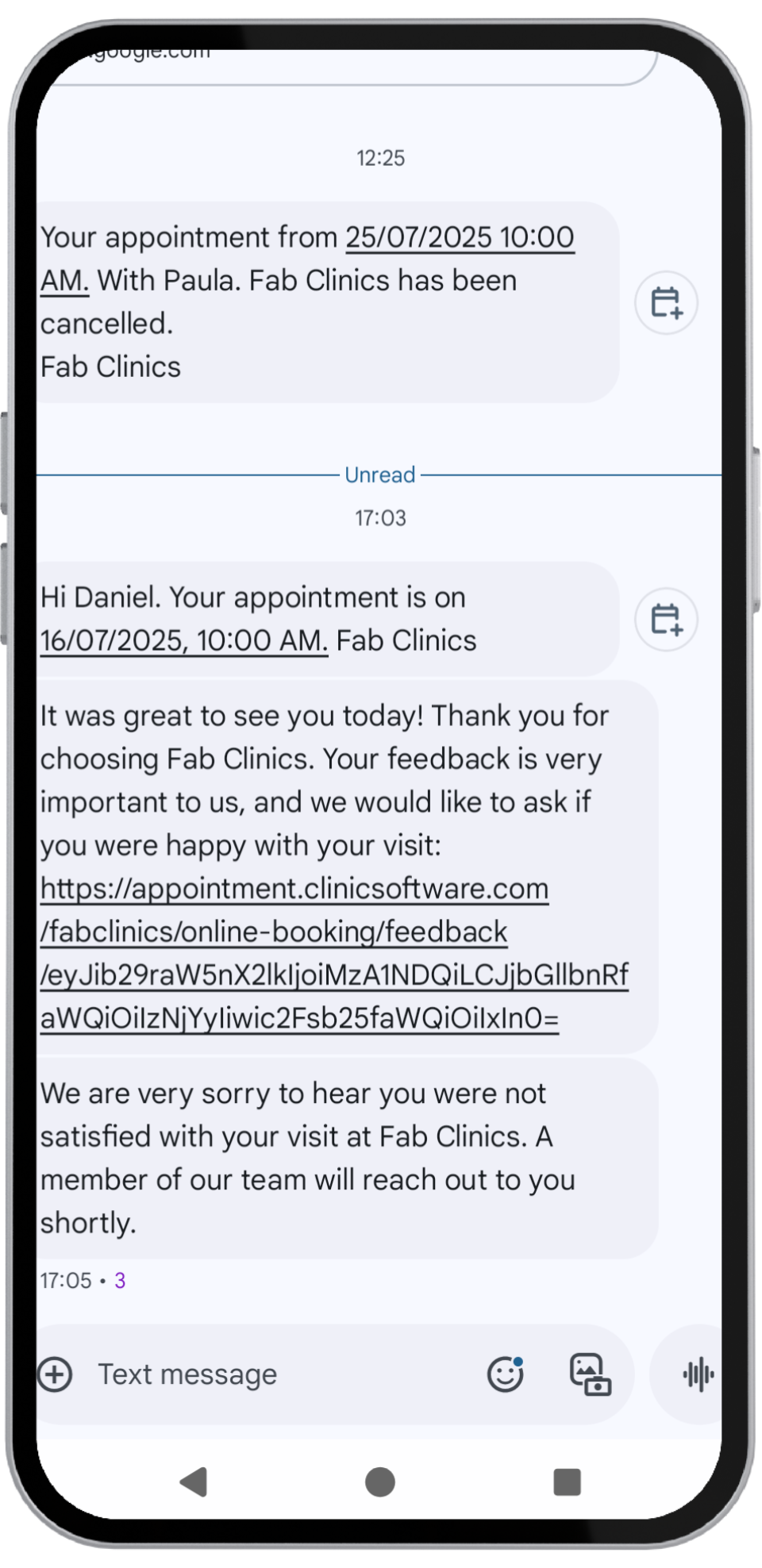
When the status of a client’s appointment is marked as "Completed" in the system, the CRM automatically sends an SMS message to the client. This SMS politely asks whether they were satisfied with their visit and treatment. The message format typically gives the client an easy option to reply with either "Yes" or "No."
Example SMS:
"It was great seeing you today at {{location_name}}. If you have a minute, let us know how we did by replying Yes or No to this message."
2. Handling Positive Responses ("Yes")
If the client responds with "Yes", indicating satisfaction with the service, the system will:
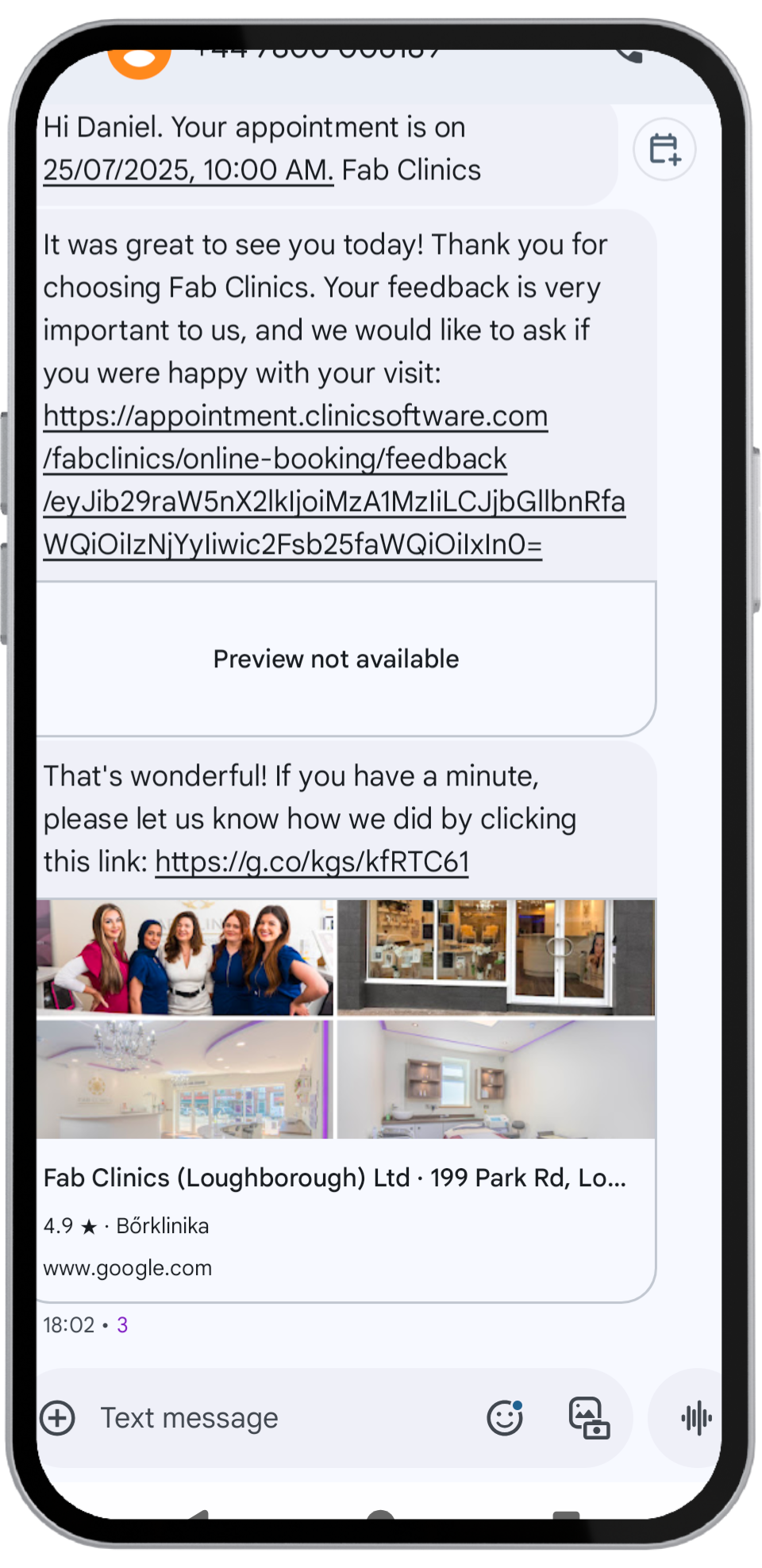
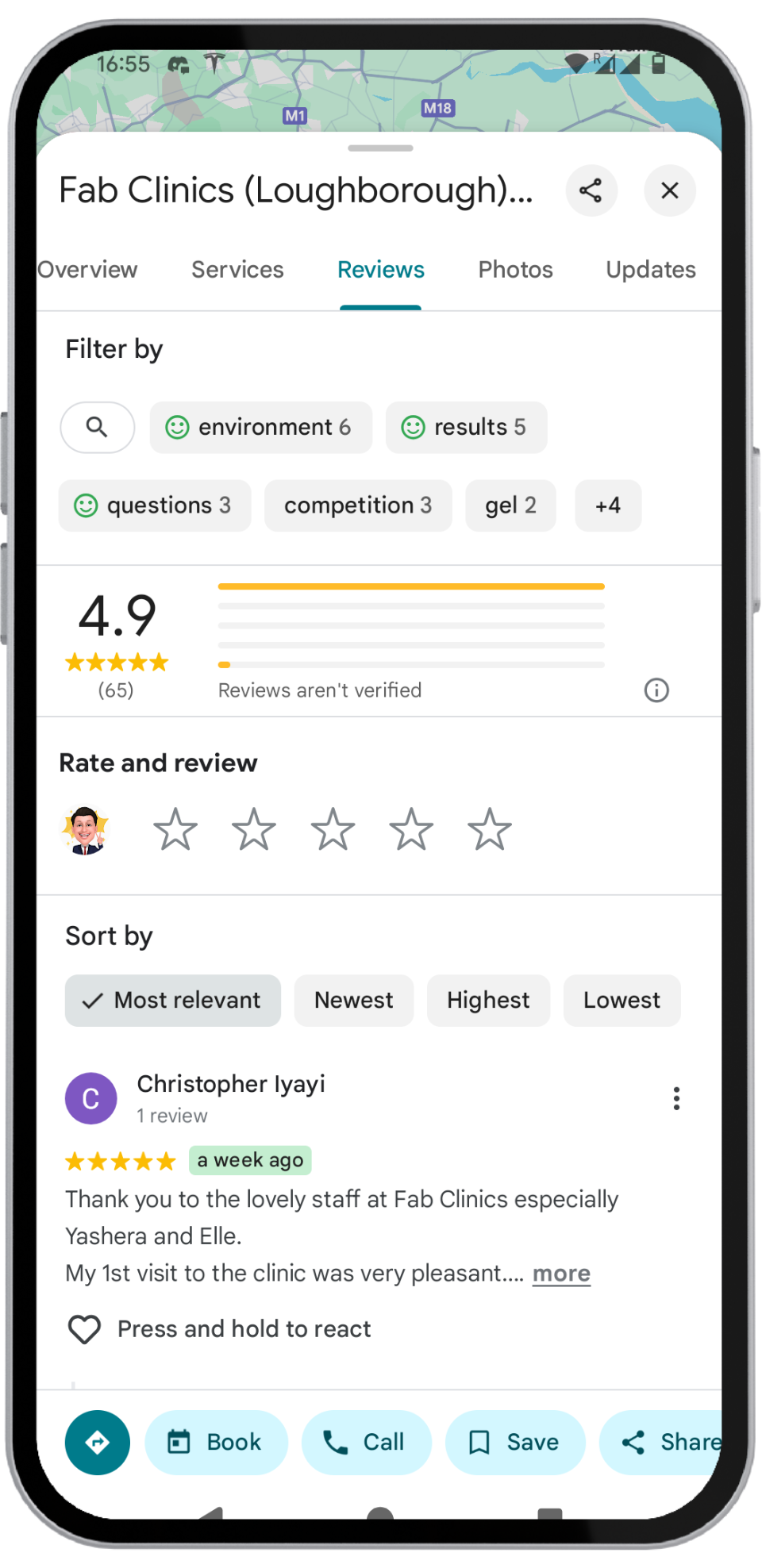
- Automatically send a follow-up SMS containing a link inviting them to leave a Google Review.
Example Follow-up SMS:
"That's wonderful! If you have a minute, please let us know how we did by clicking this link: {{feedback_url}}"
3. Handling Negative Responses ("No")
If the client responds with "No", signaling dissatisfaction:
- The system will create a follow-up task within the CRM.
- This task will alert the clinic's team to personally reach out to the client via a phone call to resolve their concerns and improve service satisfaction.
Example Task Creation:
"Task created: Contact client {{client_name}} regarding recent visit feedback - marked as unsatisfied."
4. Use of Placeholders for Personalization
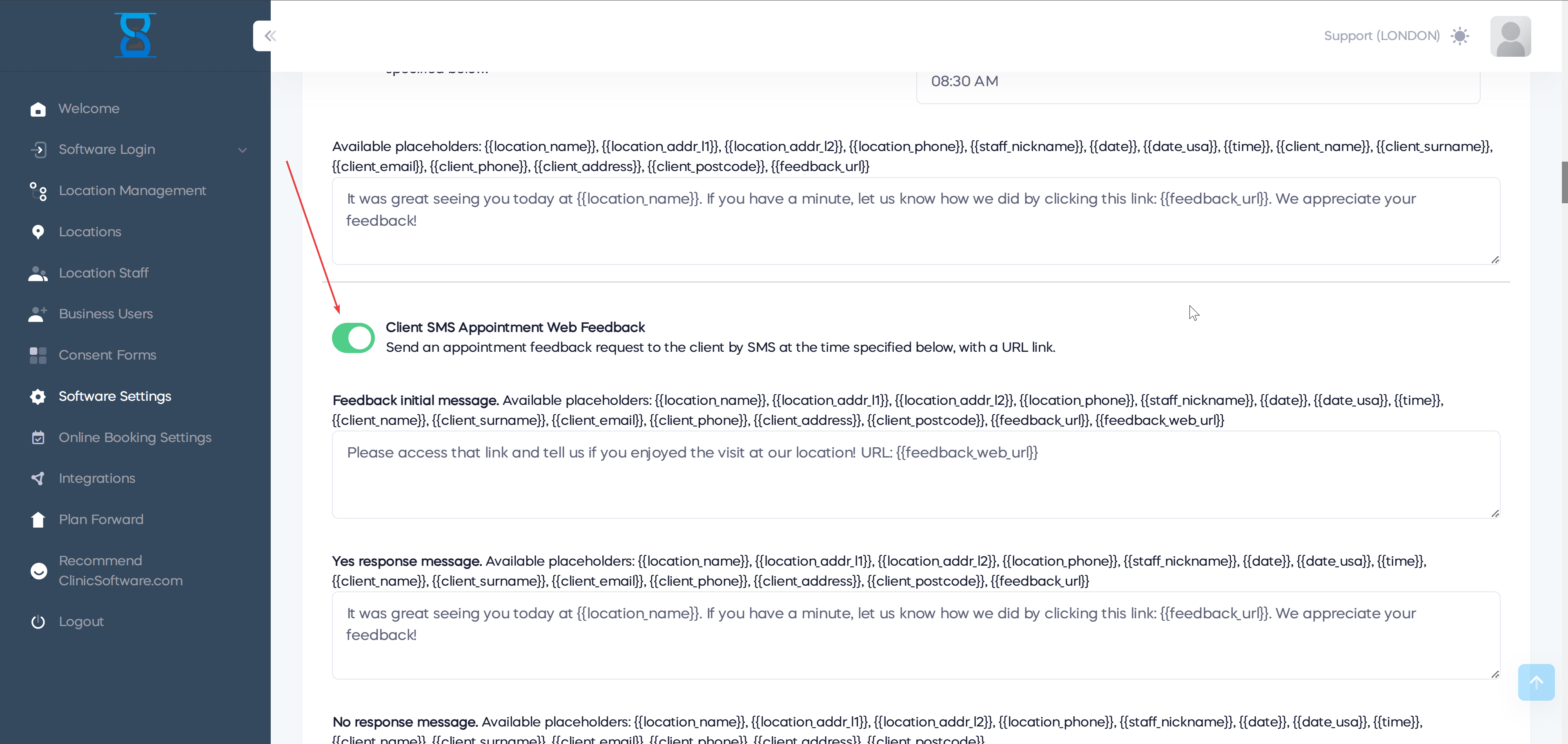
As visible in the attached screenshot, the system uses placeholders such as:
{{location_name}}{{client_name}}{{feedback_url}}
These placeholders dynamically populate details such as the clinic’s name, client information, and personalized feedback links to ensure every message is tailored specifically to the recipient.
5. How to Enable This Feature
To activate and configure the Client SMS Feedback feature, follow these steps within the CRM:
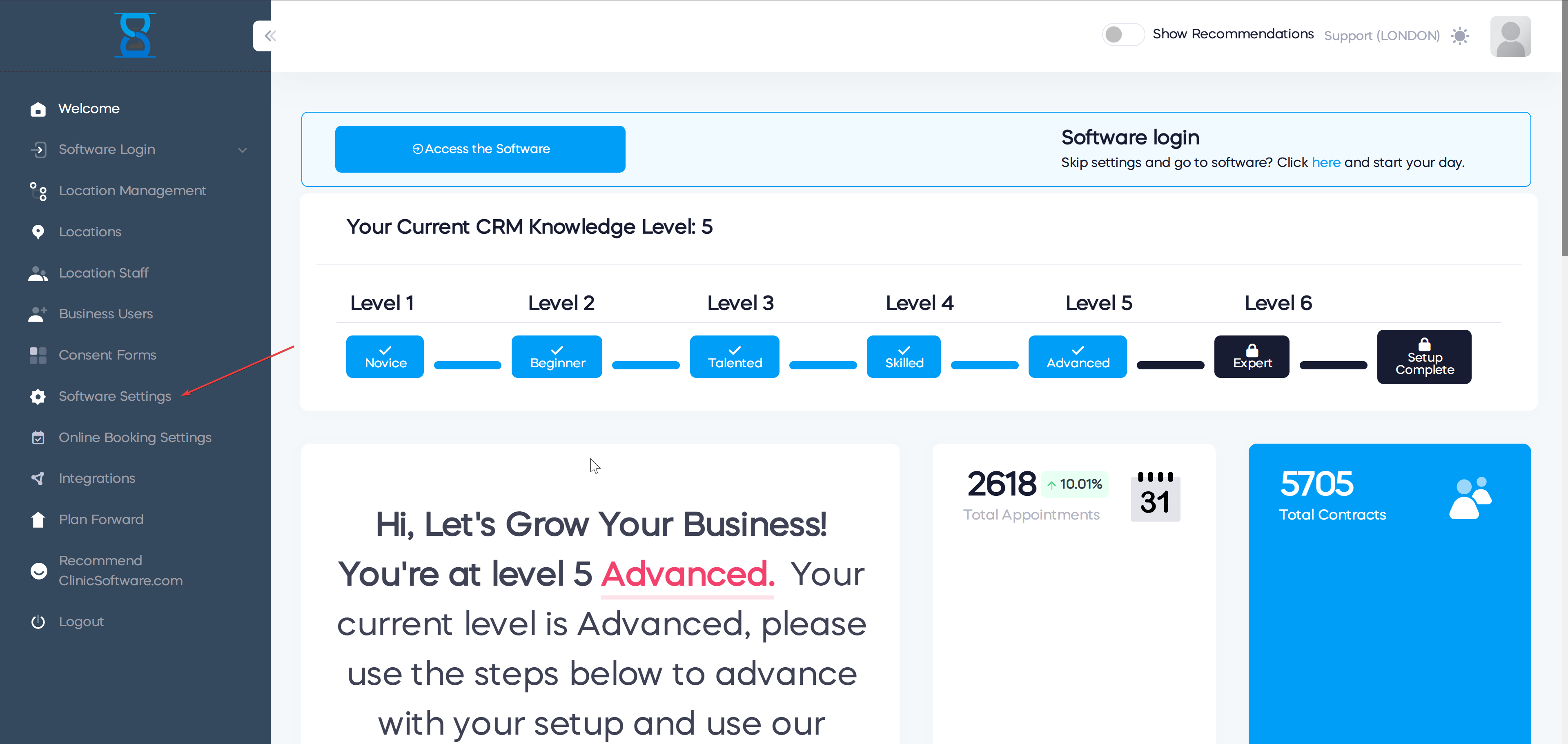
- Go to Software Settings.
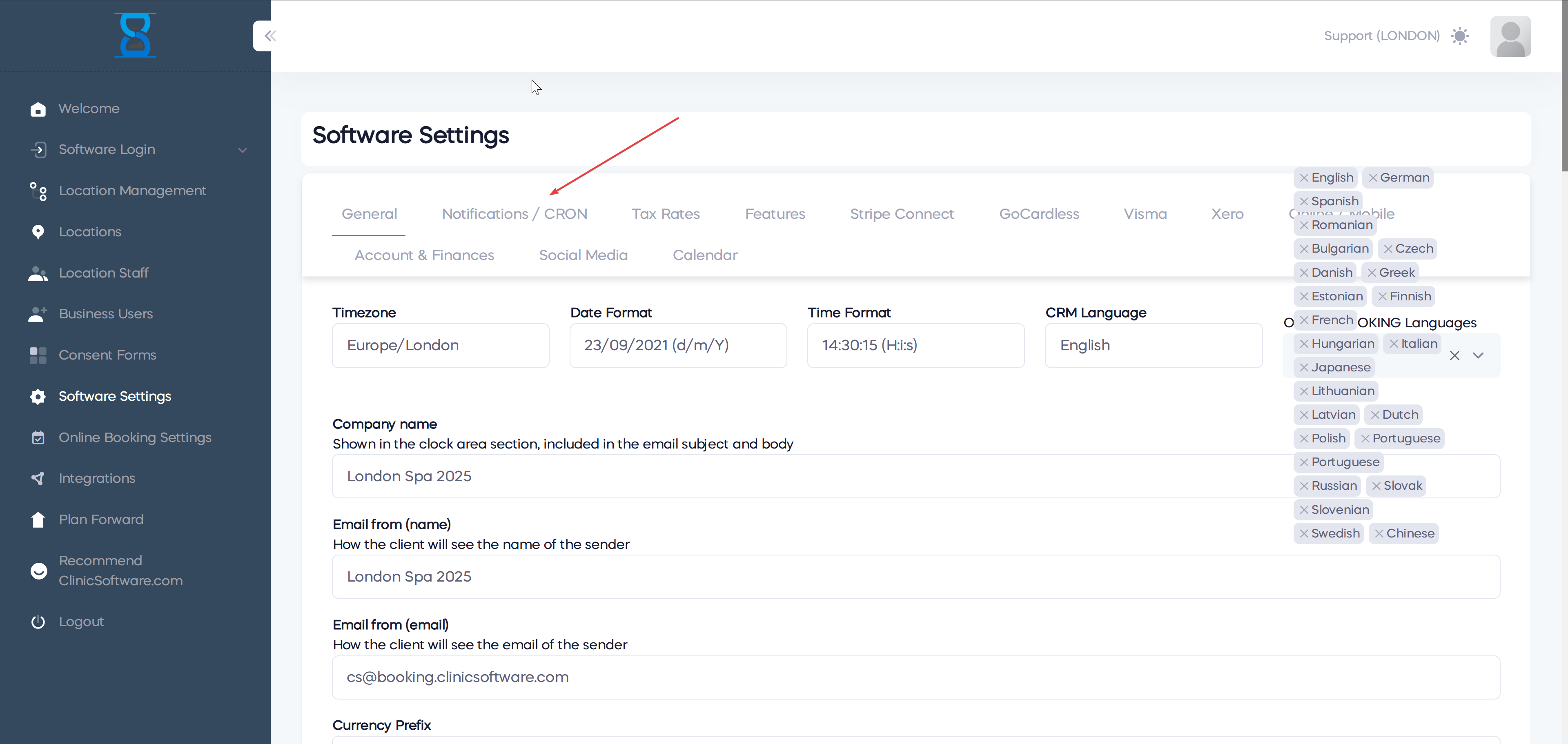
- Select the Notification / Cron tab.
- Inside this tab, locate the toggle labeled "Client SMS Appointment Web Feedback" and make sure it is turned ON.
- Complete the required message fields:
- Feedback Initial Message
- Yes Response Message
- No Response Message
These messages will be used by the system to communicate with clients automatically as described in the sections above.
6. Summary of Benefits
- Fully automated feedback collection process.
- Direct capture of real-time client satisfaction.
- Quick response to dissatisfied clients to enhance service recovery.
- Encourages satisfied clients to leave positive online reviews.
- Saves staff time by reducing manual follow-ups.

Conclusion
This CRM feature enhances client communication by automatically managing feedback requests and responses. Clinics can efficiently monitor satisfaction and quickly address any issues, maintaining a high standard of customer care while boosting their online reputation.