IMPORTING DATA
Â
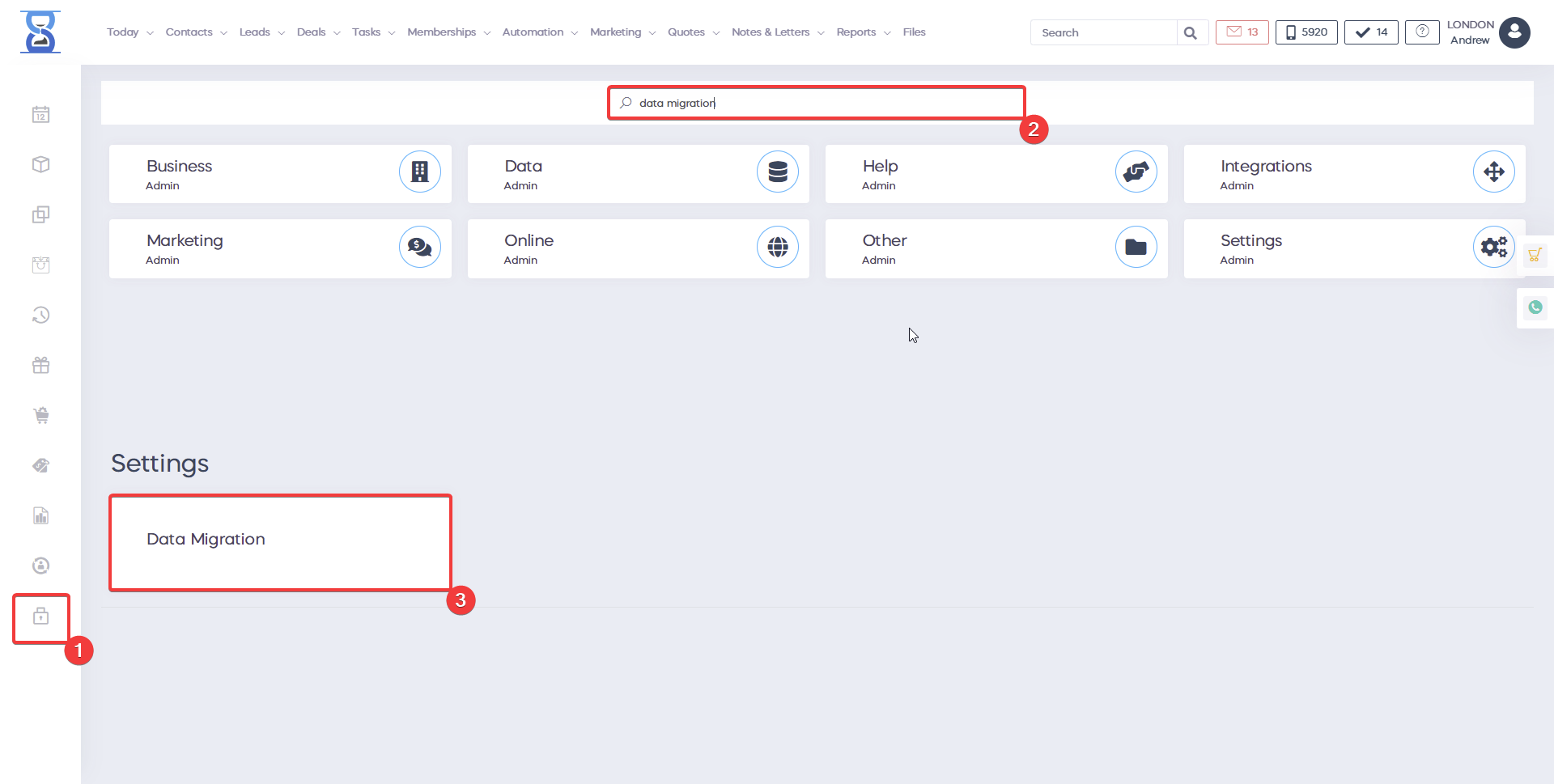
In order to import your data go to Admin Area => Data Migration.
Â
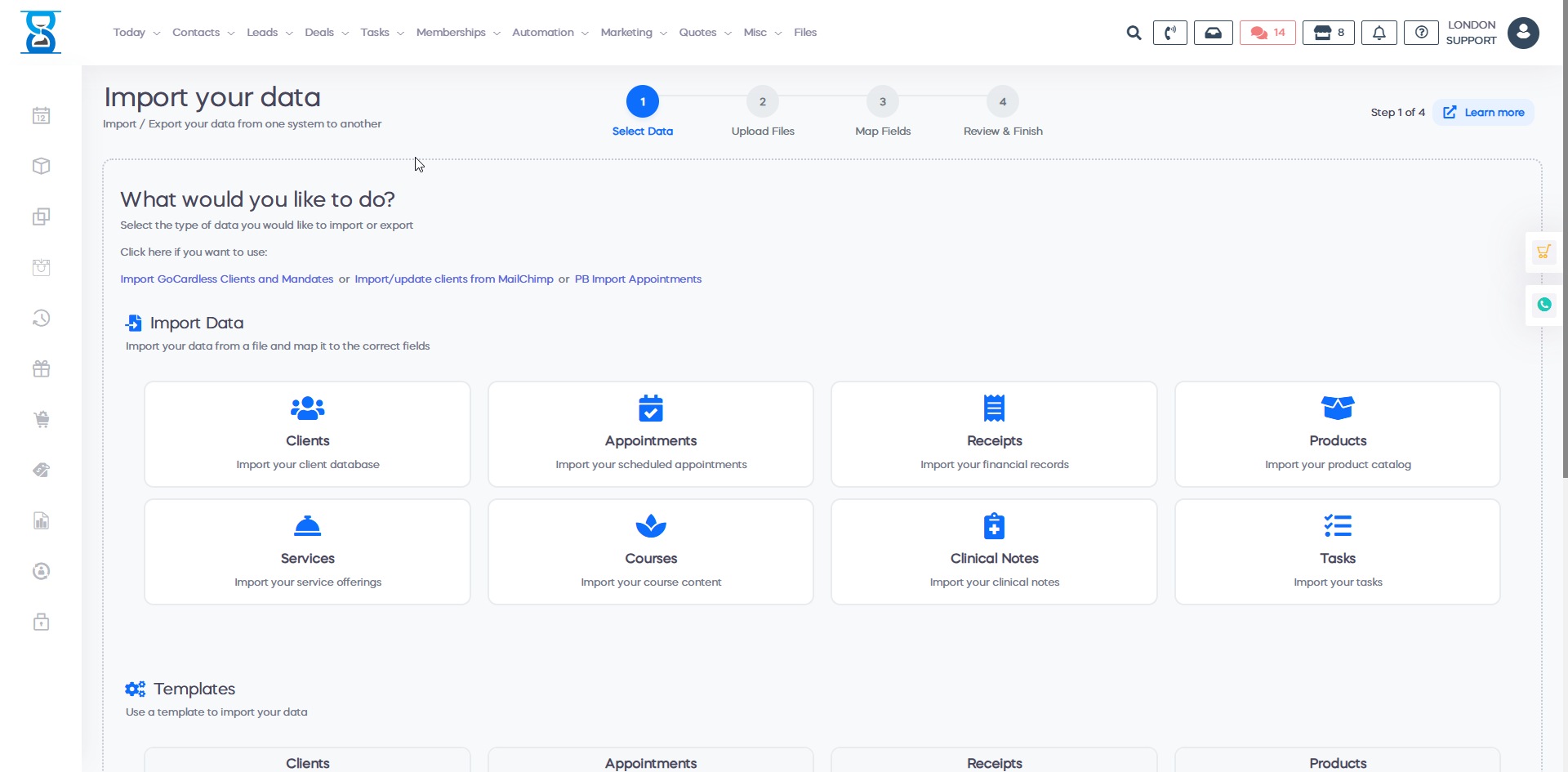
After clicking on Data Migration, a page will appear where you can select the type of import you wish to perform, including clients, appointments, products, receipts, services, courses, tasks, and clinical notes.
Â
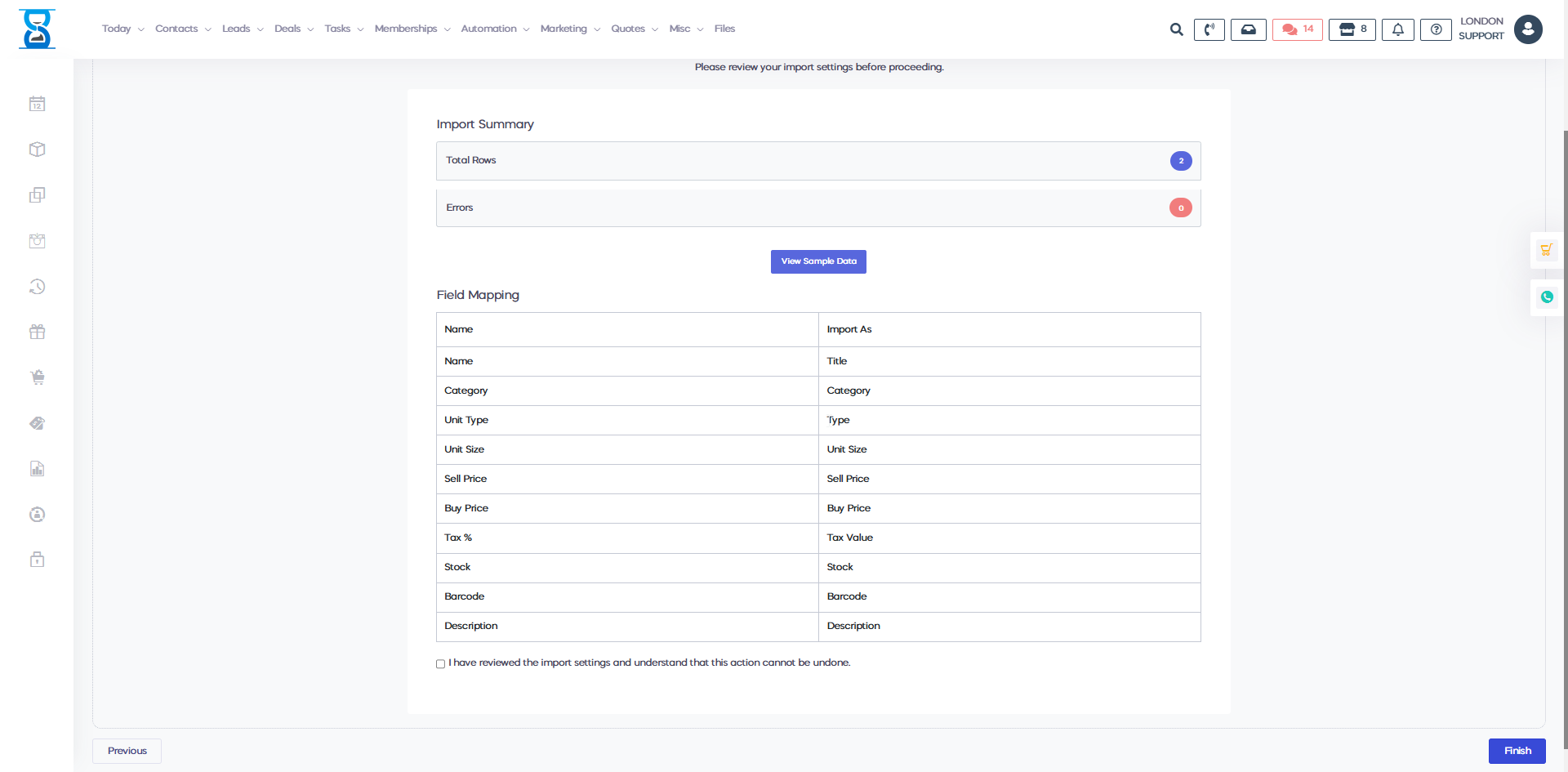
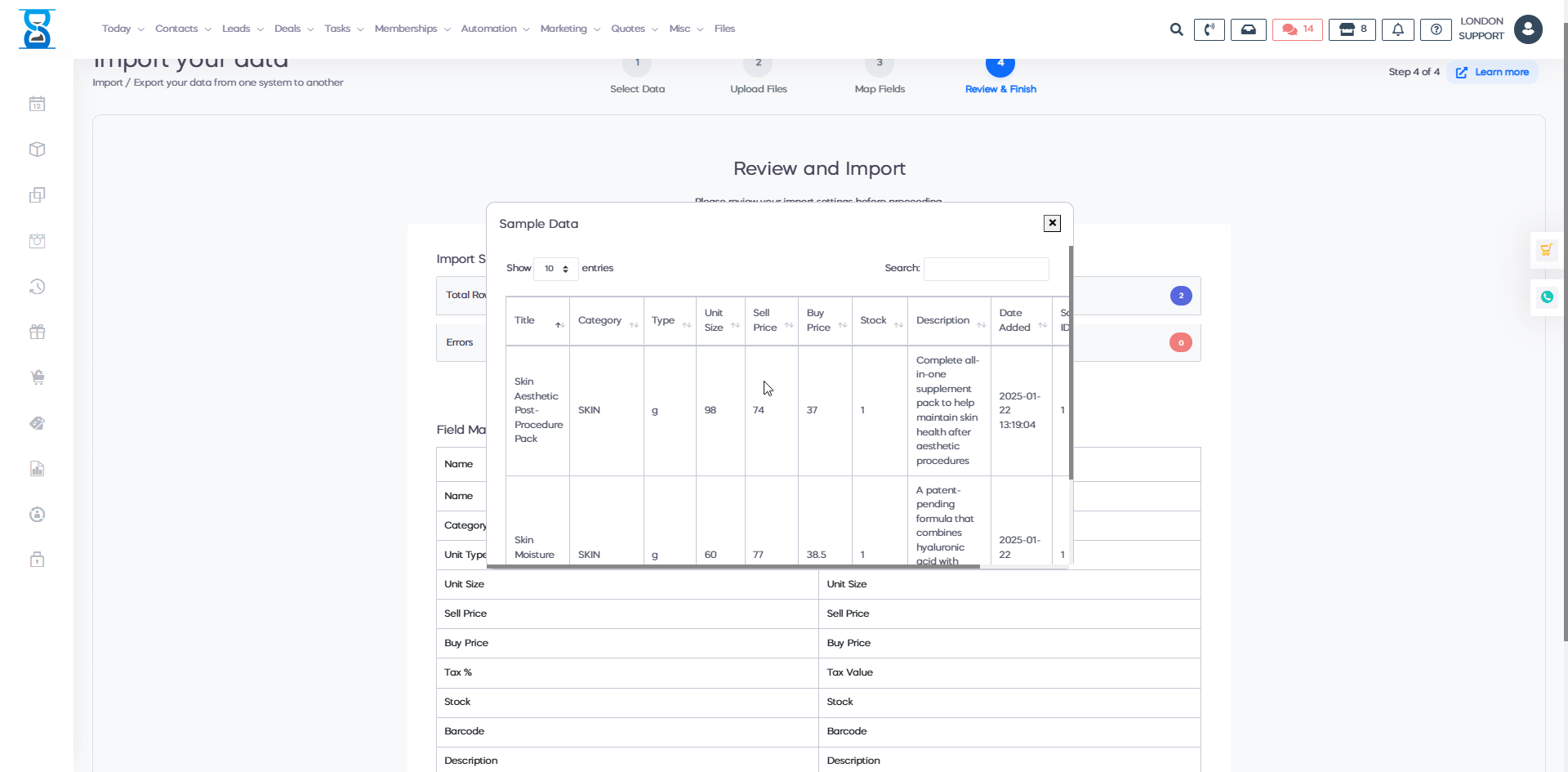
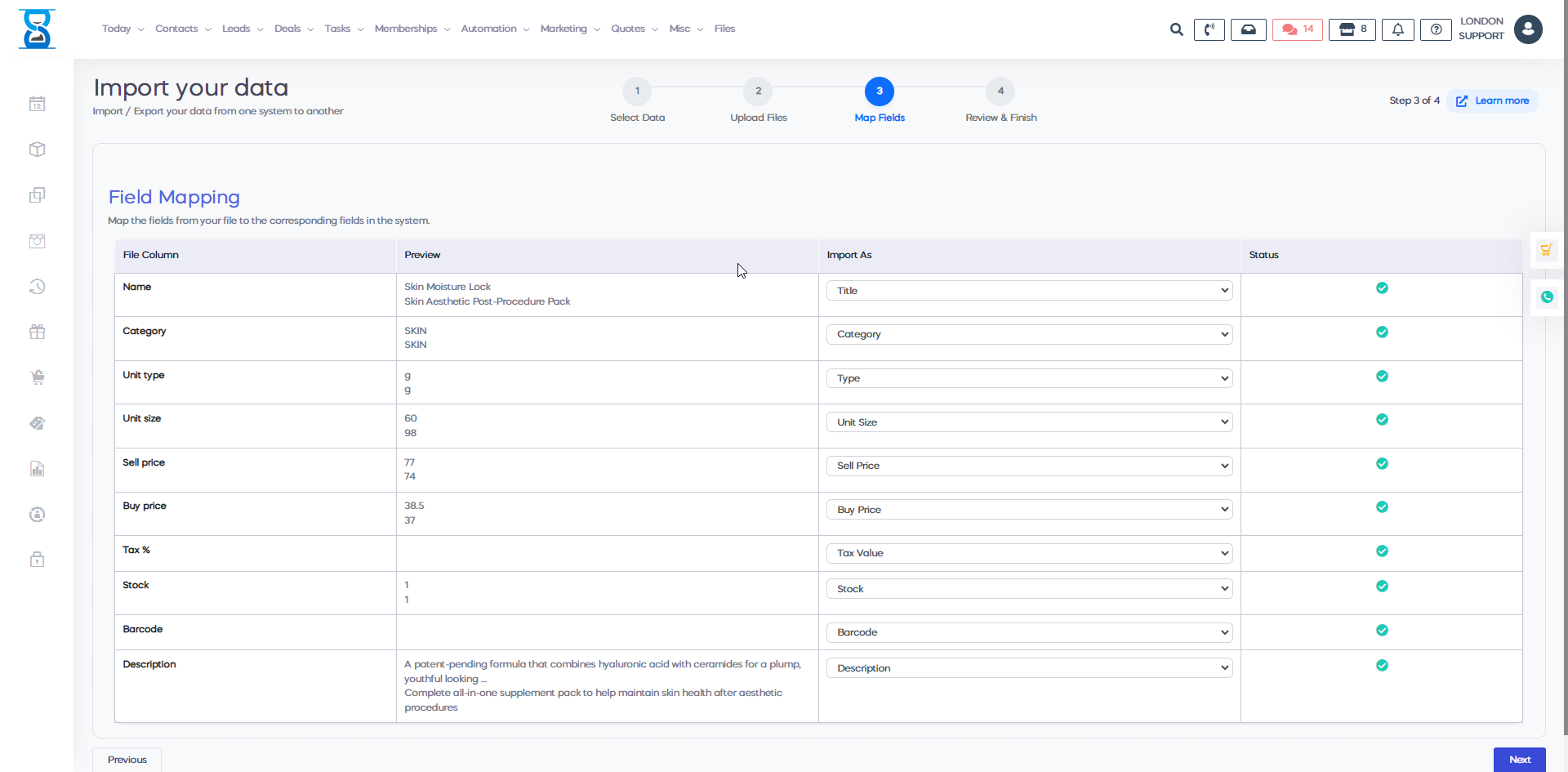
Select the file you wish to import and click Next. In the following step, ensure that each column in your file corresponds correctly to the fields in the system. Once everything is aligned, click Next to proceed.
Â